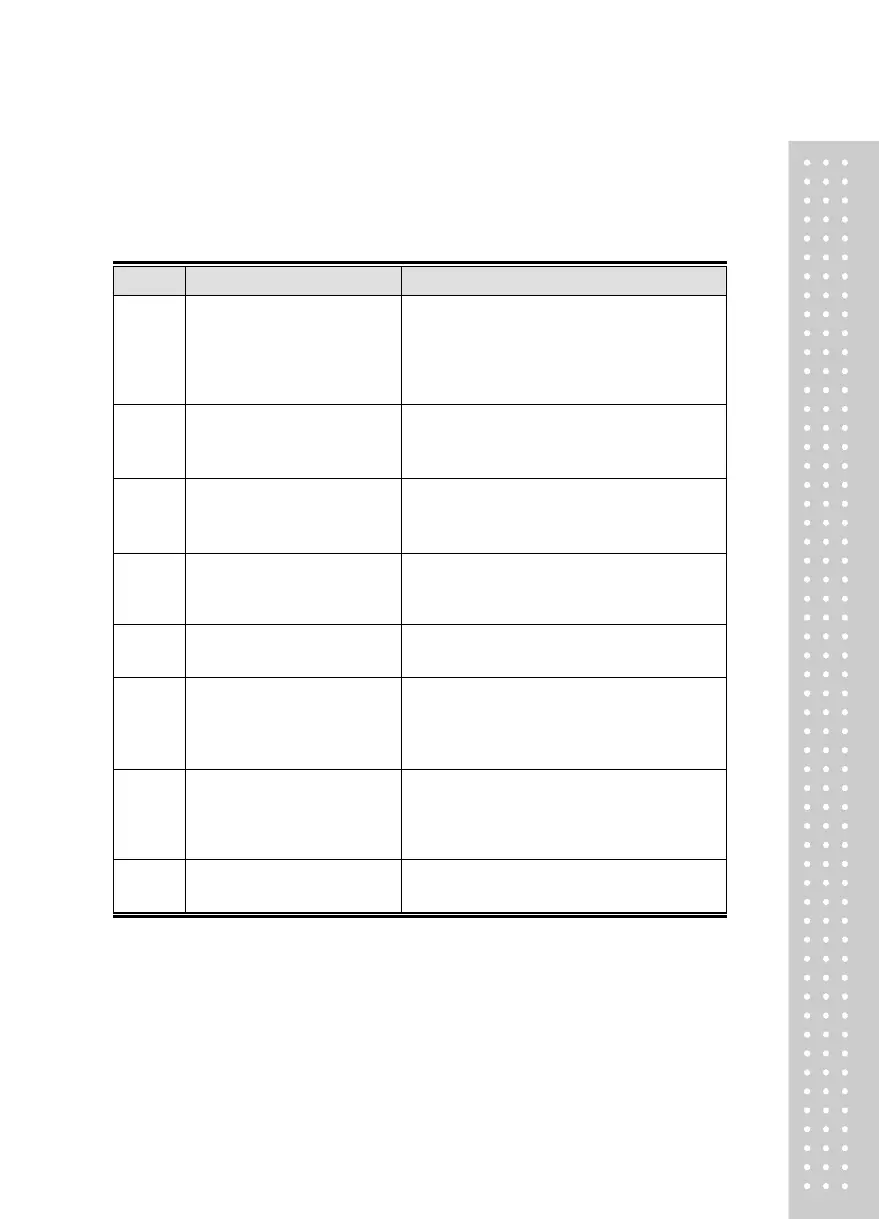
Error Message
1. Errors that can occur in weight calibration mode
The set resolution has exceeded the
allowance limit of 1/30,000.
Lower resolution.
Resolution = maximum allowed weight/value of 1 increment.
Adjust maximum allowed weight in CAL 1 of weight calibration
mode or adjust the value of 1 increment in CAL 3 of weight
calibration mode to adjust to below 1/30,000.
The counterweight for span
adjustment has been set to less than
10% of maximum weighing scale
capacity.
Set the counterweight weight as greater than 10% of the maximum
scale capacity (set in CAL 1) in CAL 4 of weight calibration mode.
The counterweight for span
adjustment has been set to exceed
100% of the weighing scale
capacity.
Set the counterweight weight to within the maximum weighing
scale capacity (set in CAL 1) in CAL 4 of weight calibration mode.
Setting the present resolution is not possible as there is an issue with
the load cell or the load cell output is too small. Reset the weight
calibration by reducing the resolution.
PCS, PERCENT Sample weight is too small
There is an issue with the load cell or the load cell output is too high.
Redo steps from weight setting CAL 4 zero-set adjustment.
PCS, PERCENT Sample weight is too great.
Check if the load plate of the weighing scale is clear.
After verifying in Test Mode 3, redo the weight calibration.
After checking the force applied to the weighing scale load plate in
Test Mode 3, redo the weight calibration.
Check if the load cell connector is properly connected.



 To Next Page