CALIBRATION MODE
(1) How to Enter
Turn on the power while pressing “NET/GROSS” key on the front of the indicator.
(2) Calibration Menu(CAL 1 - CAL 9)
CAL 1: Maximum capacity set
CAL 2: Minimum division set
CAL 3: Zero & Span calibration
CAL 5: Direct calibration
CAL 6: Zero adjustment
CAL 7: Factor calibration
CAL 8: Gravity adjustment
CAL 9: Setting dual range
CAL 1
CAL 1-1
FUNCTION : Set Unit
Set Unit : kg, ton
▲, ▼ Key : Value change
ZERO Key : Cancel
SET Key : Save and next menu
CAL 1-2
FUNCTION : Setting Maximum Value
Range of set value : 1 ~ 99,999
▲ Key : Value change
◀ Key : Digit change
ZERO Key : Cancel
SET Key : Save and next menu
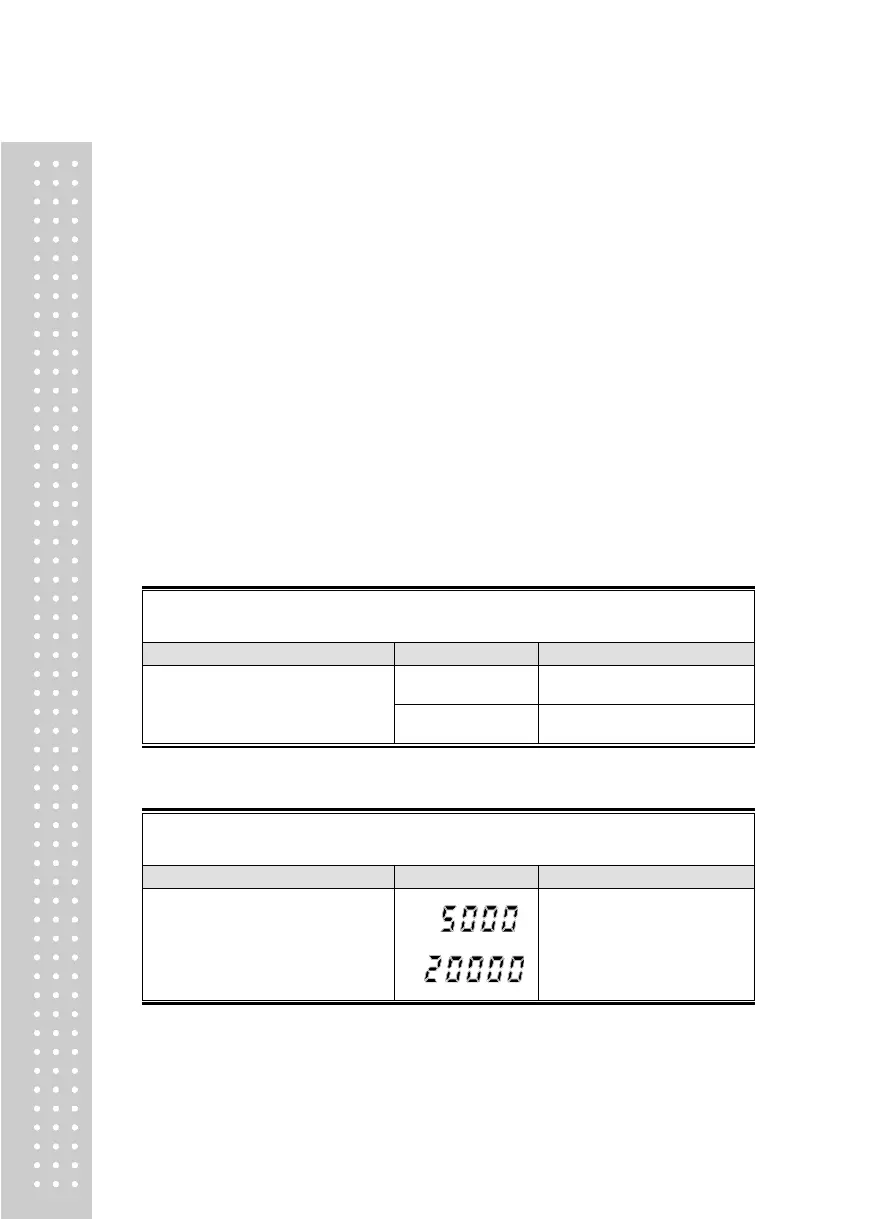
Max value = 5000 kg
Max value = 20000 kg
► Note 1. It means the maximum weight value to be weighed by the scale.



 To Next Page