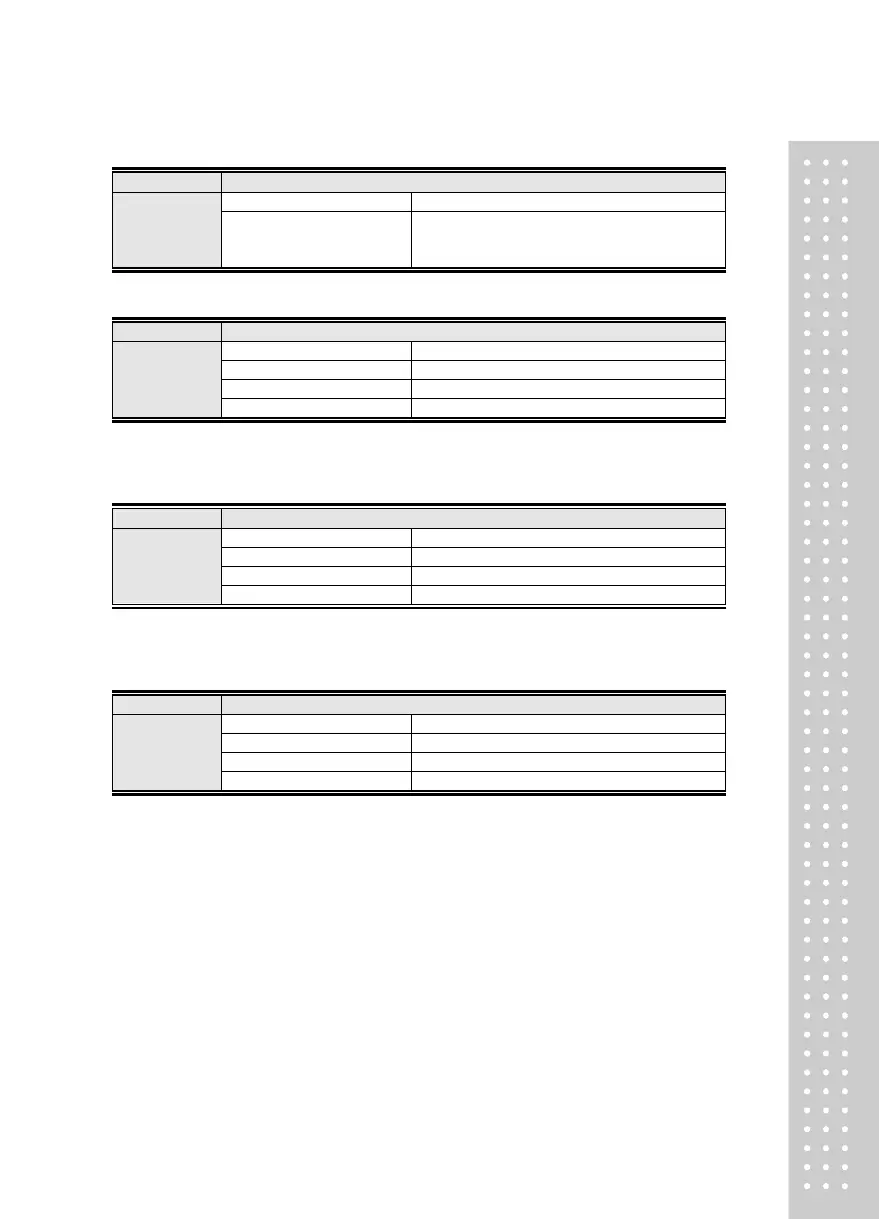
Menu-AOUT.06: Maximum weight of A-out
Maximum Output Weight Value upon Using Analog Out option
Set Range
(0 ~ Max weight)
1000
2000
Initial value : Max weight
Maximum output at 1000 kg
Maximum output at 2000 kg
Menu-AOUT.07: Adjust zero of A-out
Adjust the Zero Output upon Using Analog Out option
Note 1. The example is based on settings of 0~10V, 0~24mA.
Note 2. The Micro-adjustment function does not work during simultaneous output of V-out and I-out.
Menu-AOUT.08: Adjust Span of A-out
Adjust the Maximum Output upon Using Analog Out option
Note 1. The example is based on settings of 0~10V, 0~24mA.
Note 2. The Micro-adjustment function does not work during simultaneous output of V-out and I-out.
Menu-AOUT.09: Set A-out Output Type



 To Next Page