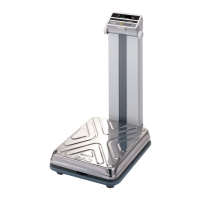
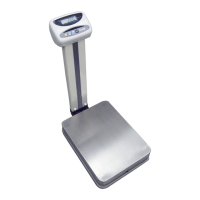
ASSEMBLING THE DISPLAY OF DB-II WALL TYPE
1. Attach head bracket to the display and fasten it with screws provided asshown in
Figure. 1.
2. Connect both of grand wire and load cell wire to load cell connector at thebackside of
display as shown in Figure. 2.
3. Fasten grand wire to the bottom of platform body with bolt as shown in Figure. 3.
LOAD CELL WIRE
MACHINE SCREW
(FH M4×10) 4EA
GROUND WIRE
HEAD BRACKET
MACHINE SCREW (PH M6×10) 1EA
GROUND WIRE
WASHER (FLAT×6) 1EA
LOAD CELL WIRE
FIG.1
FIG.1
FIG.1
MODEL:DB-II Series


 To Next Page
 Loading...