26 | Page
OPERATION
PUT THE OVEN INTO OPERATION
Perform the following steps and procedures to put the oven into operation after installing it in a new
workspace environment.
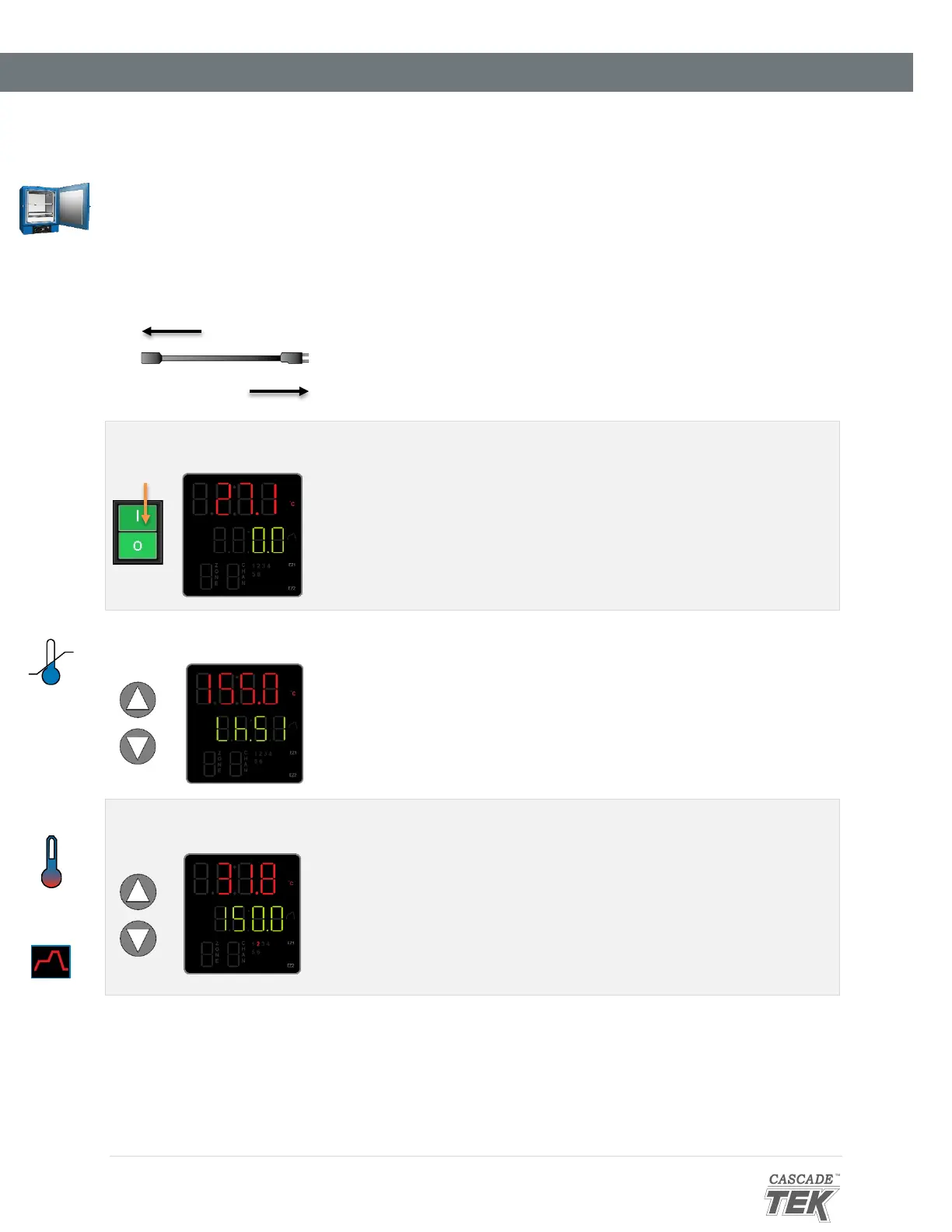
Plug in the power cord
Attach the power cord that came with the unit to the
power inlet receptacle on the back of the oven.
Plug the power cord into the workspace electrical supply outlet.
Place the oven Power Switch in the on ( I ) position.
• The controller display will illuminate, show the
current firmware revision number, and then default
to the homepage.
3. Set the High Limit Temperature heating cutoff point
See the Set the High Limit procedure on page 27.
4. Set the operating temperature
• Set the constant temperature set point.
See page 28.
OR
• Program multistep heating recipe profiles.
See page 28.


 To Next Page