30 | Page
OPERATION
DATA PORT AND DATA JACK
The 25-pin RS485 data port, located on the back of the oven, connects to the oven temperature
controller. It is primarily intended for updating the controller software but can be used for data
logging and graphical profile programming. Accessing the controller with a computer requires a 25-
pin RS485-to-USB converter cable and driver software.
Applications and Utility Software
• National Instrument LabView and Watlow Specview — Temperature monitoring and data
logging in graphical user interface environments.
• Watlow’s EZ Zone™ Configurator — Programming heating profiles in a drop-down menu
environment. Configurator can also be used to copy and save the controller configuration
file, which includes the currently programmed heating profiles.
o Configurator is available for free on the Watlow website.
Jack Port
The jack port accepts standard audio jacks (phono jacks) and outputs an analog signal (0 – 10 volts)
corresponding to the current temperature of the oven chamber (0 - 306° C).
CHANGE UNIT OF MEASUREMENT
The controller display can show temperatures in either Celsius or Fahrenheit.
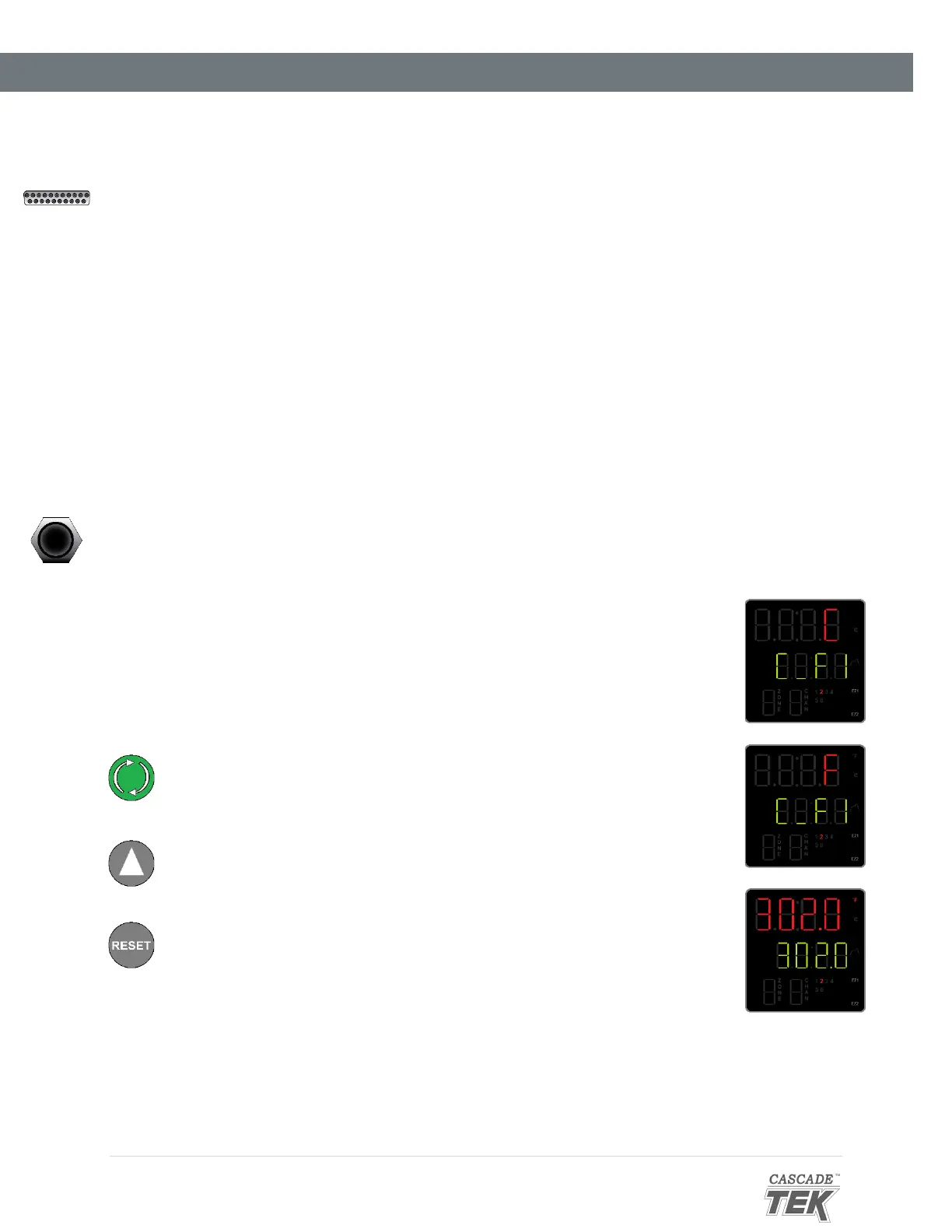
1. From the homepage, advance to the “C_F1” unit of measurement
option.
a. Press the green Advance button 7 times.
2. Change the unit of measurement.
a. Use the Arrow button to change the parameter on the top
display line. “C” is Celsius and “F” Fahrenheit.
3. After changing the Unit parameter, return to the homepage.
a. Press the Reset button.


 To Next Page