CEL-712 Microdust Pro Real-time Dust Monitor
40 Casella Measurement
Stop logging
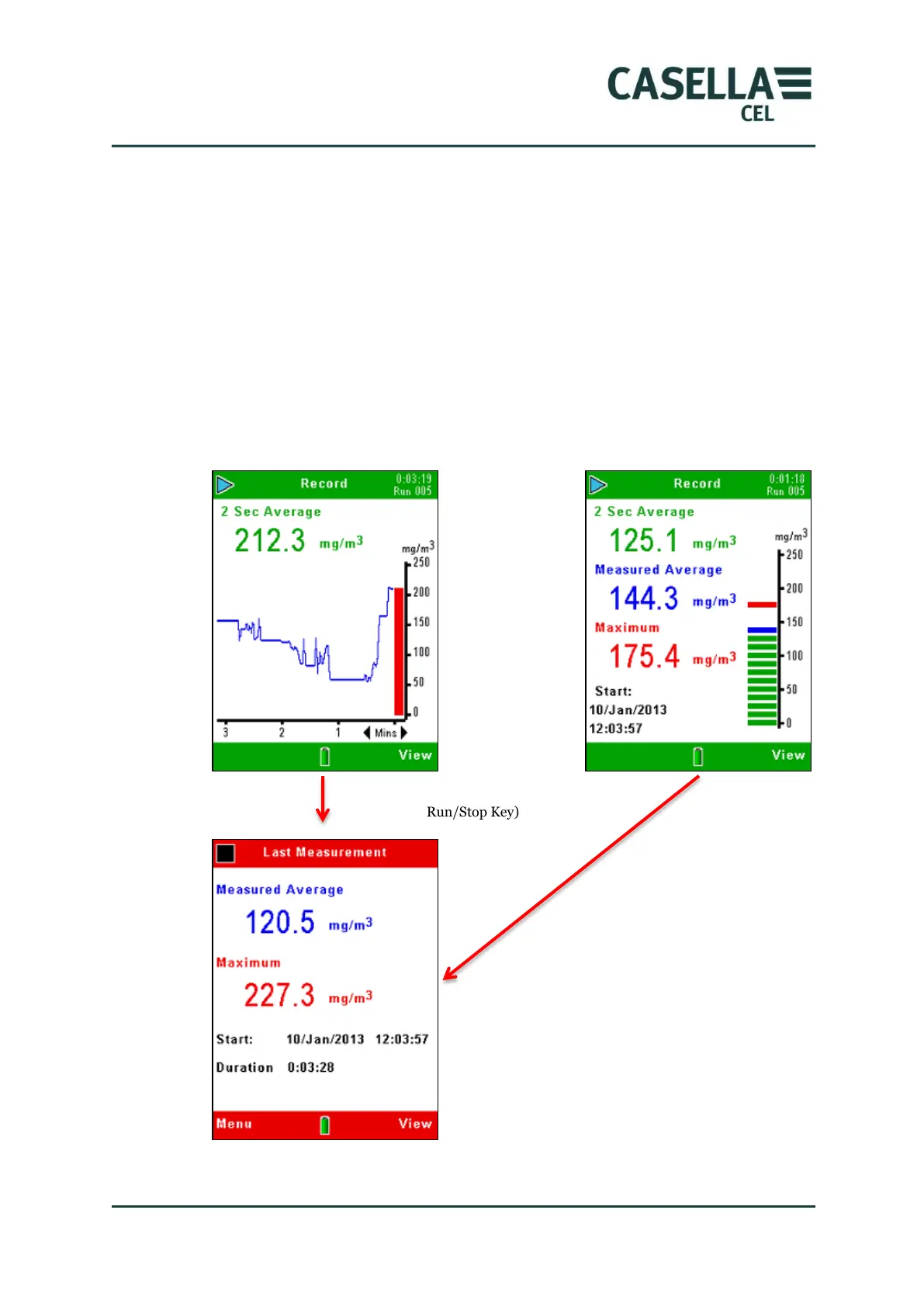
Press the Run/Stop key from any of the measurement screens in Run
mode to stop the logging and return the instrument to the Stop mode. The
instrument stops at the next second after you press the Stop key.
The logged information is stored internally under a file name that shows the
relevant Run number. The file includes information about the average and
maximum particulate concentration during the Run, and the date and time
when the measurement was started.
Figure 20 Stop logging



 To Next Page