Casella CEL-35X dBadge Users Handbook – Page 16
Figure 12
Press the ‘R’
key to confirm you wish to calibrate the unit, it will
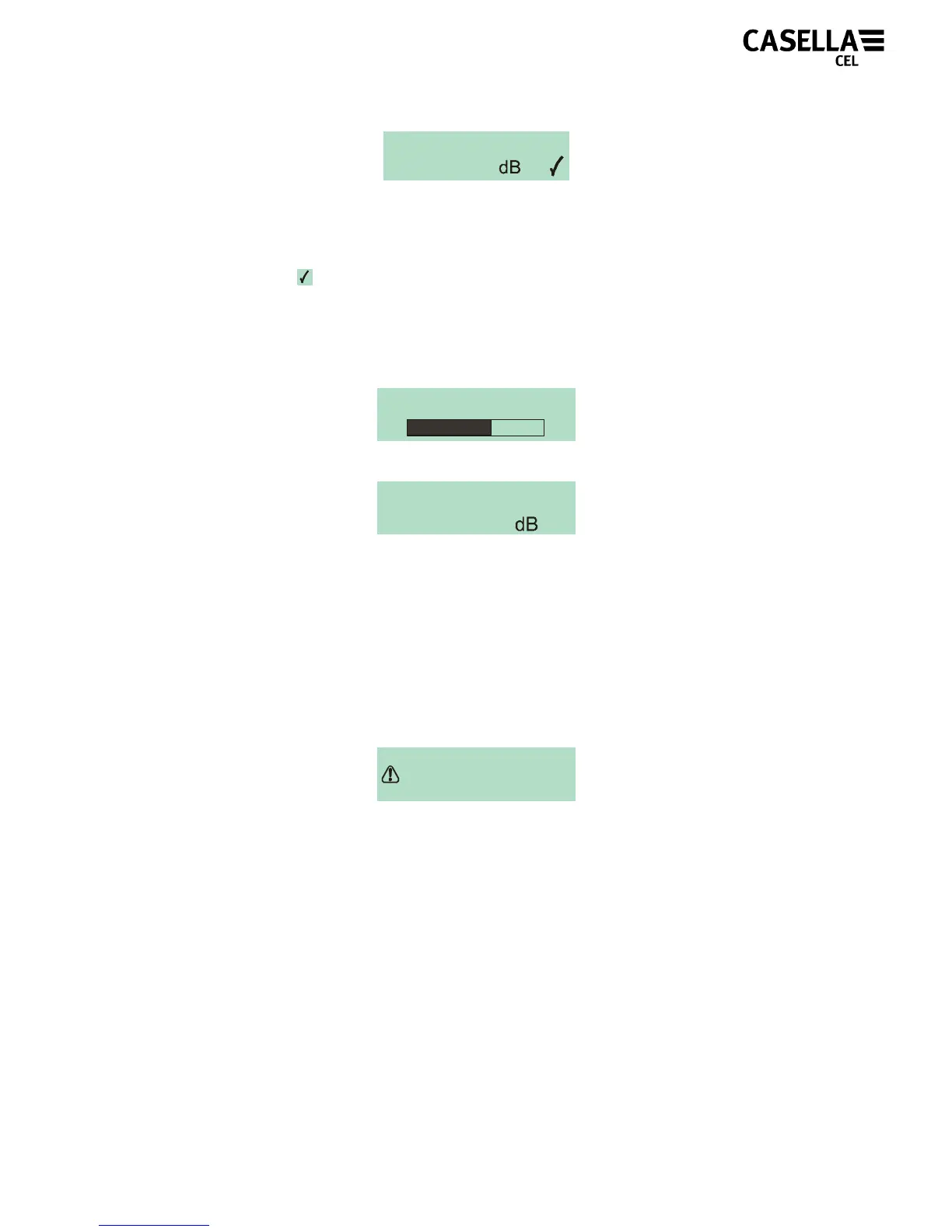
take a few seconds to calibrate automatically to 114.0dB, during
which time a progress bar will be displayed as shown in Figure 13.
Figure 13
Once the unit has successfully calibrated the ‘Cal OK’ message
will appear. In the unlikely event an error message is displayed as
shown in Figure 14, please refer to ‘Troubleshooting’ section.
Figure 14
The CEL-35X is ready to take a measurement once the calibrator
has been removed.
NOTE: The CEL-110/2 must only be used to calibrate the CEL-
35X/IS in a non-hazardous atmosphere.
CALIBRATING
CAL. ERROR
CALIBRATE ?
114.0
X
CAL. OK
114.0



 To Next Page