Casella CEL-35X dBadge Users Handbook – Page 20
5.4 Stopping A Measurement Run
If the CEL-35X dBadge is locked, first unlock the keypad by
holding down the ‘R’ key whilst pressing the ‘L’ key 3 times, as
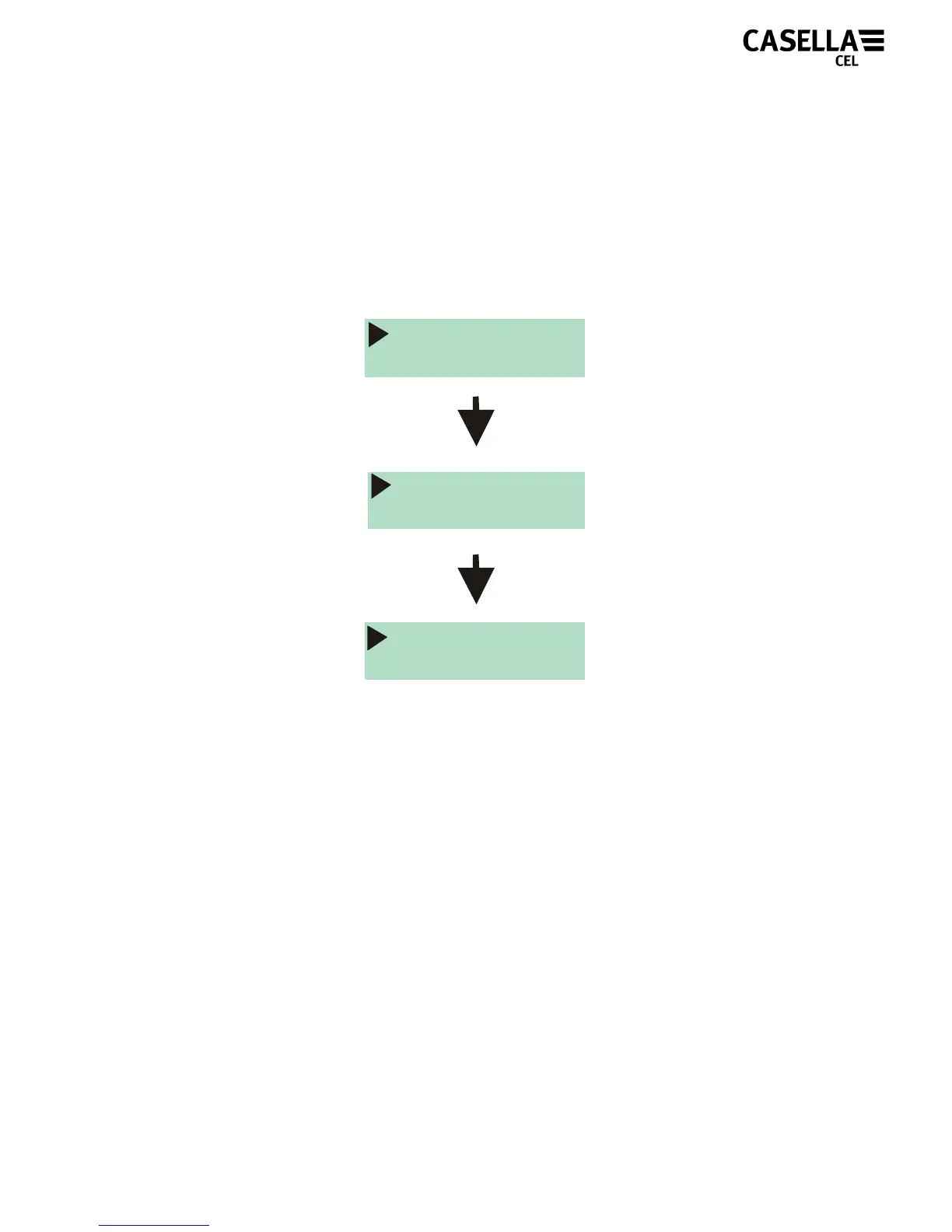
shown in Figure 18. To stop the measurement run, press and hold
the two keys simultaneously for the period of the countdown, as
shown in Figure 20.
Figure 20
The display on the CEL-35X will then show the data from the
measurement run that has just been completed, as shown in
Figure 21. A new measurement run can be started immediately by
following the steps described in section 5.3. Ensure enough
battery life and memory capacity remains if a consecutive
measurement run is to be performed.
STOP
1
STOP
2
STOP
3



 To Next Page