Casella CEL-35X dBadge Users Handbook – Page 19
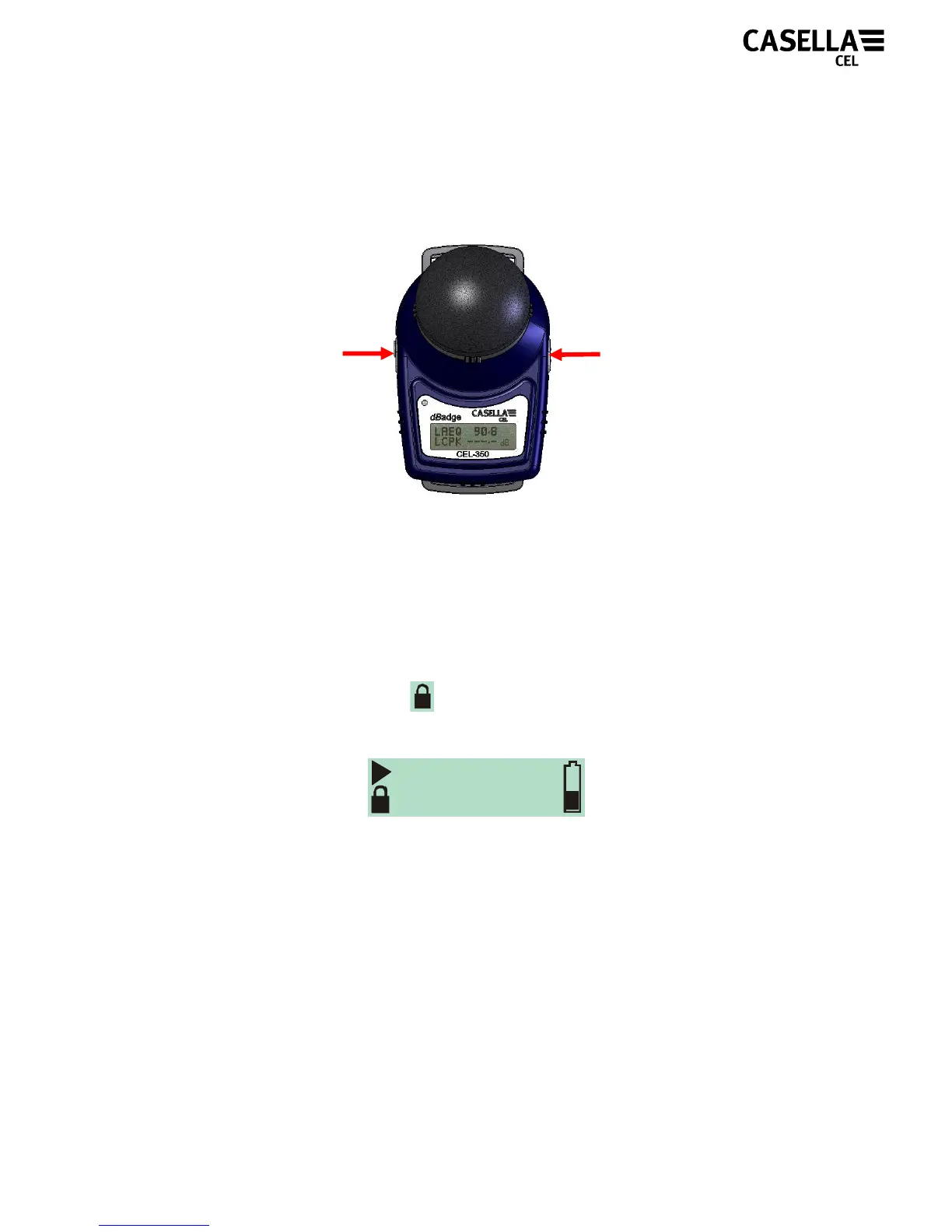
Casella CEL recommends the dBadge is locked to prevent the
wearer from tampering with the unit. To do this, press and hold the
‘R’ key whilst pressing the ‘L’ key 3 times, as shown in Figure 18.
Figure 18
This will lock the keypad so any random presses of keys will not
accidentally effect the measurement. The display of the CEL-35X
will also change so as not to show any SPL values. This removes
the temptation to shout into the microphone, as it has no visual
effect. A padlock symbol will be shown in the bottom left of the
screen to indicate the keypad is locked, as shown in Figure 19.
Figure 19
If during a measurement run, the remaining battery or memory
capacity falls below 2 hours, the red LED will flash and the warning
icon will be shown on the display.
DURATION
07:55:12
2. Press 3 times
1. Press and
hold



 To Next Page