Casella CEL-35X dBadge Users Handbook – Page 18
Figure 16
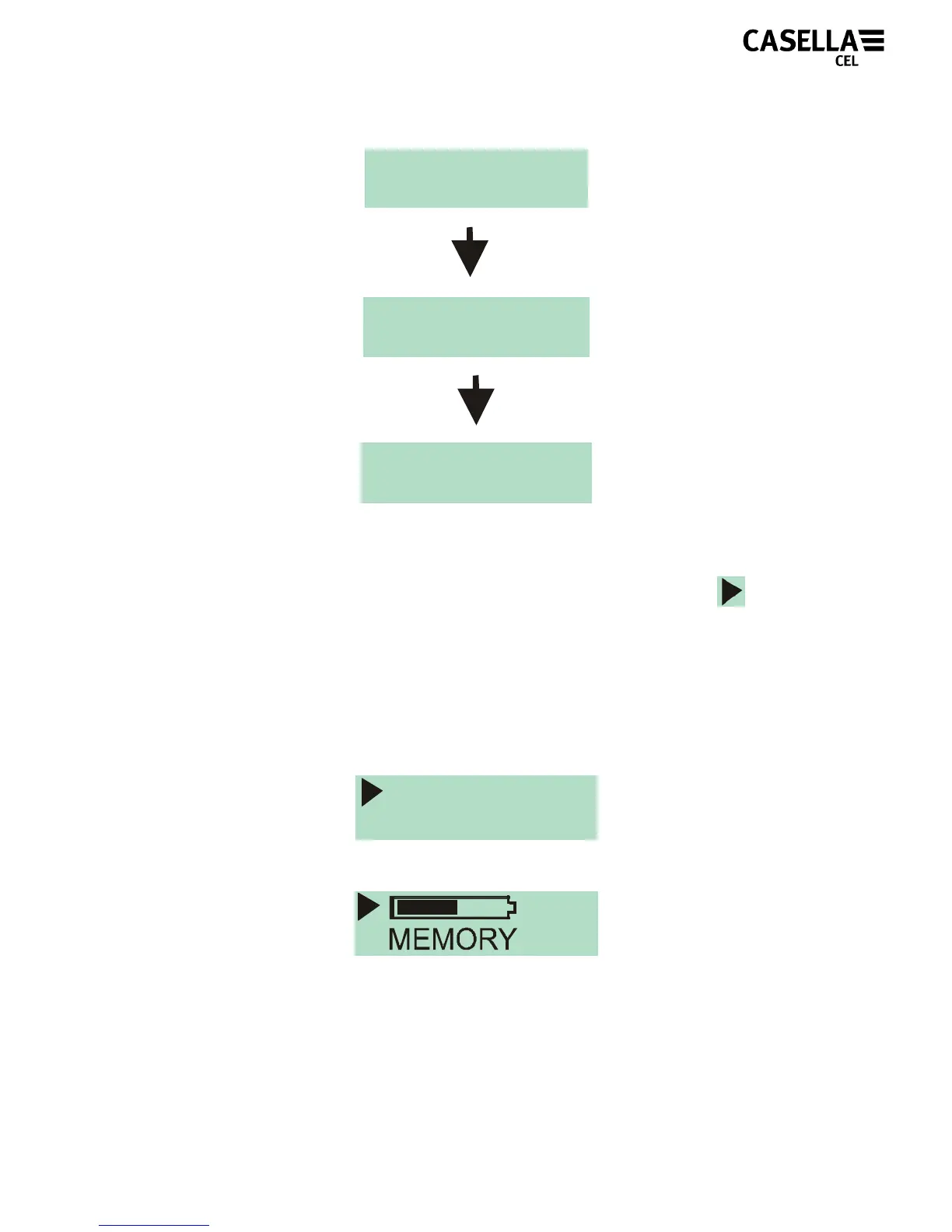
Once the measurement run has begun, the ‘Play’ symbol will
appear in the top left of the screen. The display will cycle between
2 screens. The first displays instantaneous sound pressure level
(SPL) values and the duration of the measurement run so far. The
second displays the status of the memory and battery. The
screens are displayed below in Figure 17.
Figure 17
LAF 112.3
dB
DUR 07:45:12
15
Hrs
145
Hrs
START
3
START
2
START
1



 To Next Page