APPENDIX
144
" Set Up tab menu
Beep
Startup
File No.
World Time
Date Style
Adjust
Language
Auto Power Off
Format
Reset
On / Off
On (Selectable image) / Off
Continue / Reset
Home / World
Home time setup (city, DST, etc.)
World Time setup (city, DST, etc.)
YY/MM/DD / DD/MM/YY / MM/DD/YY
Time setting
/ English / Français / Deutsch /
Español / Italiano / Português /
/
/
2 min / 5 min
Format / Cancel
Reset /
Cancel
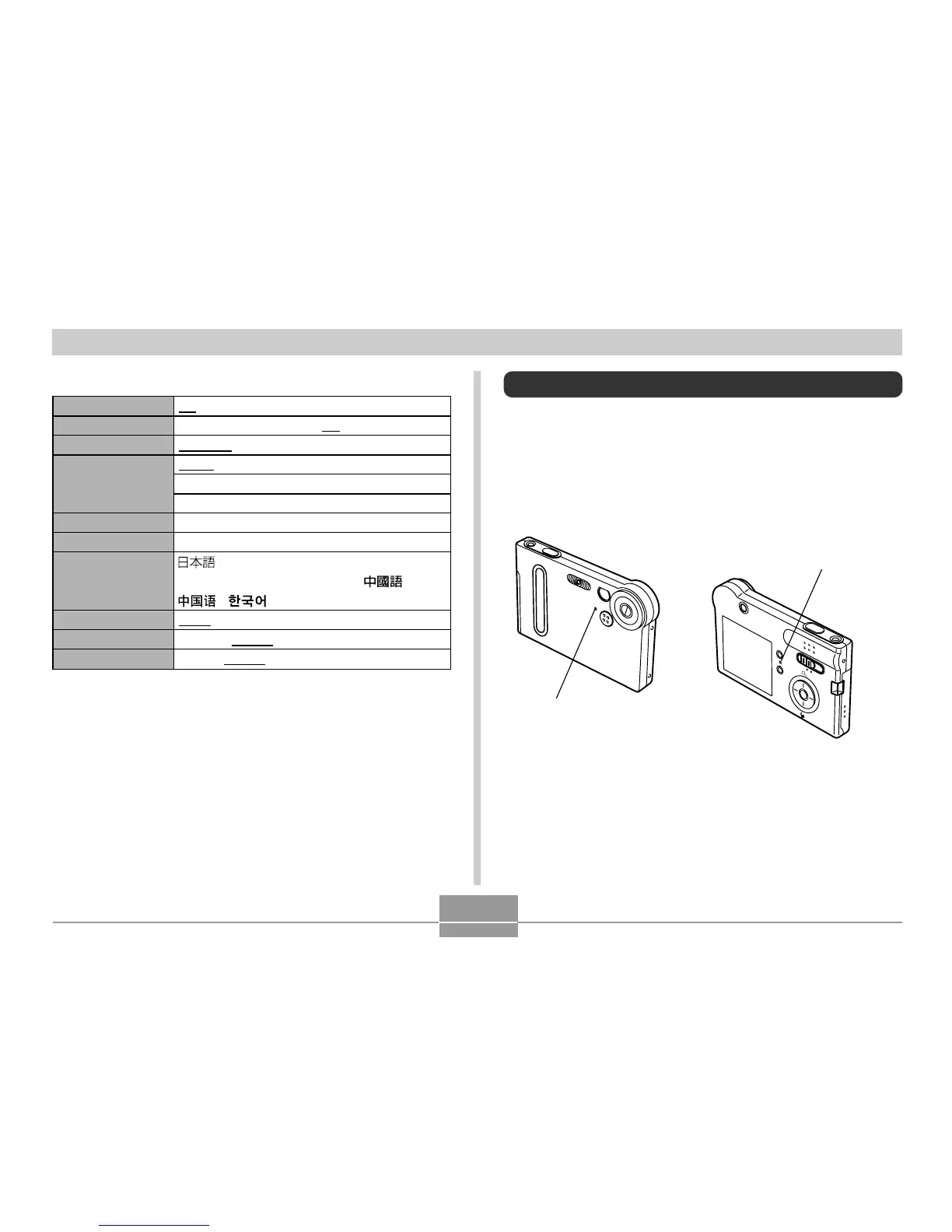
Indicator Lamp Reference
Camera Indicator Lamps
The camera has two indicator lamps: an operation/flash
charge lamp and a self-timer lamp. These lamps light and
flash to indicate the current operational status of the
camera.
* There are two lamp flash patterns.
Pattern 1 flashes once per second, while Pattern 2 flashes twice
per second. The table below explains what each flash pattern
indicates.
R
E
C
P
LA
Y
MEN
U
SET
D
I
SP
Self-timer lamp
Operation/Flash charge lamp















 To Next Page