FILE MANAGEMENT
94
NOTES
• Copying an image file with the above procedure
creates a 320 x 240-pixel QVGA-size image in the
FAVORITE folder.
• A file copied into the FAVORITE folder is
automatically assigned a file name that is a serial
number (0001 to 9999).
To display a file in the FAVORITE folder
1.
In the PLAY mode, press [MENU].
2.
Select the “PLAY” tab, select “Favorites”, and
then press [#].
3.
Use [$] and [!] to select “Show”, and then
press [SET].
• If the FAVORITE folder is empty, the message “No
Favorites file!” appears.
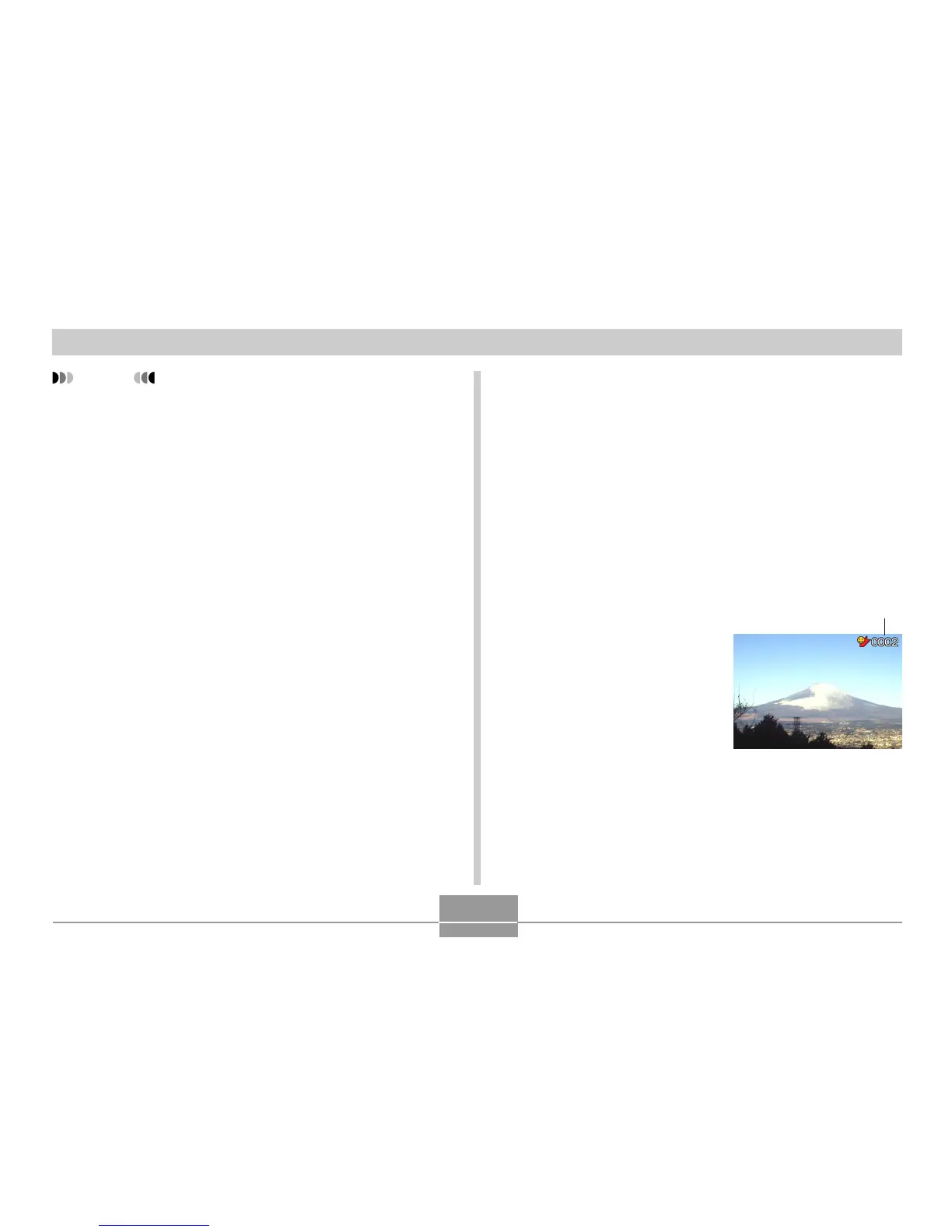
4.
Use [#] (forward) and
["] (back) to scroll
through the files in the
FAVORITE folder.
5.
After you are finished viewing files, press
[MENU] twice to exit.
File Name















 To Next Page