75
PLAYBACK
Playing a Movie
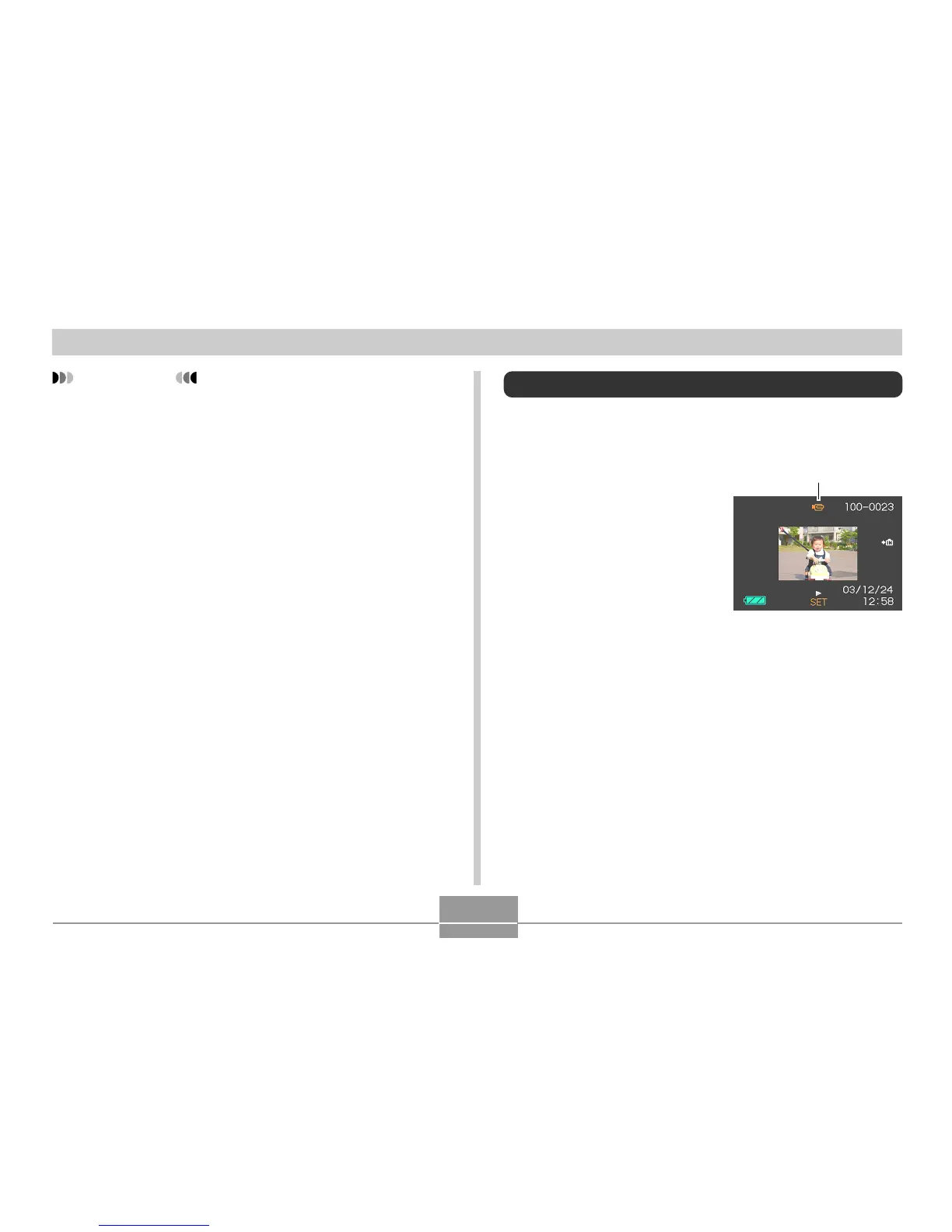
Use the following procedure to play back a movie that was
recorded in the movie mode.
1.
In the PLAY mode,
press ["] and [!] to
scroll through images
until the movie you
want to play is
displayed.
2.
Press [SET].
• This start playback of the movie.
Movie icon
IMPORTANT!
• Cropping an image creates a new file that contains
the cropped image. The file with the original image
also remains in memory.
• A Movie mode image cannot be cropped.
• An image recorded using another camera model
cannot be cropped.
• If the message “The function is not supported for this
file.” appears, it means that the current image cannot
be cropped.
• The cropping operation cannot be performed if there
is not enough memory to store the cropped image.















 To Next Page