QUICK START GUIDE
17
1.
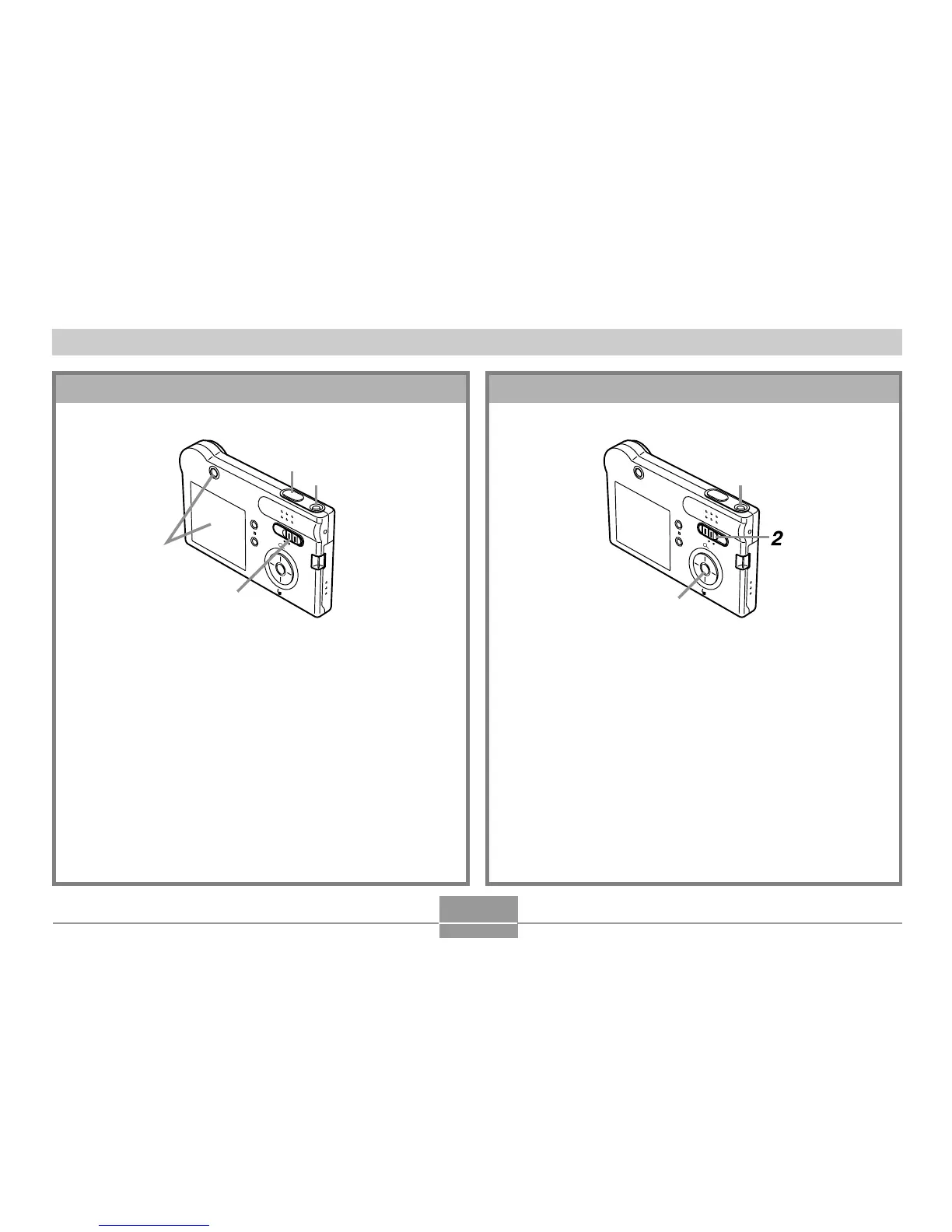
Press the power button to turn on the
camera.
2.
Align the mode selector with “PLAY”.
3.
Use [!] and ["] to scroll through the images
on the monitor screen.
R
E
C
P
L
A
Y
MEN
U
SET
D
I
SP
3
1
To view a recorded image
(See page 70 for details.)
1.
Press the power button to turn on the
camera.
2.
Align the mode selector with “REC”.
3.
Point the camera at the subject, use the
monitor screen or viewfinder to compose the
image.
4.
Holding the camera still, gently press the
shutter release button.
To record an image
(See page 41 for details.)
R
E
C
P
L
A
Y
MEN
U
SET
D
I
SP
1
4
2
3















 To Next Page