77
PLAYBACK
• Pressing [#] while the date selection cursor is
located anywhere in the top line of the calendar
causes the previous month to appear.
• Pressing [$] while the date selection cursor is
located anywhere in the bottom line of the calendar
causes the next month to appear.
• To exit the calendar screen, press [MENU].
• appears in place of the image when the date
contains data that cannot be displayed by this
camera.
4.
To view the large version of a date’s image,
move the date selection cursor to the date
and then press [SET].
• This displays the first image that was recorded on
the selected date.
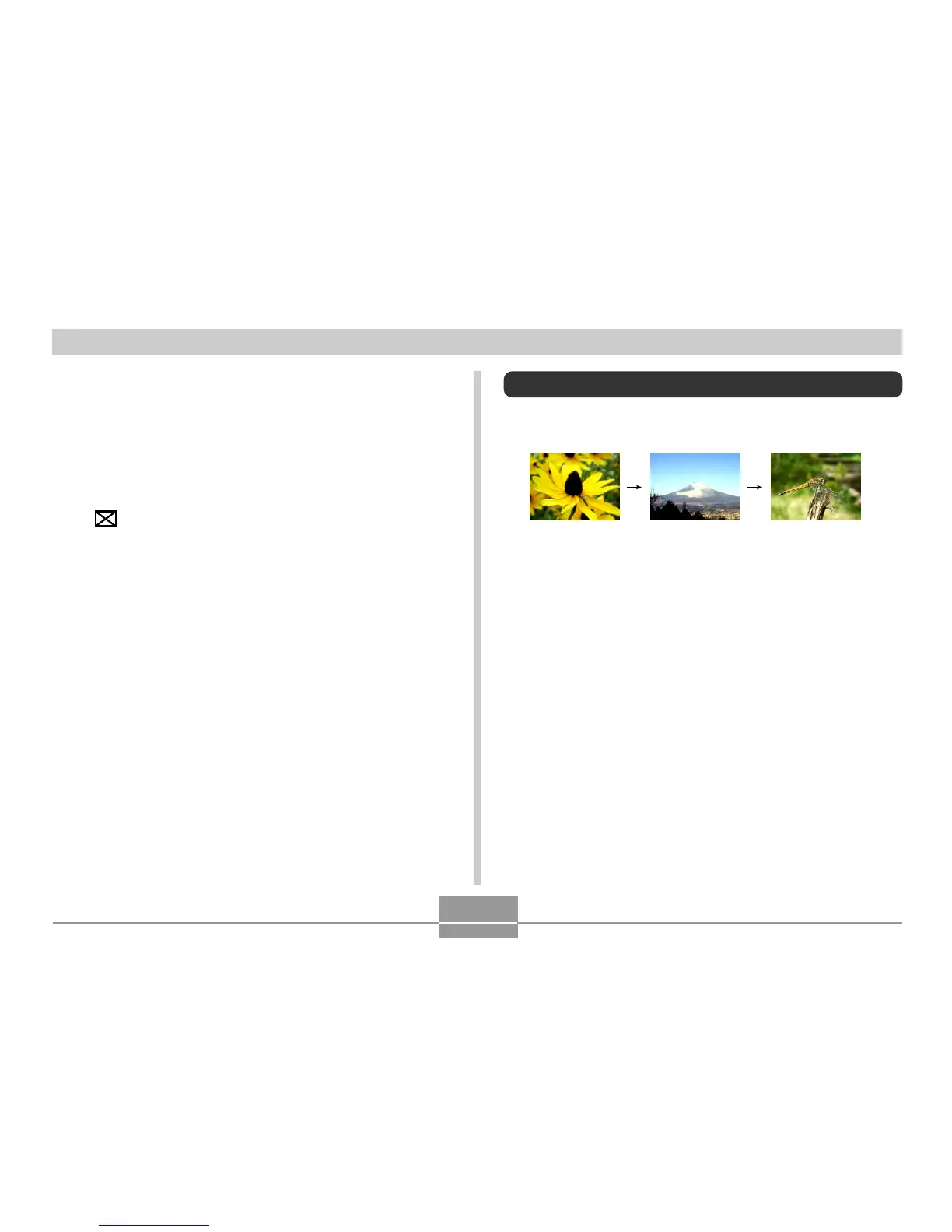
Playing a Slide Show
Slide Show automatically plays back images in sequence
at a fixed interval.
1.
In the PLAY mode, press [MENU].
2.
Select the “PLAY” tab, select “Slideshow”,
and then press [!].















 To Next Page