55
OTHER RECORDING FUNCTIONS
1.
In the REC mode, press [MENU].
2.
Select the “REC” tab, select “REC Mode”, and
then press [#].
3.
Use [!] and ["] to
select “ (Best
Shot)”, and then press
[SET].
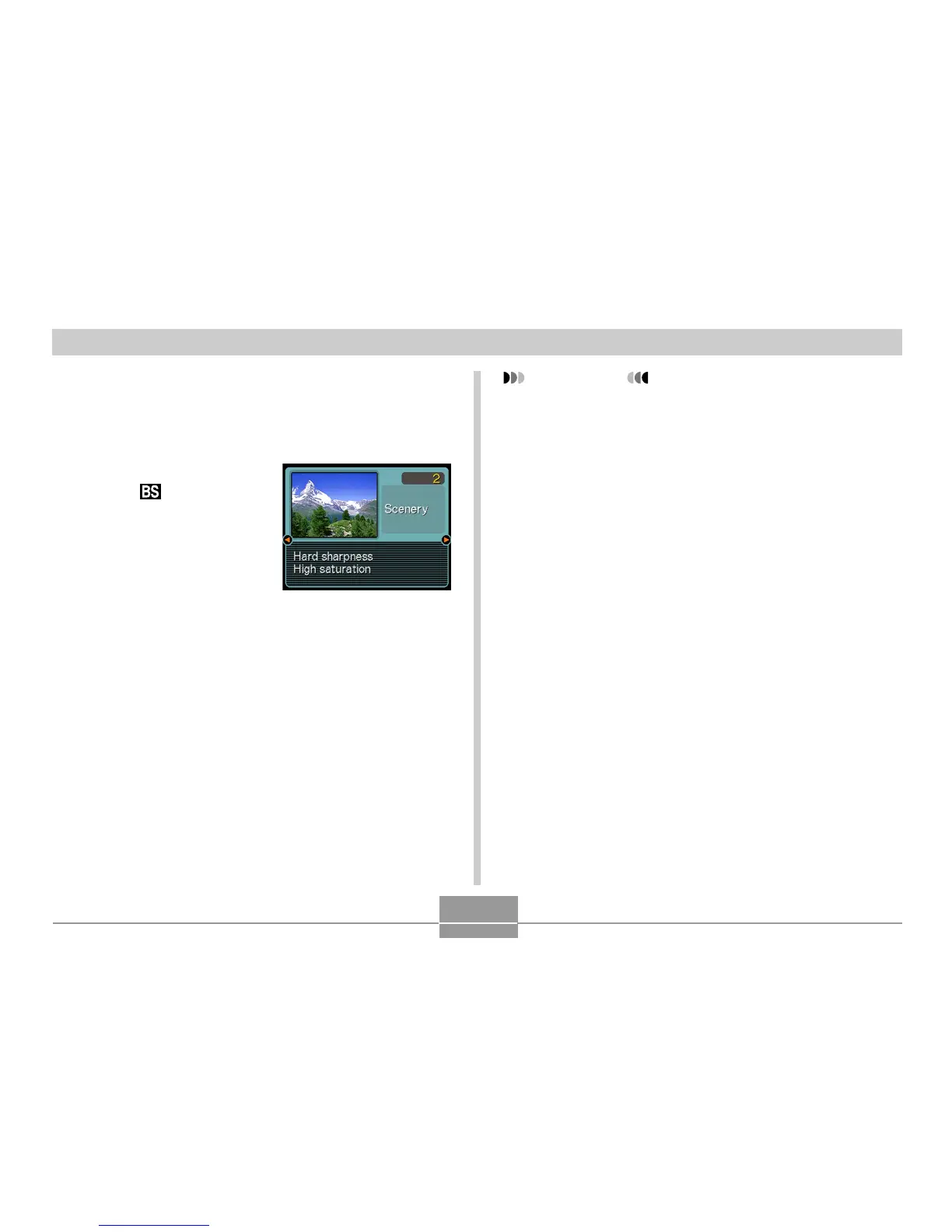
• This enters the Best Shot
mode and displays a
sample scene.
4.
Use [$] and [#] to select the sample scene
you want, and then press [SET].
5.
Record the image.
IMPORTANT!
• Sample scene number 4 is Coupling Shot scene
(page 58). Sample scene number 5 is a Pre-shot
scene (page 60).
• Best Shot scenes were not recorded using this
camera. They are provided as samples only.
• Images recorded using a Best Shot scene may not
produce the results you expected due to shooting
conditions and other factors.
• After selecting a Best Shot scene, you can change to
a different one by using [$] and [#] to scroll through
available scenes. When the one you want is
displayed, press [SET].















 To Next Page