Chapter 9 Data Communications
168
5. Performing a Data Transfer Operation
Connect the two units and then perform the following procedures.
Receiving unit
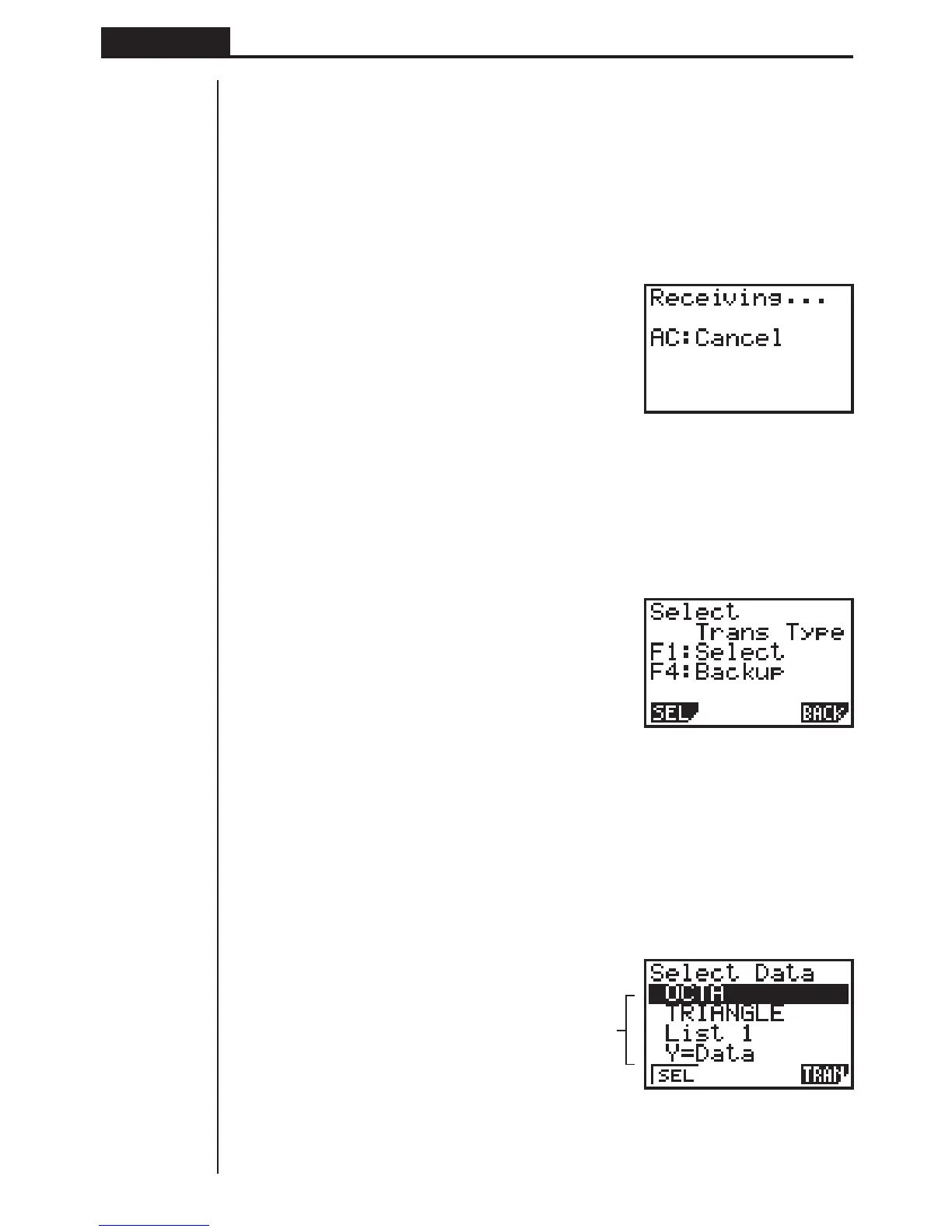
To set up the calculator to receive data, press 2 (RECV) while the data communi-
cation main menu is displayed.
2(RECV)
The calculator enters a data receive standby mode and waits for data to arrive. Ac-
tual data receive starts as soon as data is sent from the sending unit.
Sending unit
To set up the calculator to send data, press 1 (TRAN) while the data communica-
tion main menu is displayed.
1 (TRAN)
Press the function key that corresponds to the type of data you want to send.
1 (SEL) ........ Selects data items and sends them
4 (BACK) ..... All memory contents, including mode settings
uu
uu
uTo send selected data items
Press 1 (SEL) to display a data item selection screen.
1(SEL)
Data items
1 2 4
1 2 4


 To Next Page