PAGE
2727
2727
27
REMOTE VOICE MENU
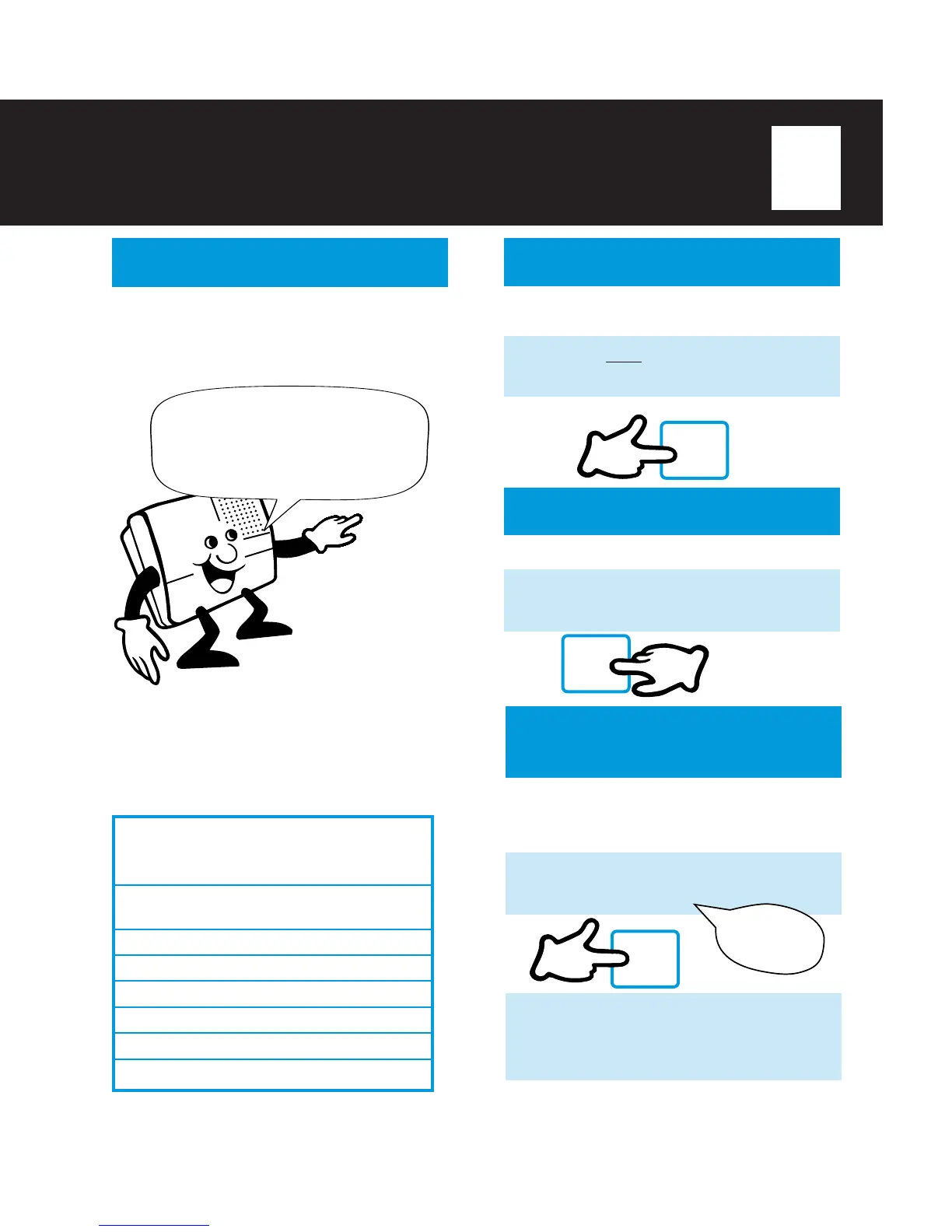
After message playback, the TA-150 announces
the remote menu options below. You can select
a remote option or hang up to save messages
automatically.
Enter
1
to REPLAY .
Enter
2
to SAVE.
Enter
3
to ERASE.
When using Remote Operation, all messages,
other than stored MESSAGE FILE messages,
will be saved or erased.
NOTE:
ν Messages cannot be selectively saved or erased in
remote operation.
(CONTINUED)
2
All saved messages will play. You may
select another option or hang up and the
TA-150 will automatically save all
messages.
SKIP BACKWARDS
You can skip backwards to listen to previous
messages.
1
Press
κκ
κκ
κ
twice to skip back to previous
messages.
REPLAY ALL
MESSAGES
Replay all messages from a remote location
after new messages have been automatically
played back.
Press
1
on a telephone keypad. You will
hear:
1
I will replay
messages.
#
SKIP FORWARD
You can skip forward through messages.
1
Press
#
to forward to the next message.
REMOTE QUICK REFERENCE GUIDE
FEATURE PRESS
Message Retrieval 3-digit access code
during message
Skip Forward #
Skip Backwards κ twice
Repeat Current Message κ
Replay All Messages 1
Save Messages 2
Erase Messages 3



 To Next Page