PAGE
2222
2222
22
ANSWERING A CALL
DURING PLAYBACK
If you receive an incoming call during message
playback:
1
Press
SPEAKERPHONE
or pickup
an extension phone and speak with the
caller. Message playback will stop and
all messages will be saved automatically.
WORK & TALK
SPEAKERPHONE
The speakerphone allows you to answer calls
and work while talking, hands-free.
1
Press
SPEAKERPHONE
when you
receive a call. The
SPEAKERPHONE
INDICATOR
will light.
Helpful Hints:
ν One person at a time should speak while
using the speakerphone.
ν Reduce or eliminate background noise such
as radio or television.
ν Do not use an extension phone and
speakerphone at the same time.
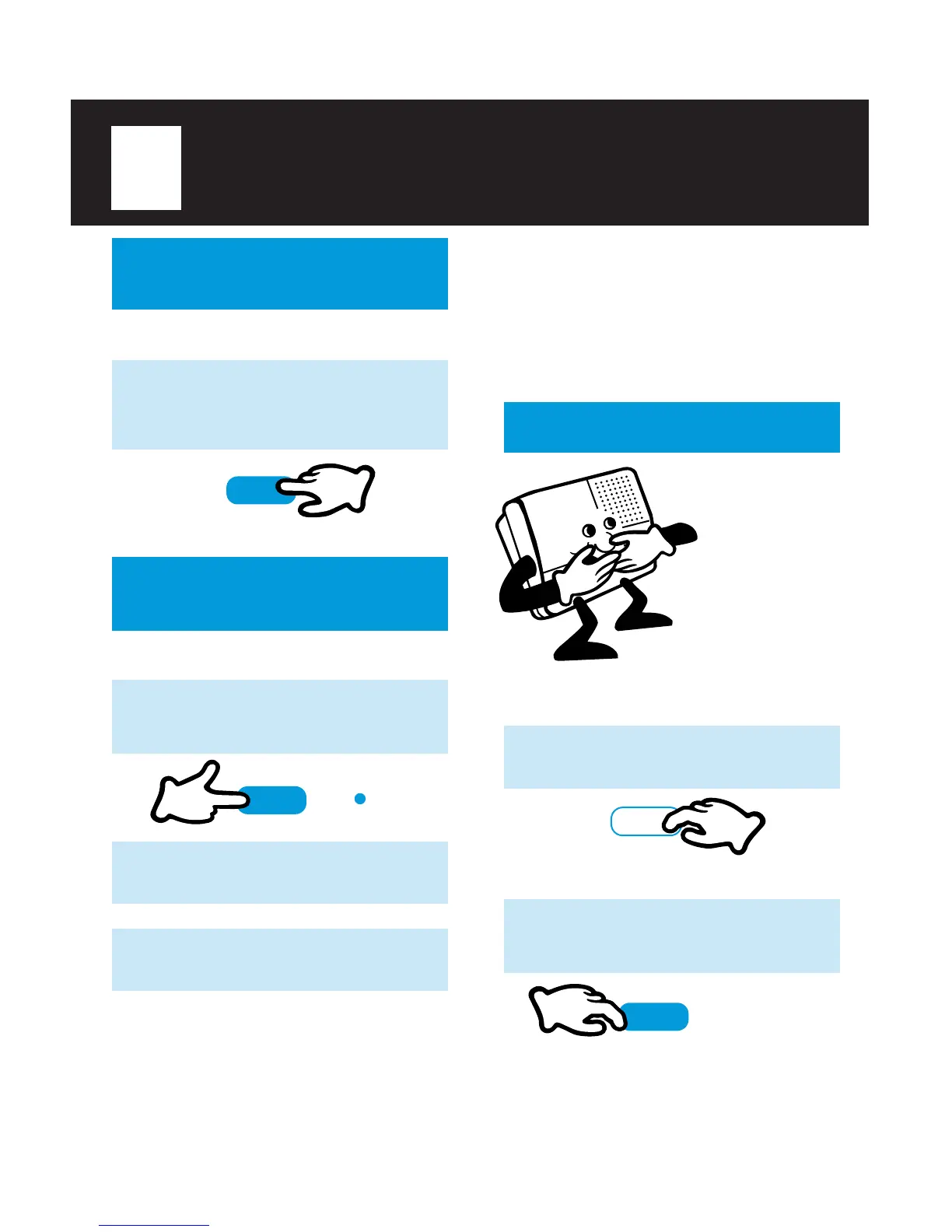
HOLD
You may place a
call on HOLD
while using the
speakerphone.
Move to another
room and pick up
an extension
phone. The
TA-150 will
automatically
take the call off
HOLD.
SPEAKERPHONE
SPEAKERPHONE
SPEAKERPHONE
2
Begin speaking 2-3 feet from the
microphone.
3
Press
SPEAKERPHONE
after you
finish speaking to hang up.
To place a call on HOLD:
1
Press
SAVE/HOLD
.
SAVE/HOLD
1
Press
SPEAKERPHONE
or
SAVE/
HOLD
or pick up an extension phone
to take the call off HOLD.
To take a call off HOLD:
NOTE:
ν Any call left on HOLD for 5 minutes will be automatically
disconnected.



 To Next Page