PAGE
2121
2121
21
1
Press
PREVIEW
to scan new
messages only. Depending on the
number of new messages recorded, you
will hear:
No new
messages.
2
The first five seconds of each new
(unsaved) message will play. Press
NEW
twice during MESSAGE
PREVIEW™ to playback the entire new
message in the normal play mode.
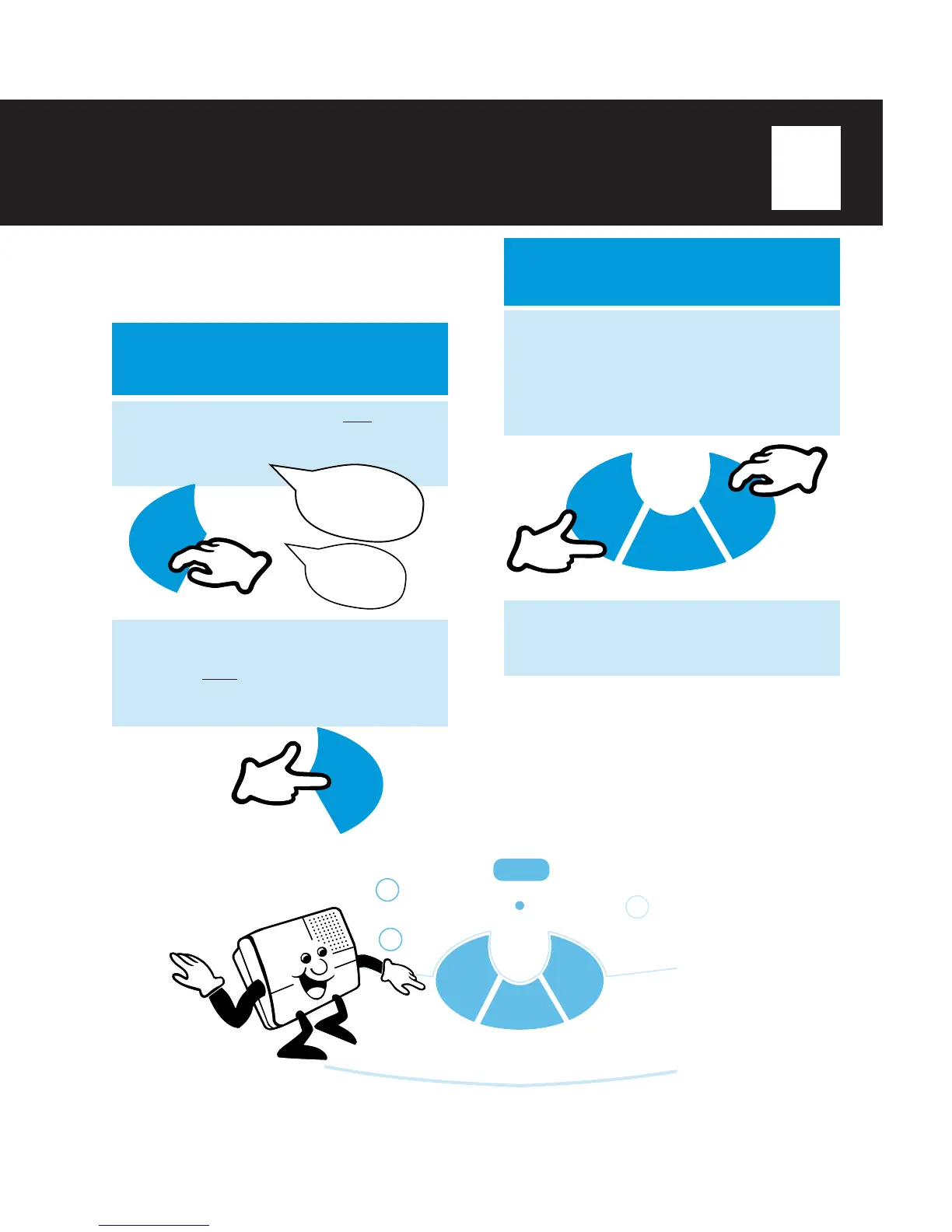
MESSAGE PREVIEW™
You can quickly scan new and saved messages
by listening to the first few seconds of each
message. You have two ways to preview
messages.
NEW MESSAGE
PREVIEW
PREVIEW
NEW
ALL MESSAGE
PREVIEW
1
After pressing the
ALL
or
NEW
button
to listen to messages, you can quickly
scan ALL messages by pressing
PREVIEW
at anytime. The first five
seconds of each new and saved
message will play.
2
Press
PREVIEW
again to return to the
normal play mode The entire message
will play.
PLAY/
PAUSE
PREVIEW NEW
ALL
1st
2nd
NOTES:
ν You can easily identify the normal play mode by noting
the recorded TIME/DAY STAMP that precedes each
message. In MESSAGE PREVIEW™ mode, TIME/DAY
STAMP will not be announced.
ν By pressing PREVIEW during normal play, you will
activate the MESSAGE PREVIEW™ mode and skip to
the next message during playback.
MESSAGE FILE
CALL SCREEN
SLOW
_
FAST
+
PLAY/
PAUSE
PREVIEW NEW
ALL
OR
Preview
messages.
Message one.



 To Next Page