PAGE
1313
1313
13
GREETING 1 2 3
12:30
PM
RING-PATTERN SELECT
MODE
The TA-150 will play up to two different
greetings upon receiving distinctive ring patterns
from your local telephone company. You must
subscribe to a distinctive ring service to use this
mode.
GREETING 1 answers standard ring.
GREETING 2 answers the first distinctive ring
pattern. For example: double ring.
GREETING 3 answers the second distinctive
ring pattern. For example: triple ring.
1
GREETING 1, 2 and 3 need to be
recorded prior to programming the RING-
PATTERN SELECT MODE
.
(See page 8,
“Record Greeting.”)
CHANGE GREETING
MODE
To change your greeting mode.
NOTE:
ν Greetings cannot be recorded while in the RING-
PATTERN SELECT MODE. The machine will rapidly
beep three times if you try to record a greeting in this
mode.
ν If a greeting is not recorded, the caller will hear the
following pre-recorded greeting: “
Please record a
message after the tone.
”
Ring Pattern
Select.
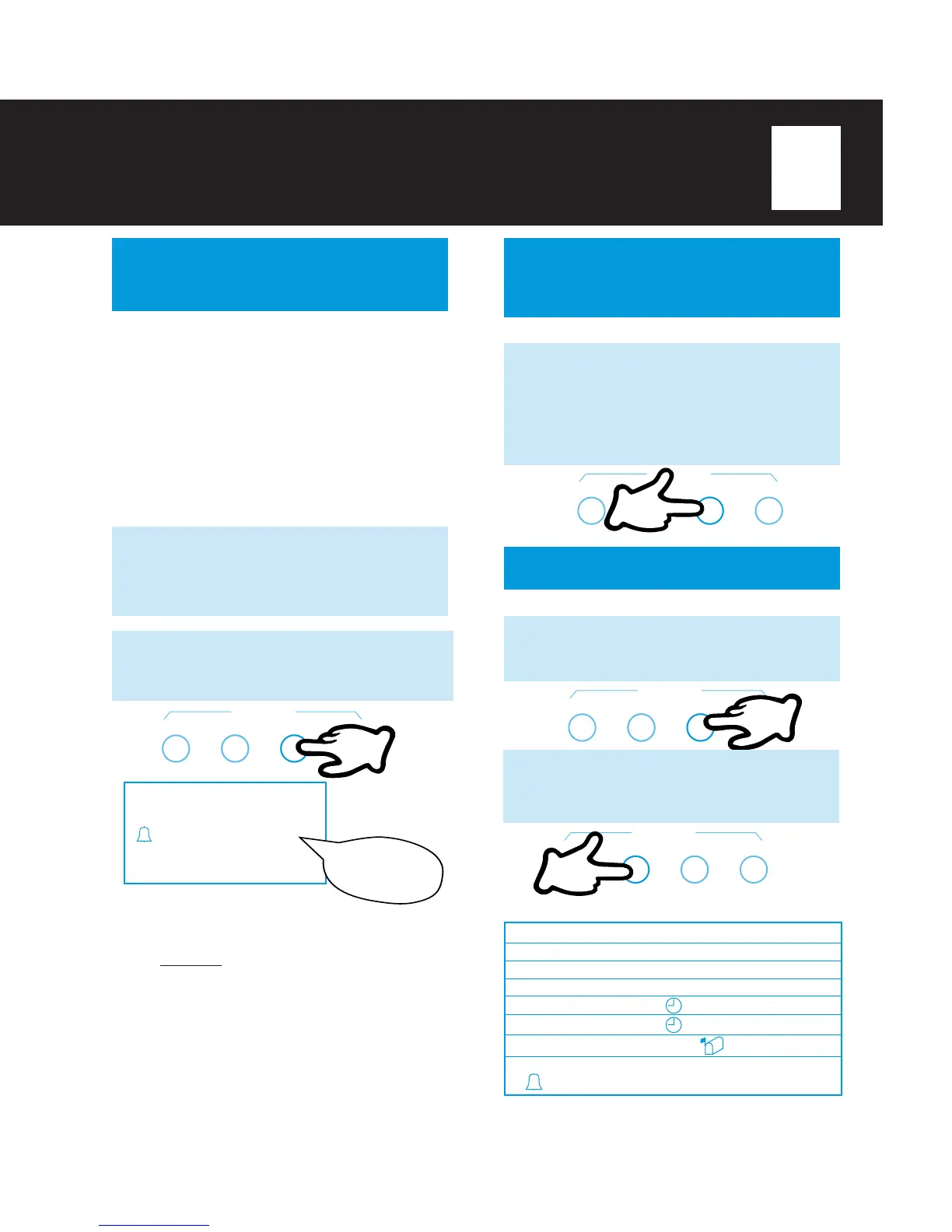
2
Press
GREETING SELECT
(under
the lid) until the BELL icon and “Greeting
1 2 3” appear in the display. You will hear:
RECORD CHECK SELECT TIME SET
GREETING
1
RECORD CHECK SELECT TIME SET
GREETING
LISTEN TO GREETING
You can listen to any of your greetings anytime.
1
Press
GREETING SELECT
(under
the lid) until the icon for the greeting
mode you want to hear is selected.
RECORD CHECK SELECT TIME SET
GREETING
GREETING 1
GREETING 2
GREETING 3
GREETING 1
GREETING 2
GREETING 1
GREETING 1 2 3
Greeting 1
Greeting 2
Greeting 3
Greeting 1
Greeting 2
Greeting 1
Greeting 1
TA-150 playsDisplay shows:
2
Press
GREETING CHECK
. The
TA-150 will play the greeting for the mode
you selected.
RECORD CHECK SELECT TIME SET
GREETING
If you selected:
Press
GREETING SELECT
(under
the lid) until the icon for your desired
greeting mode appears in the display.
Each time you press
GREETING
SELECT
, you will advance to the next
greeting mode.



 To Next Page