PAGE
77
77
7
2:32
AM
1
Press
TIME CHECK
. (Under the lid.)
SET VOICE TIME/DAY
STAMP
TIME/DAY STAMP
Wednesday,
2:30 p.m.
5
Press
TIME SET
to set the minutes.
7
Press
TIME SET
again to end. The day
and time will be announced and time set
is complete.
Saturday,
2:32 a.m.
Enter minute.
6
Press
SKIP
to advance or
REPEAT
to reverse the minutes.
2:01
AM
TIME CHECK
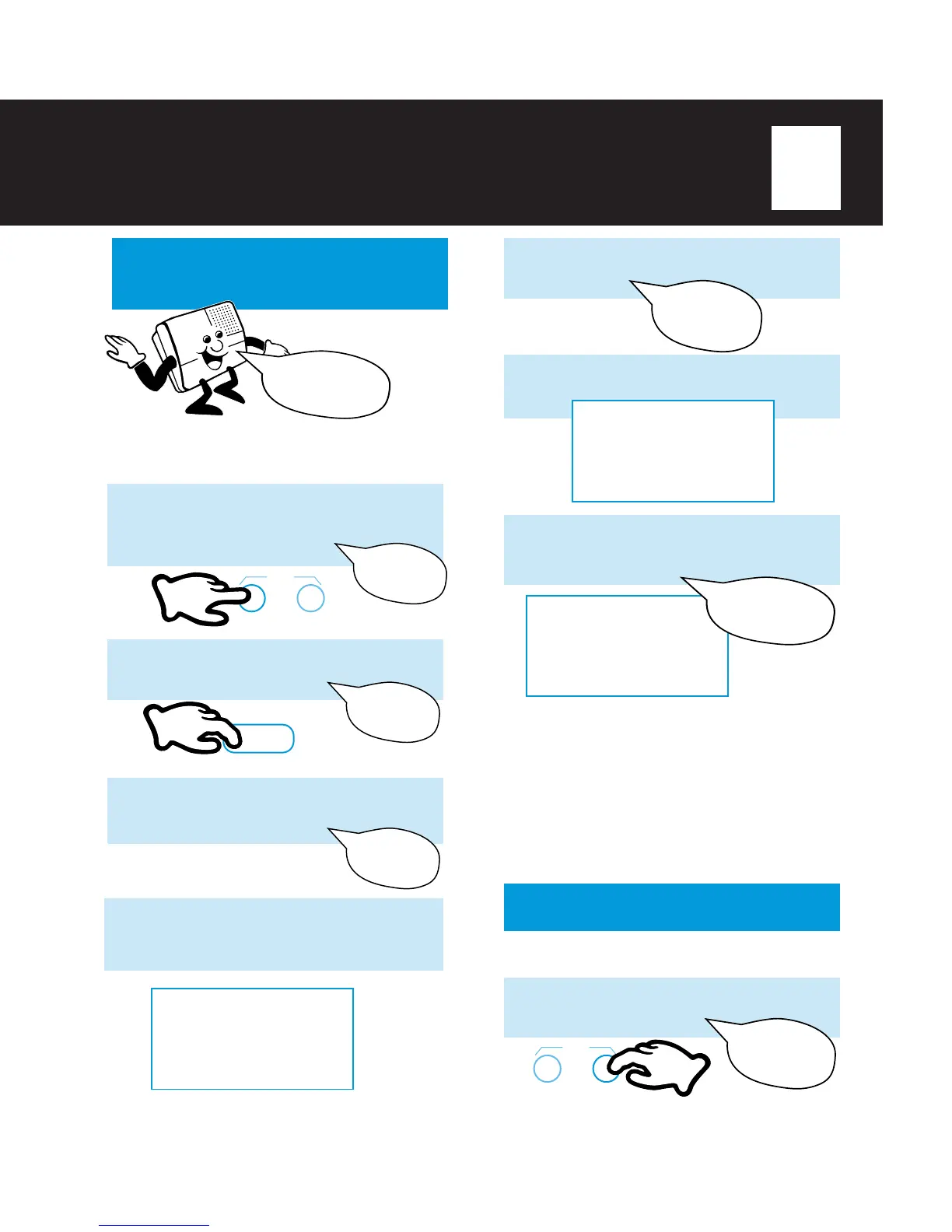
In addition to the LCD clock, a synthesized voice
announces the time and day.
NOTES:
ν If the time and day have not been set, all messages will
be stamped with “
Sunday 12:00 a.m
.”
ν When experiencing a power failure, the TA-150 will
maintain the clock function for up to 20 minutes. After 20
minutes, the clock reverts to the factory default setting of
Sunday, 12:00 a.m., and “12:00 AM” will flash in the LCD.
All other stored information and settings including;
Remote Access Code, Greetings and Incoming Messages
will be saved and normal operation will resume when
power is restored.
SET CHECK
TIME
2
Press
SKIP
or
REPEAT
until the
correct day is announced.
Saturday
3
Press
TIME SET
to set the hour.
Enter hour.
4
Press
SKIP
to advance or
REPEAT
to reverse the hour. The LCD will display
the hour setting:
1
Press
TIME SET
(under the lid).
(Caution, this is different than the
Greeting Time Set button.)
You will hear:
SET CHECK
TIME
REPEAT
1:00
AM
Sunday
During message playback, a synthesized voice
will announce the current time and day of the
week. To set the current time and day of the week:
Saturday,
2:32 a.m.



 To Next Page