PAGE
1212
1212
12
GREETING 1
12:30
PM
CALLER GREETING-
SELECT MODE
The TA-150 allows you to operate the CALLER
GREETING-SELECT MODE
in two ways.
A. Leave a greeting that allows the caller to
choose between two additional greetings.
For example, “
Please press
κ
2 to hear the
visiting hours for the Beach Zoo. Press
κ
3
to hear directions on how to get to the Beach
Zoo. Press
κ
1 for this greeting to repeat,
or wait for the beep to leave a general
message.”
OR
B. Leave up to two confidential or personalized
greetings as GREETING 2 and/or 3, and
personally notify selected callers to access
these special greetings by pressing either κ2
or κ3. GREETING 1 will be played as the
primary greeting for all callers.
In the CALLER GREETING-SELECT MODE,
during the primary greeting, when a caller
presses:
κ κ
κ κ
κ 2 = greeting two is played.
κ κ
κ κ
κ 3 = greeting three is played.
κ κ
κ κ
κ 1 = the primary greeting is replayed.
# = bypass all greetings to leave a
message after the tone.
1
GREETING 1, 2 and 3 need to be
recorded prior to programming the
CALLER GREETING-SELECT MODE.
(See page 8, to “Record Greeting.”)
Caller Greeting
Select.
NOTE:
ν Greetings cannot be recorded while in the CALLER
GREETING-SELECT MODE. If you try to record a
greeting in this mode, the machine will rapidly beep three
times.
ν If a greeting is not recorded, the caller will hear the
following pre-recorded greeting: “
Please record a
message after the tone
.”
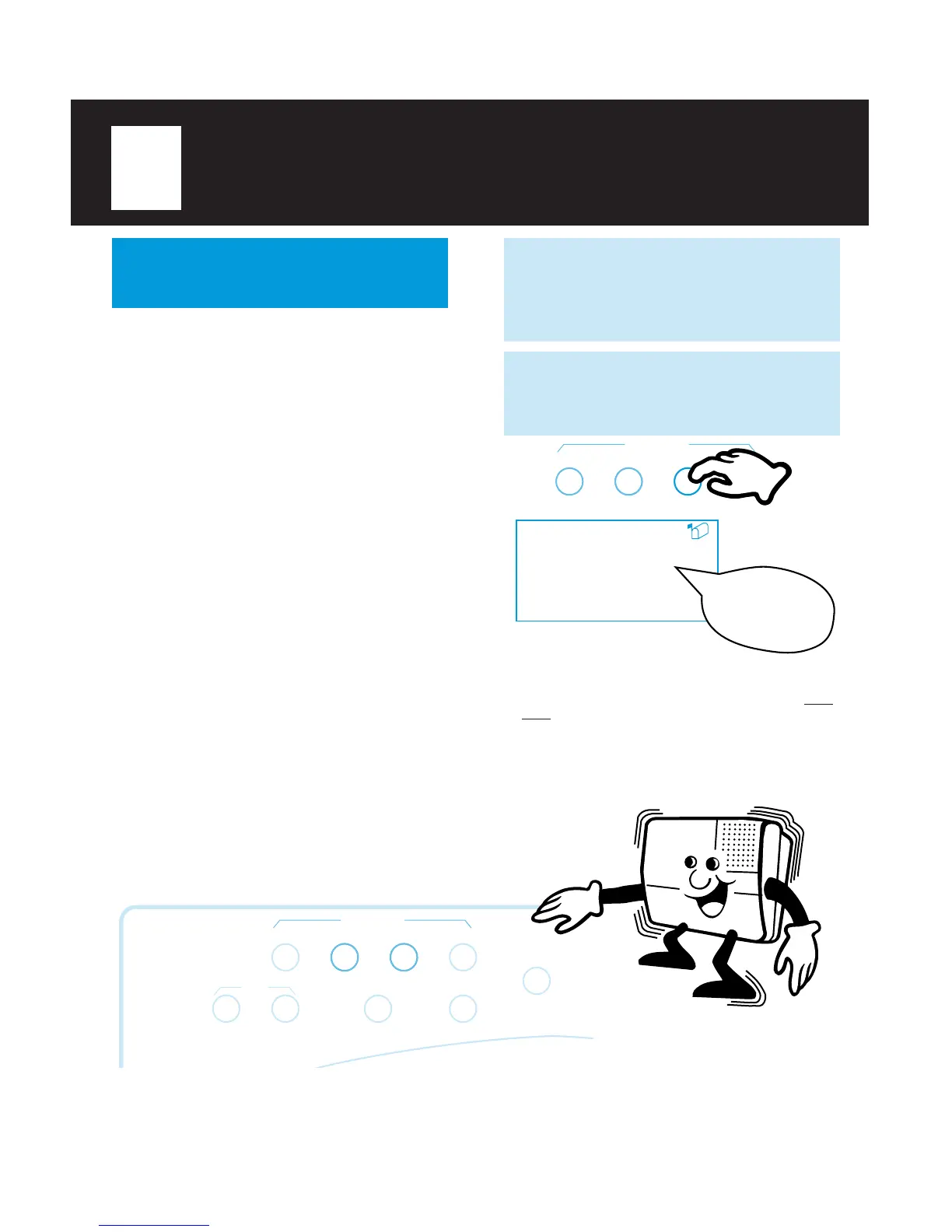
2
Press
GREETING SELECT
(under
the lid) until the MESSAGE BOX icon and
“GREETING 1” appear in the display. You
will hear:
RECORD CHECK SELECT TIME SET
GREETING
GREETING MODES
(cont.)
SET CHECK
CODE SET CODE CHECKTIME
RECORD CHECK SELECT TIME SET
ANNOUNCE ONLY
GREETING



 To Next Page