PAGE
2323
2323
23
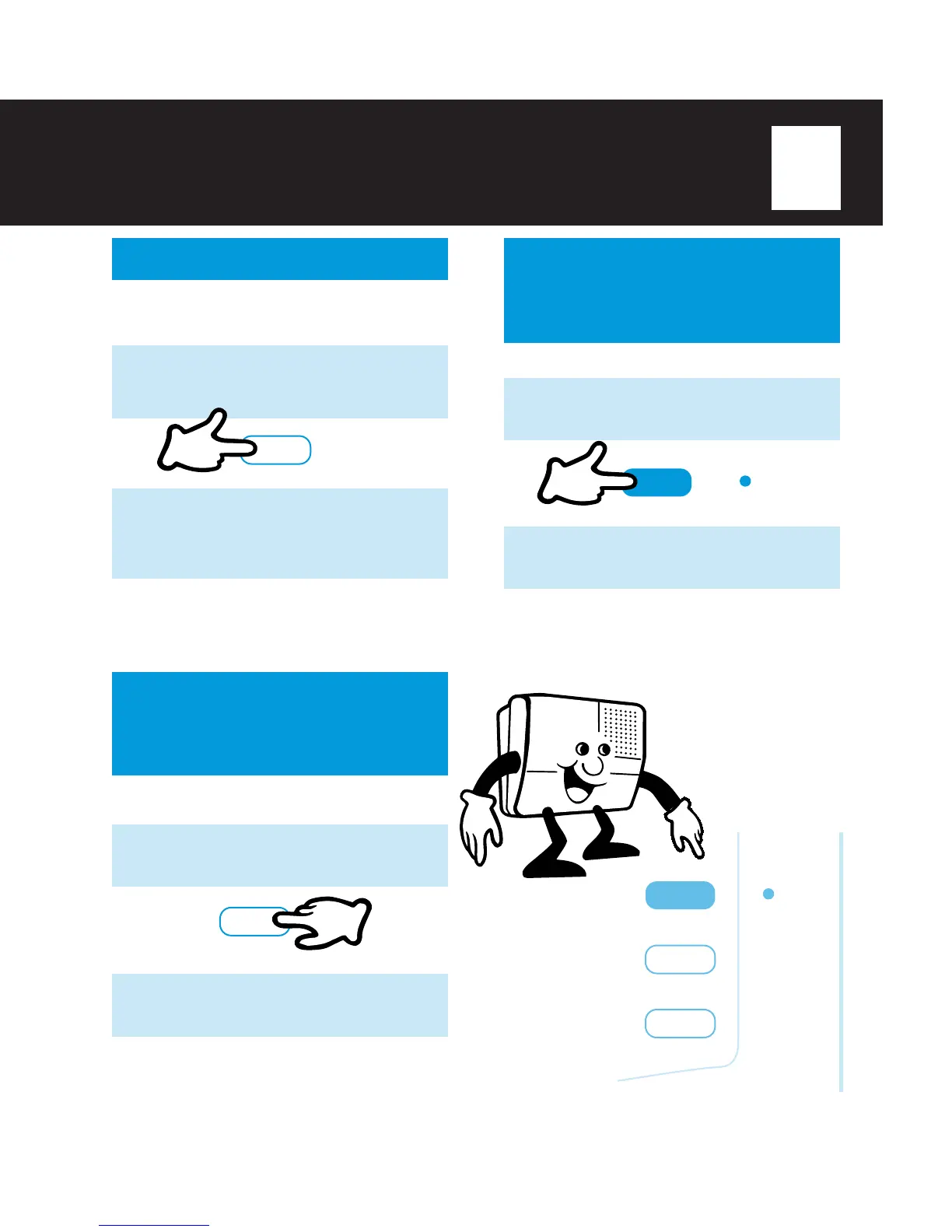
FLASH/CALL WAITING
SWITCH FROM
SPEAKERPHONE TO
AN EXTENSION PHONE
To switch from the
SPEAKERPHONE
to an
extension phone:
1
Press
SAVE/HOLD
to place the caller
on hold.
SWITCH FROM AN
EXTENSION PHONE TO
SPEAKERPHONE
While using an extension phone,
1
Press
SPEAKERPHONE
.
2
Hang up the extension phone and begin
speaking.
NOTE:
ν If you use the SPEAKERPHONE and a handset at the
same time, you may hear a howling noise. Lower the
volume on the TA-150 to eliminate the noise.
1
Press
ERASE/FLASH
to answer the
second call and automatically place the
original caller on hold.
If you subscribe to a call waiting service and
you receive another call while using the
speakerphone,
ERASE/FLASH
2
Press
ERASE/FLASH
again to return
to the first call. You can switch between
the two calls until one of the callers
hangs-up.
NOTE:
ν FLASH may also be used on a business phone system
(CENTREX, PBX) for transferring calls to other
extensions.
SAVE/HOLD
2
Pick up the extension phone, and begin
speaking.
SPEAKERPHONE
SPEAKERPHONE
SAVE/HOLD
ERASE/FLASH



 To Next Page