PLAYBACK
E-100
PLAYBACK
You can use the camera’s built in monitor screen to play
back recorded images.
Basic Playback Operation
Use the following procedure to scroll through recorded im-
ages stored in the camera’s memory.
1.
Align the POWER/Function Switch with PLAY.
PLAY: PLAY mode for playing back images
2.
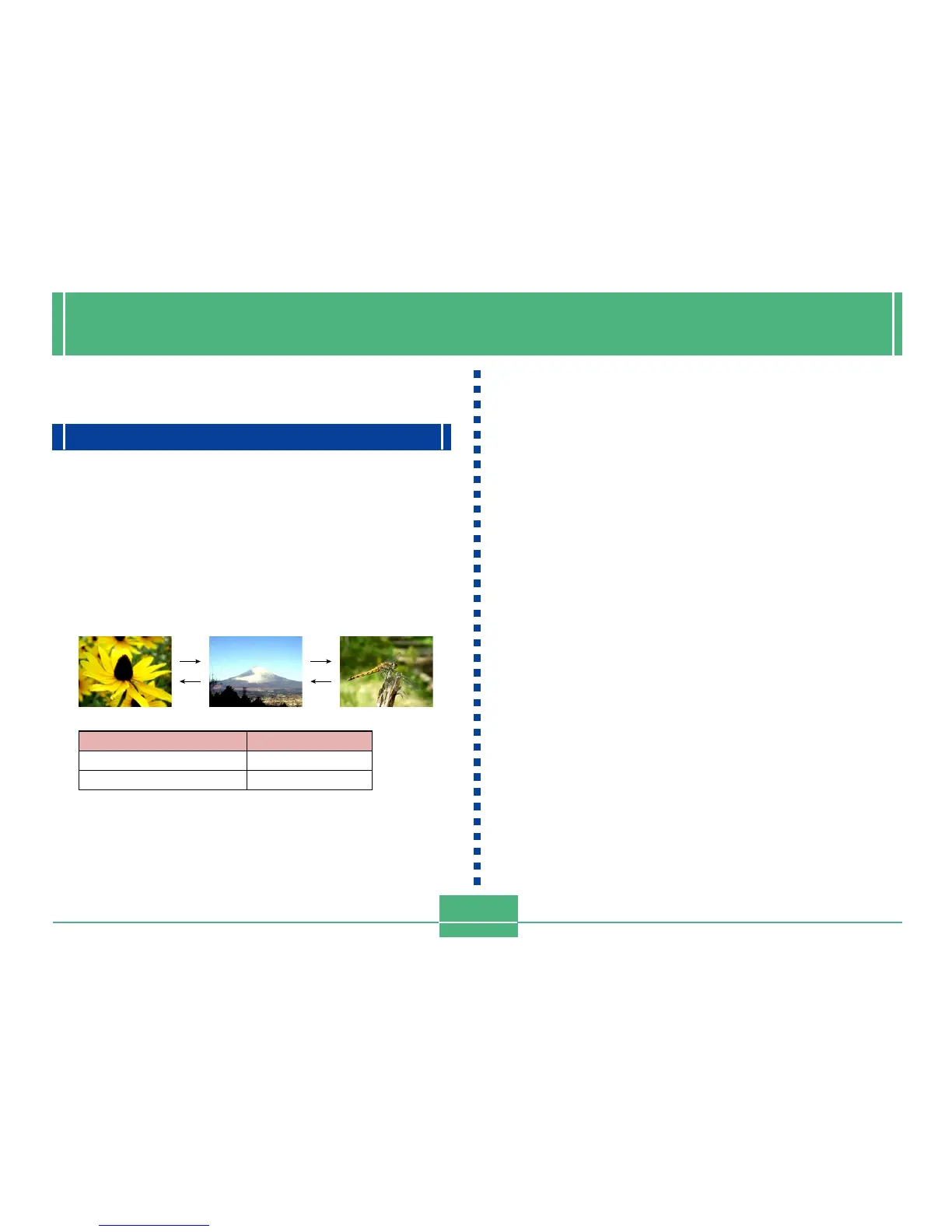
Use [] and [] to scroll through the images
on the monitor screen.
NOTES
• Holding down [] or [] scrolls images at high speed.
• In order to allow for faster playback image scrolling,
the image that initially appears on the monitor screen
is a preview image, which is of somewhat lower quality
than the actual display image. The actual display im-
age appears about three seconds after the preview
image. This does not apply to images copied from an-
other digital camera.
To do this
Scroll forward
Scroll backward
Press this button
[]
[]
[]
[]
[]
[]



 To Next Page