INTRODUCTION
E-12
Features
• High-resolution 3.34-megapixel CCD
• 1.8-inch low-glare color LCD (HAST)
• 12X zoom: 3X optical zoom, 4X digital zoom
• Memory card image storage
Supports CompactFlash cards (CF TYPE I/II) and the IBM
microdrive.
• Digital Print Order Format (DPOF)
Images can be printed easily in the sequence you want
using a DPOF compatible printer. DPOF can also be used
when specifying images and quantities for printing by pro-
fessional print services.
• DCF Data Storage
DCF (Design rule for Camera File system) data storage
protocol provides image inter-compatibility with printers
and other digital cameras.
• VIDEO OUT terminal
Connect to your TV for big-screen viewing of images.
• USB compatibility
Connect to your computer for quick and easy image ex-
change.
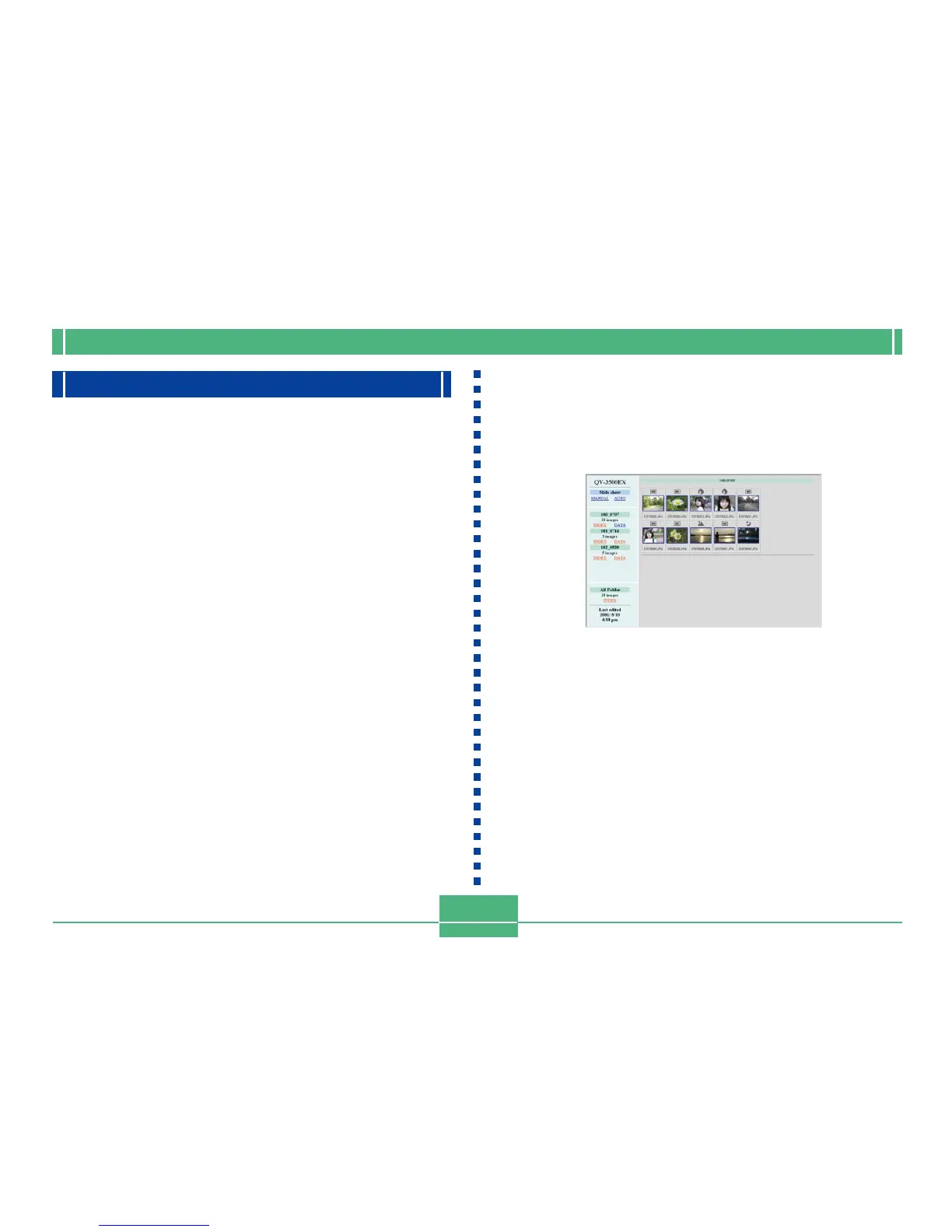
• HTML File Card Browser
Images are displayed on your computer screen in a conve-
nient format.
You can view a gallery of image thumbnails on your com-
puter screen.
• Image management and manipulation software
The QV-3500EX comes bundled with a CD-ROM that’s
packed with useful software. Photo Loader automates up-
loading of images to your computer, and Panorama Editor
lets you stitch images together into panorama scenes.
Other bundled applications include Internet Explorer (Web
browser), Outlook Express (e-mail software), and
QuickTime (movie viewer). You also get a copy of the
Adobe Acrobat Reader PDF file reader for reading the user
documentation on the CD-ROM.



 To Next Page