106
E
Advanced Operations
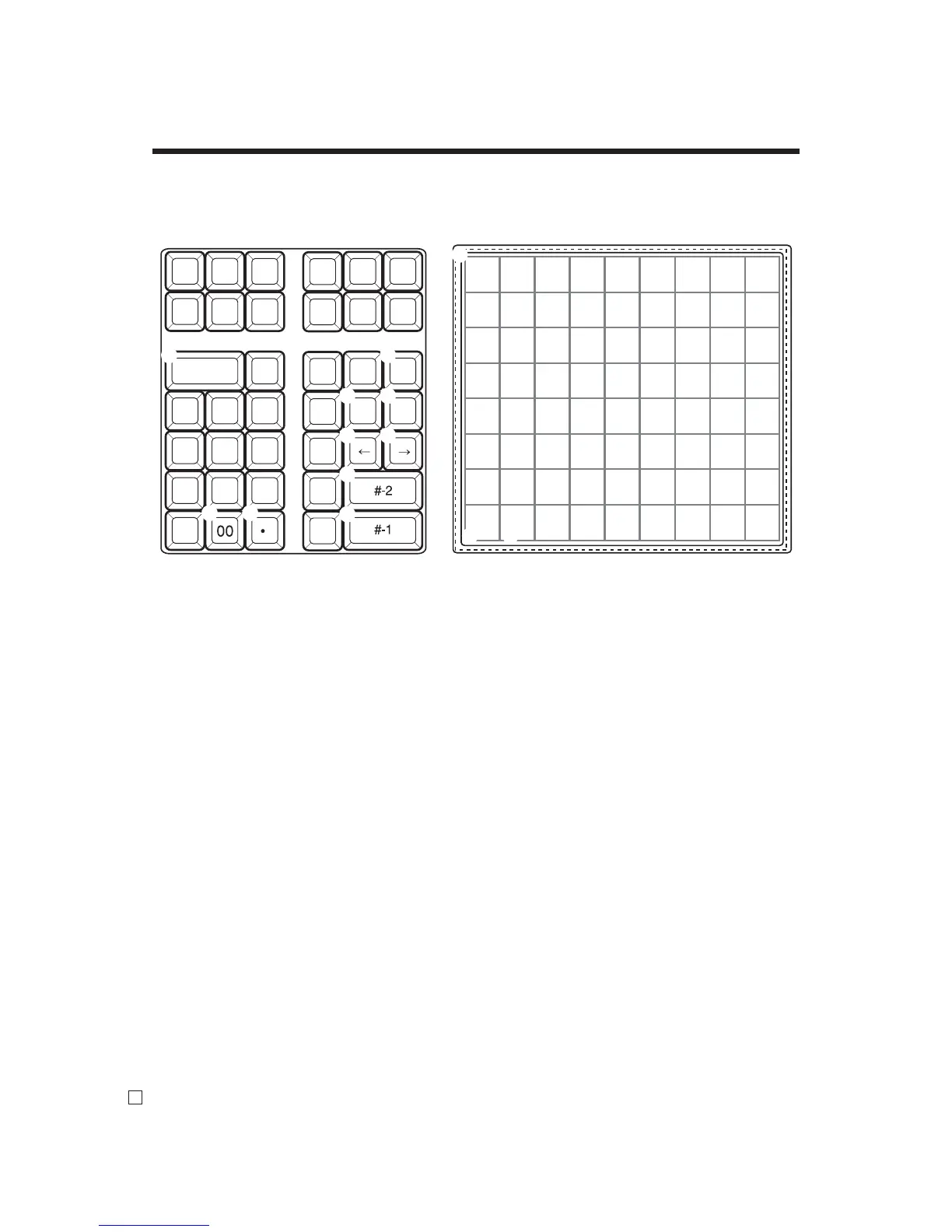
1 Clear key
Press this key to clear
2 Character fi xed key
Press this key to enter when the alphabetic entry for a
descriptor, name or message has been completed.
3 Backspace / Character code fi xed key
Press this key to register one character with code (2 or
3 digit). It clears the last input character, much like a
back space key. (Does not clear the double size letter key
entry.)
4 Insert / Override key
Press this key to change the status “Insert” between the
original characters or “Override” the original characters.
5 Space key
Press this key to set a space.
6 Double size letter key
Press this key to specify that the next character you input
to a double size character.
7 Left cursor key
Press this key to shift the character setting position to
the left one by one. This key is used to correct already
entered characters.
8 Right cursor key
Press this key to shift the character setting position to
the right one by one. This key is used to correct already
entered characters.
9 Program end key
Press this key to terminate the character programming.
0 Character enter key
Press this key to register the programmed characters.
A Alphabet and numeric keys
Press these keys to input characters.
B CAPS key
Pressing this key shifts the character from the lowercase
letter to upper case letter and ex-alphabet characters.
C Shift key
Pressing this key shifts the character from the uppercase
letter to lowercase letter.
Using character keyboard (For SE-C6000)
8 16 24 32 40 48 56 64 72
7 15 23 31 39 47 55 63 71
6 14 22 30 38 46 54 62 70
5 13 21 29 37 45 53 61 69
4 12 20 28 36 44 52 60 68
3 11 19 27 35 43 51 59 67
2 10 18 26 34 42 50 58 66
1 9 17 25 33 41 49 57 65
7 8 9
4 5 6
1 2 3
0 00
.
C
a b c d e f g h i
j k l m n o p q r
s t u v w x y z
SHIFT
A B C D E F G H I
J K L M N O P Q R
S T U V W X Y Z
1 2 3 4 5 / . * ,
6 7 8 9 0 – + ! ?
( ) @ • # ' % : &
CAPS
SPACE
DBL
SIZE
INS/
OVR
1
2
7 8
0
9
A
B C
4
5 6
3



 To Next Page