43
E
Basic Operations and Setups
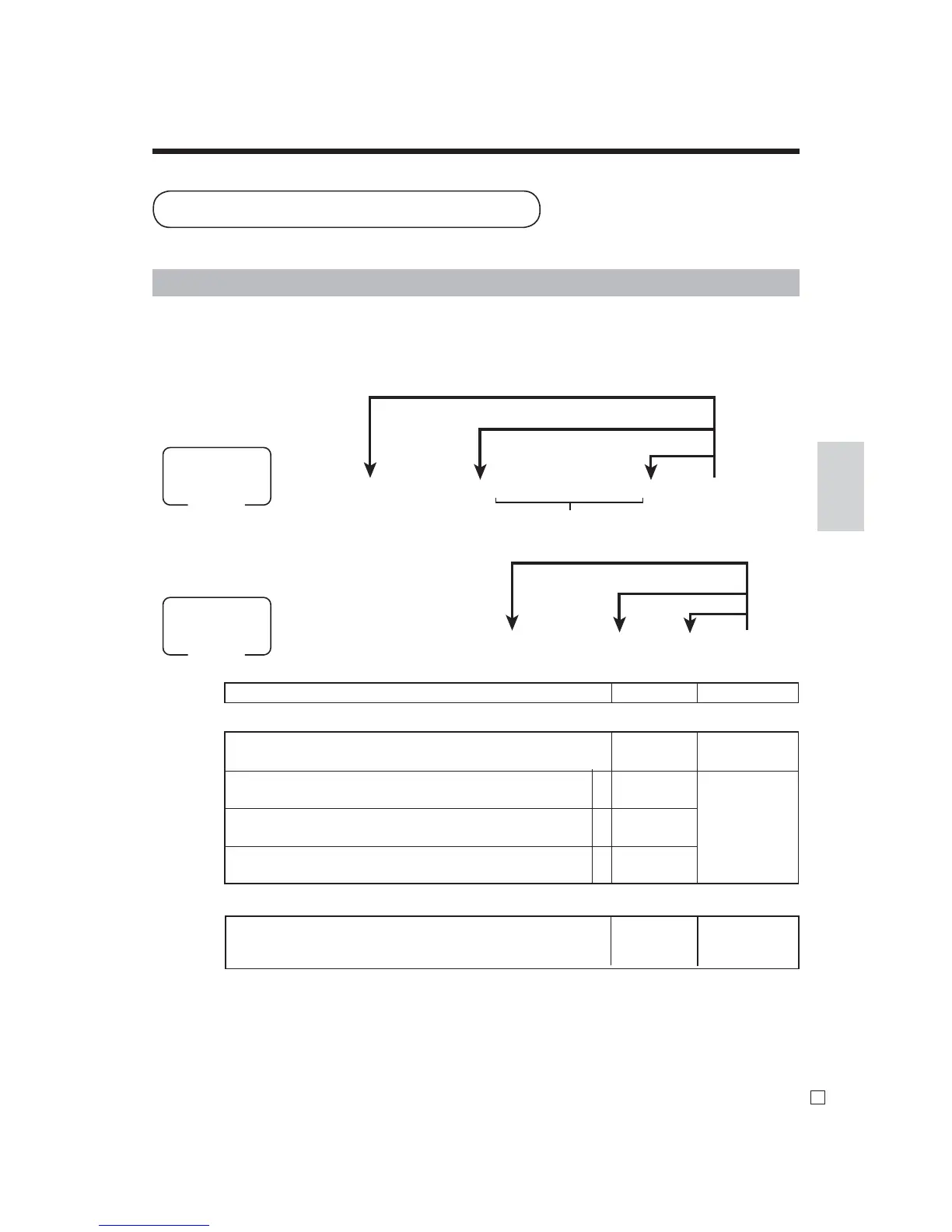
This section describes how to prepare and use PLUs.
6 3s 6 0366s 6 PLU No.+ 6 : : 6 a 6 s
To new (not sequencial) PLU
D2 D1
Different program
to the next PLU
Same program
Mode switch
PGM
To program tax calculation status for each PLU
6 1s 6 PLU No.+ 6 : : : : : : 6 a 6 s
Unit price
Mode switch
PGM
To new (not sequencial) PLU
Different program to the next PLU
Same program
Description Choice Program code
for Singapore
Always “0”
Taxable 1 status a
Taxable 2 status b
Taxable 3 status c
for other area
Non tax = 0 Taxable 4 = 4 Taxable 8 = 8
Taxable 1 = 1 Taxable 5 = 5 Taxable 9 = 9
Taxable 2 = 2 Taxable 6 = 6 Taxable 10 = 10
Taxable 3 = 3 Taxable 7 = 7
Yes = 1
No = 0
Yes = 2
No = 0
Yes = 4
No = 0
Signifi cant
numbers
; D
2
a+b+c
: D
1
:
: D
2
D
1
Preparing and using PLUs
CAUTION:
Before you use PLUs, you must fi rst program the unit price and tax status.
Programming PLUs
To program a unit price for each PLU



 To Next Page