15
E
Getting Started
and;
1
Tax symbol (*) is printed.
2
Taxable amount is skipped.
3
“GST INCLUDED” is set to the TX1 descriptor.
4
“TAXABLE AMT” is set to the TA1 descriptor.
5
Total line is printed even in direct (cash) sale.
6
Australian rounding is set.
7
“$” is set to the monetary symbol.
8
Print “MOF message” on receipt.
9
Tax (10% tax rate, add-in tax, fraction round off) is set to the tax table 1.
No data is set to other tax tables.
0
The taxable amount and tax amount except TA1/TX1 are not printed on report.
A
Restriction (to 0, 5) on last amount digit of cash sales, received on account, paid out,
and money declaration.
8-3. Programming Australian GST (for Australia only)
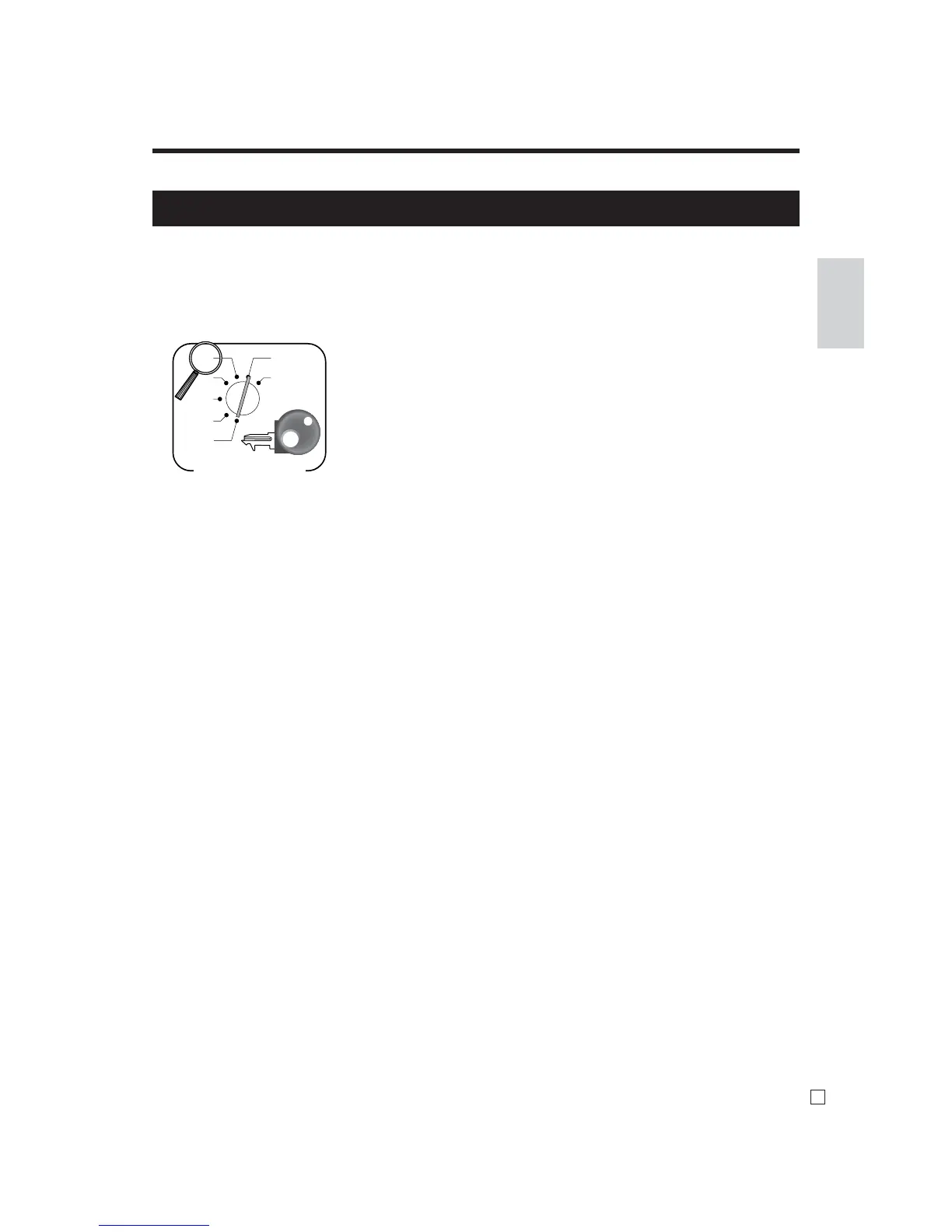
1. Turn mode switch to X mode.
2. Enter 01012001, press <ST>.
3. Press <CA>. (If you want to cancel this procedure, press <ST> instead of <CA>.)
After completion of this procedure, the “GST system was changed” message was printed on receipt



 To Next Page