113
E
Advanced Operations
Mode switch
X/Z
(read/reset)
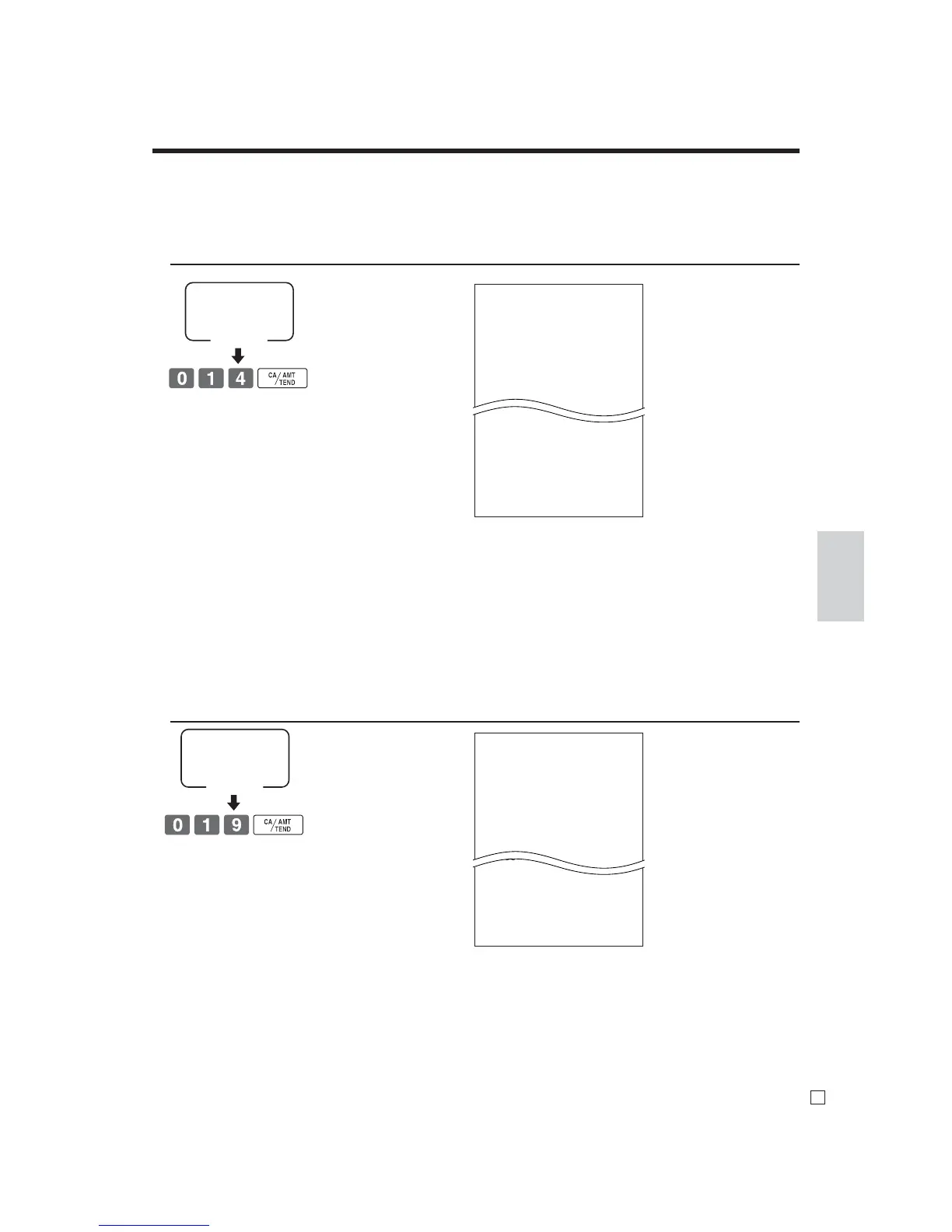
To print the PLU read / reset report
This report shows sales for PLUs.
OPERATION REPORT
Mode switch
X/Z
(read/reset)
To print the hourly sales read / reset report
This report shows hourly breakdowns of sales.
OPERATION REPORT
X HOURLY
0000019
00:00->01:00
CT 1
GROSS •1.10
NET No 1
1.90% •1.20
23:00->00:00
CT 1
GROSS •3.45
NET No 1
3.90% •3.59
------------------------
TL CT 280
GROSS •1,937.61
NET No 25
•2,096.80
X PLU
0000014
PLU0001 17
0.53% •17.00
DISCOUNT •2.50
#000001
PLU0100 42
4.03% •69.00
DISCOUNT •0.50
#000100
------------------------
TL 188.61
•516.10
DISCOUNT •9.50
— Read symbol / report title
— Report code
— PLU name / No. of items
— Sales ratio / PLU amount
— Discount amount
— PLU random code
— Total No. of items
— Total amount
— Discount amount total
— Read symbol / report title
— Report code
— Time range
— No. of customers
— Gross sales amount
— No. of receipt
— Sales ratio / net sales amount
— Total No. of customers
— Gross total amount
— Total No. of receipt
— Net total amount



 To Next Page