EasyManua.ls Logo

Casio SE-C6000 - Registering Returned Goods in the REG Mode; Registering Returned Goods in the RF Mode; Normal Refund Transaction

Casio SE-C6000
134 pages
Print Icon
To Next Page IconTo Next Page
To Previous Page IconTo Previous Page
Loading...
51
E
Basic Operations and Setups
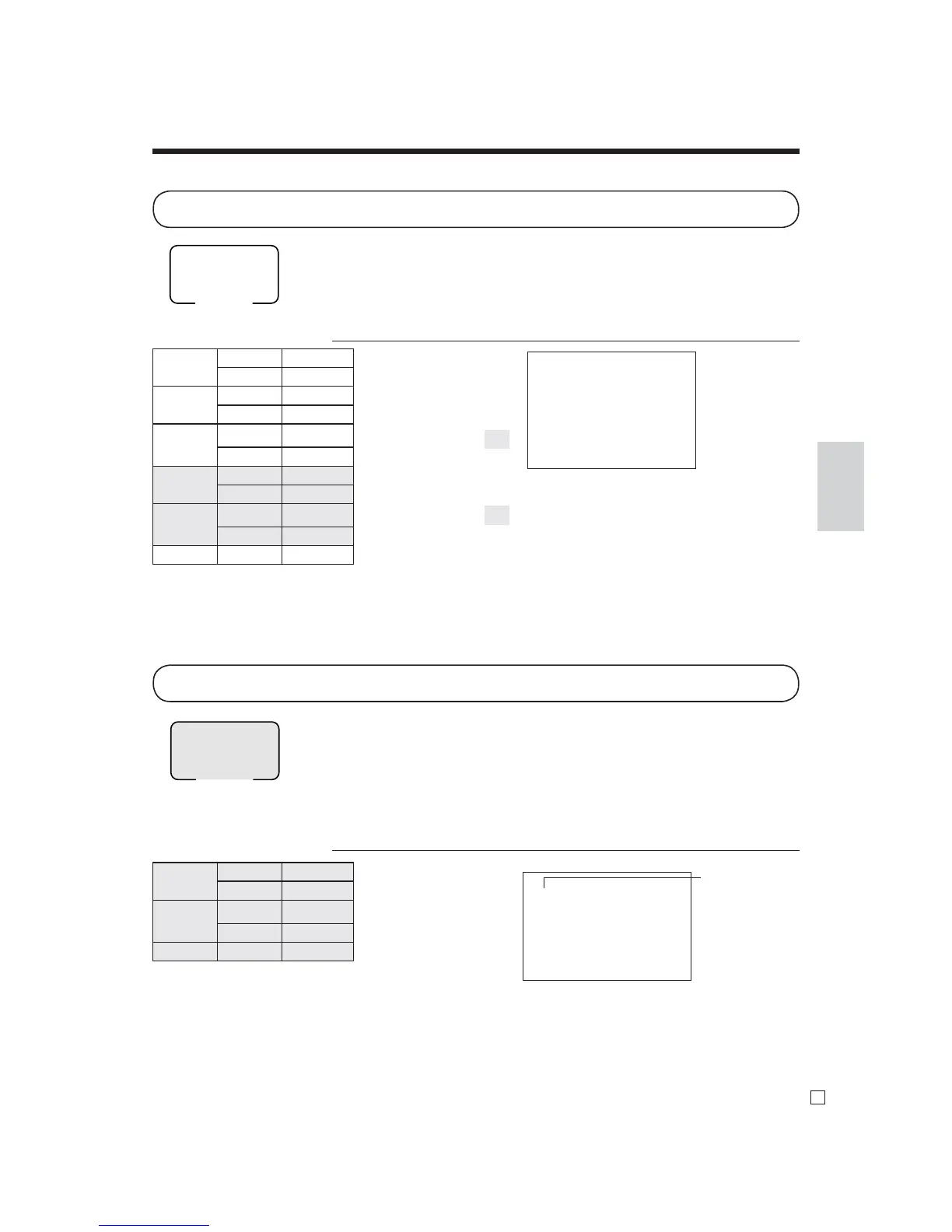
The following examples show how to use the RF mode to register goods returned by
customers.
Normal refund transaction
OPERATION RECEIPT
150!
!
6|
2+
F
Mode switch
RF
Press
R
before the item you
want to return.
Mode switch
REG
1 DEPT01 •2.35
1 DEPT02 •2.00
1 PLU0001 •1.20
RF ••••••••
1 DEPT01 -2.35
RF ••••••••
1 PLU0001 -1.20
TL
•2.00
CASH •2.00
RF
18-06-2010 11:50
C
01 MC#01 000023
1 DEPT01 •1.50
1 DEPT01 •1.50
6 PLU0002 •7.20
TL
•10.20
CASH •10.20
RF mode symbol
Registering returned goods in the REG mode
Registering returned goods in the RF mode
Item 1 Dept. 1 $2.35
Quantity 1
Item 2 Dept. 2 $2.00
Quantity 1
Item 3 PLU 1
($
1.20
)
preset
Quantity 1
Returned
Item 1
Dept. 1 $2.35
Quantity 1
Returned
Item 3
PLU 1
($
1.20
)
preset
Quantity 1
Payment Cash $2.00
Returned
Item 1
Dept. 1 $1.50
Quantity 2
Returned
Item 2
PLU 2
($
1.20
)
preset
Quantity 6
Payment Cash $10.20
The following example shows how to use the R key in the REG mode to register
goods returned by customers.
OPERATION RECEIPT
235!
2-"
1+
R
235!
R
1+
s
F

Table of Contents

Related product manuals