114
E
Advanced Operations
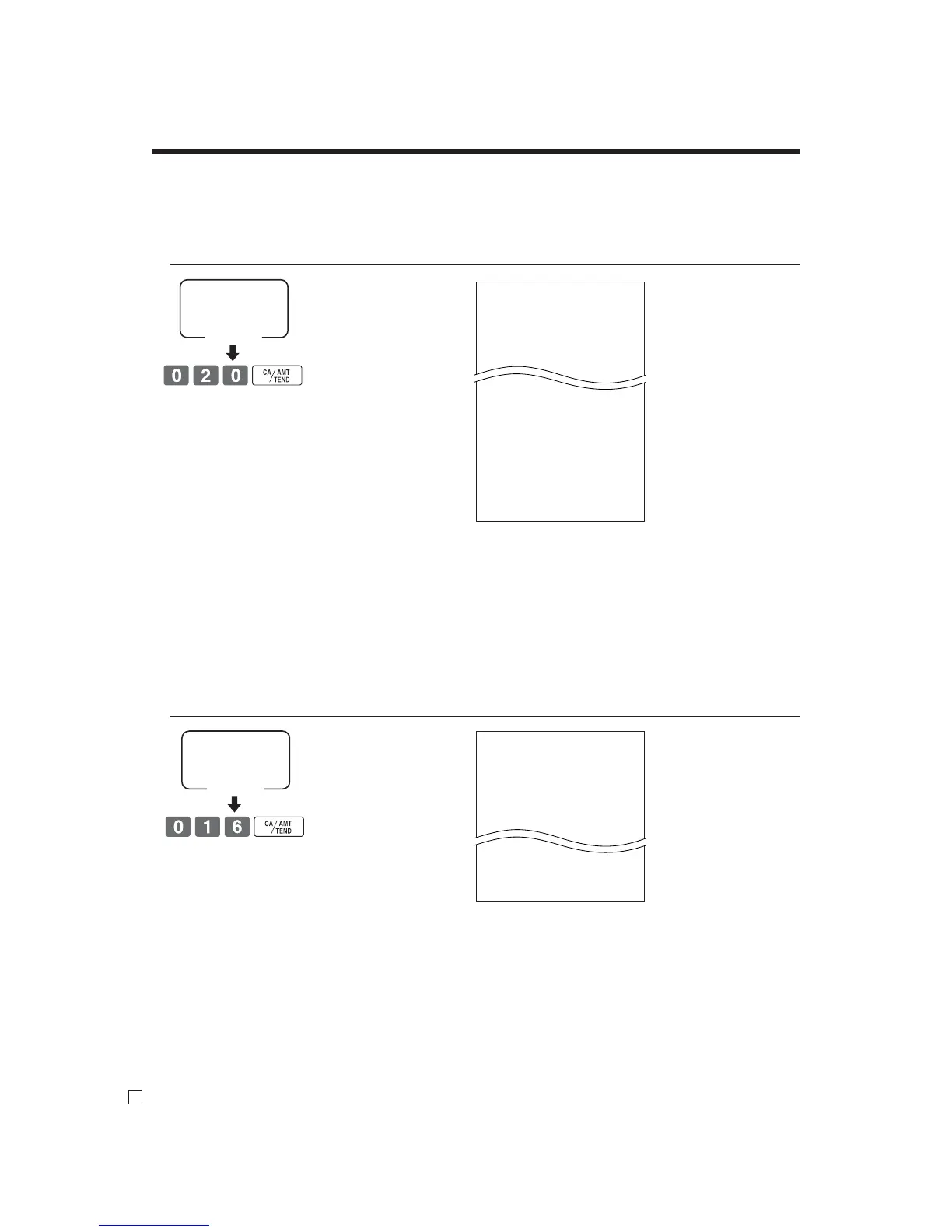
To print the monthly sales read / reset report
This report shows monthly breakdowns of sales.
OPERATION REPORT
Mode switch
X/Z
(read/reset)
Mode switch
X/Z
(read/reset)
To print the group read / reset report
This report shows PLU / department group totals.
OPERATION REPORT
X GROUP
0000016
GROUP01 203.25
33.87% •1,108.54
GROUP02 183
40.58% •1,327.80
GROUP03 12
0.40% •13.25
GROUP99 13
0.54% •17.80
------------------------
TL 862
•3,272.00
— Read symbol / report title
— Report code
— Group No. / No. of items
— Sales ratio / group amount
— Group total No. of items
— Group total amount
X MONTHLY
0000020
1
......
GROSS 1236.76
•12,202.57
NET No 214
•12,202.57
31
......
GROSS 2132
•14,187.57
NET No 205
•13,398.76
------------------------
TL
GROSS 9746.63
•161,022.49
•16.52
NET No 2351
•161,022.49
•68.49
— Read symbol / report title
— Report code
— Date of a month
— Gross symbol / No. of items
— Gross sales amount
— Net symbol / No. of customers
— Net sales amount
— Total symbol
— Gross symbol / No. of items
— Gross sales amount
— Average daily gross sales
— Net symbol / No. of customers
— Net sales amount
— Average daily net sales



 To Next Page