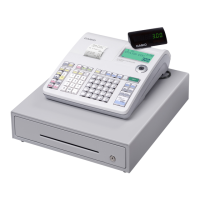
SE-S100 / PCR-T285 / PCR-T295
– 13 –
C. MAIN-UNIT (M-type Drawer)
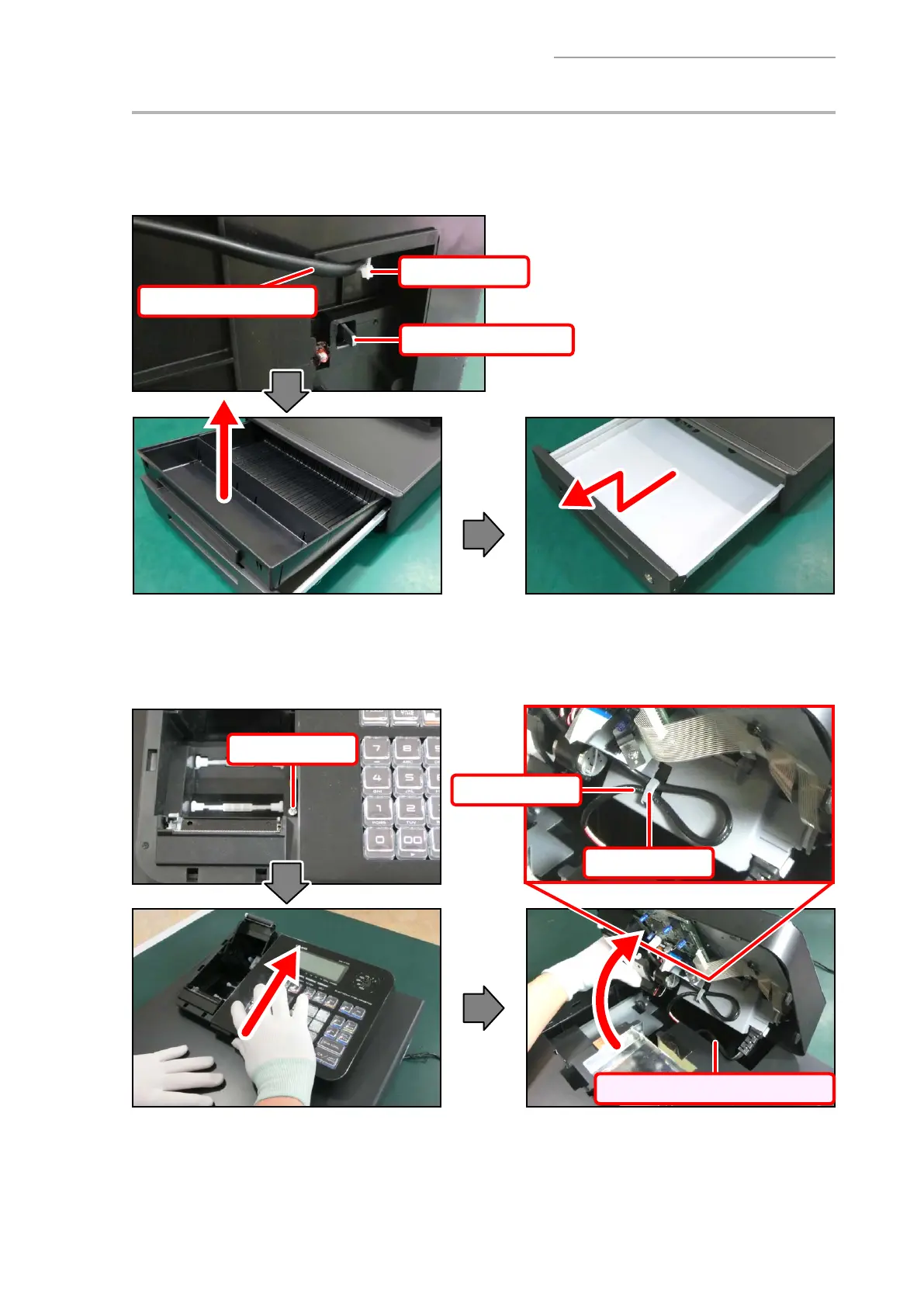
C-1. Remove the cable tie.
C-2. Pull the drawer release lever and then remove the drawer.
[NOTE]
In case the drawer is locked with a drawer lock key, the lever does not activate.
Cable tie
AC power cord
Drawer release lever
C-3. Undo one screw.
C-4. Slide the MAIN UNIT toward the back. Disengage the MAIN UNIT as you pull out the AC power
cord.
C-5. Remove the drawer cable from the hook.
Screws (S4)
Pull out the AC power cord.
Drawer cable
Hook



 To Next Page
 Loading...