CATEYE MICRO Wireless
Quick Start Manual
Setting the function to display
How to set (2/3)How to set (2/3)
Setting the function to display (2/3)
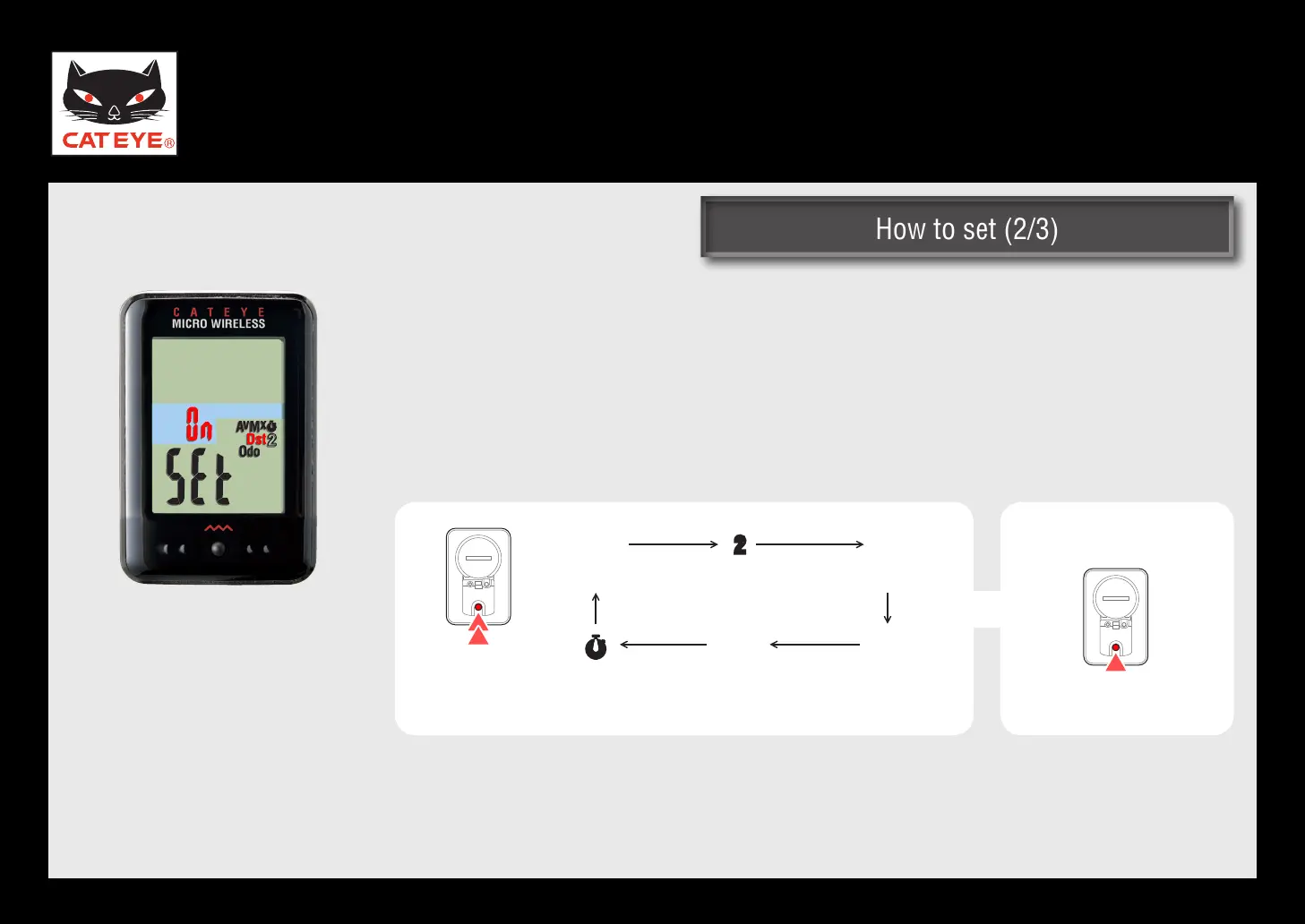
Pressing and holding the MODE button switches the flashing icon.
Press the MODE button to set ON/OFF of the flashing icon.
Set OFF of the icon for the data to be skipped.
To display the skipped data again, set ON of the icon.
*
Setting the function
to display
ON ↔ OFF
(Press and
hold)
(Stop watch)
Dst
(Trip distance)
Odo
(Total
distance)
2
(Trip distance 2)
Av
(Average speed)
Mx
(Maximum
speed)
Return to Various functions













 To Next Page