CATEYE MICRO Wireless
Quick Start Manual
Setting the function to display
How to set (3/3)How to set (3/3)
Setting the function to display (3/3)
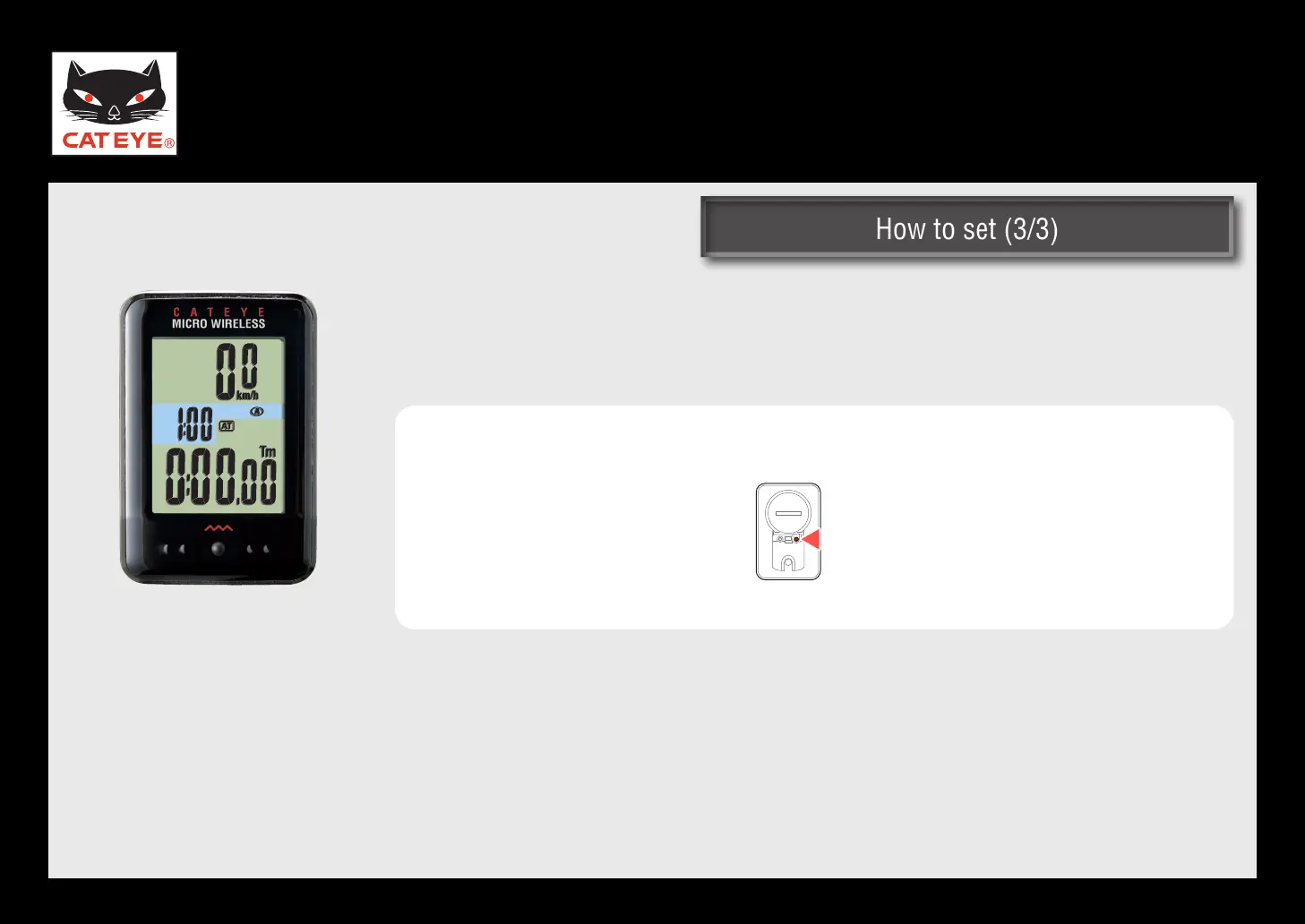
Pressing the MENU button 2 times registers the changed settings, and
returns to the measuring screen.
Measuring screen
Setup is completed.
To the measuring screen
(Press 2 times)
Return to Various functions
Return to Various functions













 To Previous Page