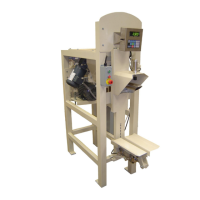
230 Series Auger Packer
72 OF 115
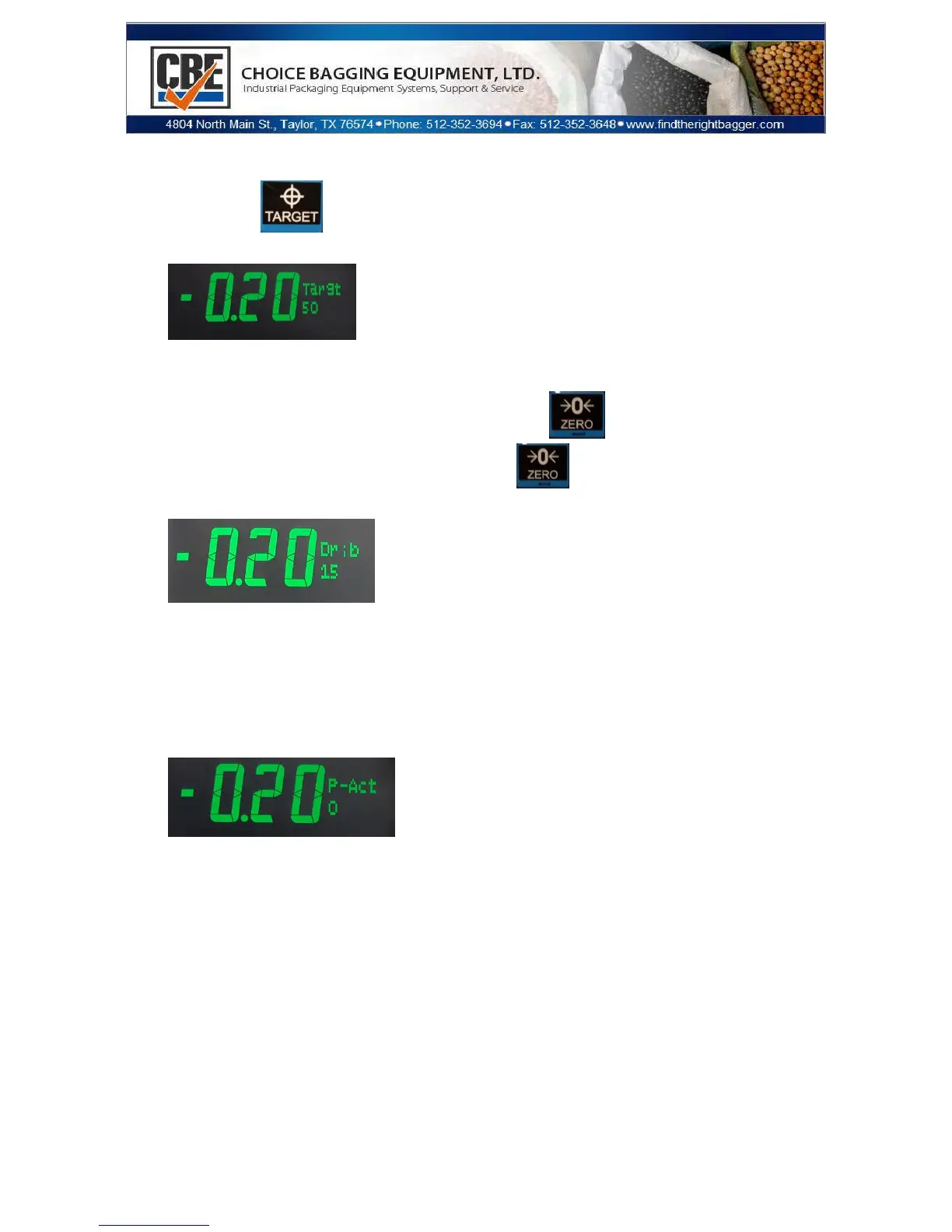
Setting Target Weight and PreAct
Press the Key
The screen will show:
To Change the target that is shown. (Same process for Pact and
Dribble)
o Type in the new weight and press key
o Or if it is correct just press the key
The screen will now show:
o This is changed just like the Target.
o The Dribble set point is the amount of weight that will be
put into the bag at the slower fill speed. I.E.> If you set it to
10 lbs. the bagger will run in the slow speed for the last 10
lbs. of the fill.
The screen will now show:
o This is changed just like the Target.
o It is used to compensate for overweight bags. I.E.> If your
weight is consistently 2 lbs. over you can put 2 lbs. here
and it will bring you to the correct weight.


 To Next Page