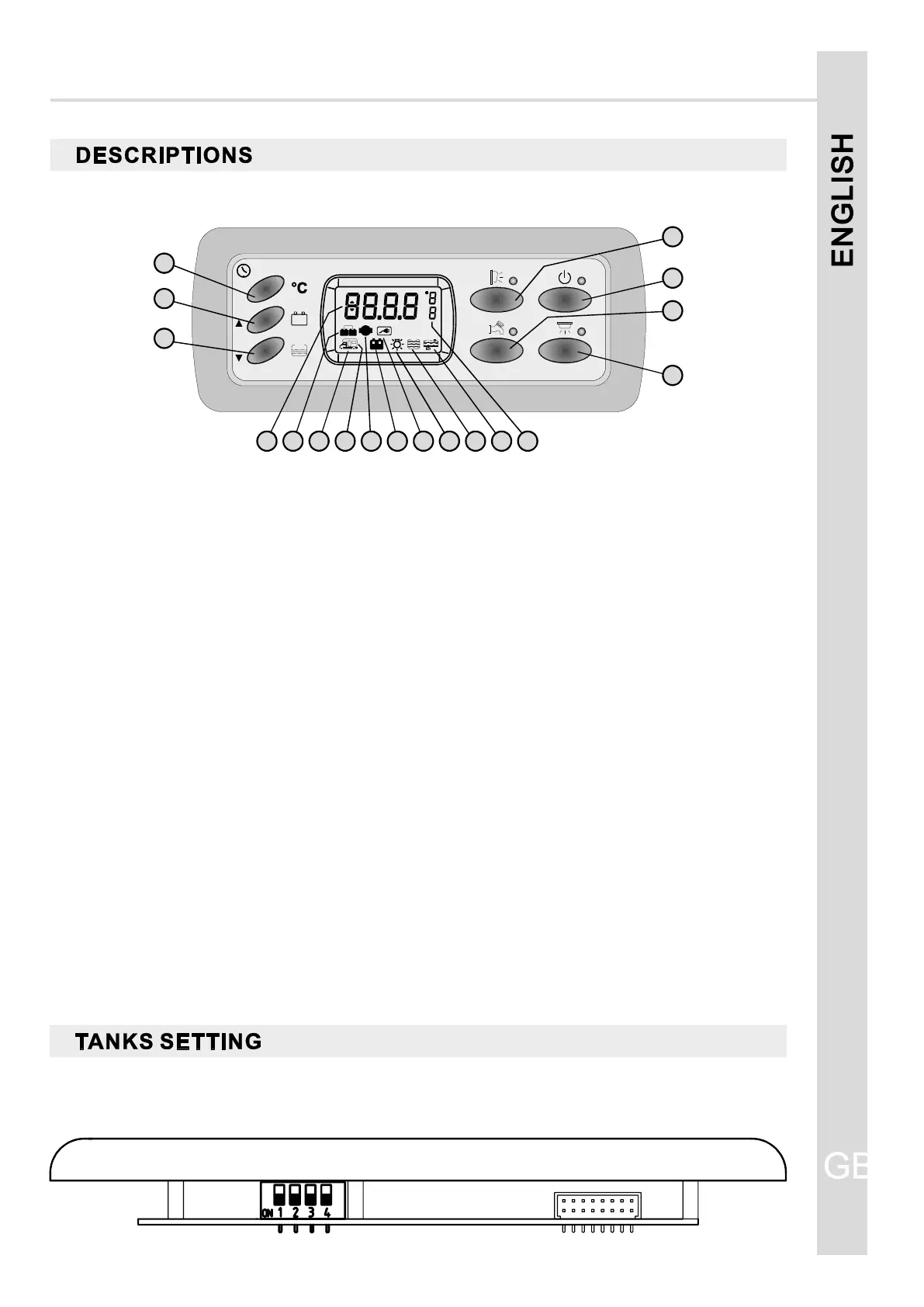
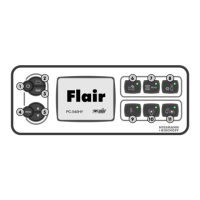
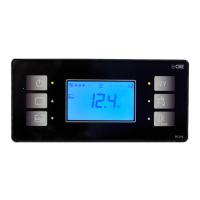
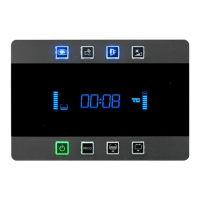
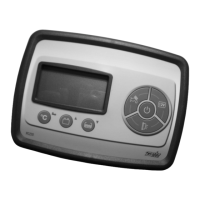
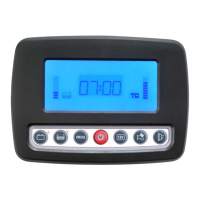
NB: do not modify the dip-switches' position of the picture.
4) Awning light switch, it switches automatically off when you star tup the engine.
7) Lights and heating switch.
12) It shows the battery recharging through engine alternator.
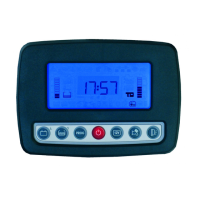
8) Digital displaying of the clock and the required test.
NOTE: The watch is supplied from the leisure battery (B2).
11) It shows the leisure (B2) battery test, the blinking means run-down battery alarm.
14) It shows the connection to the 230V net.
6) Water pump switch.
16) It shows the water tank test, if blinking shows the alarm of empty water tank.fresh fresh
9) It shows the starting up of the battery parallel when the engine is started.
2) Test button to check the voltage of the car battery(B1) and leisure (B2) battery and to set the clock.
18) It shows the unit of measure: U=Volt, °C and temperature reference I=int. temperature, E=ext.
temperature.
3) Test button to check the level in % of the water tank and to set the clock.fresh
1) Test button to check both internal and external temperature and to set the clock.
5) Main general switch (see minimal voltage control).
10) It shows the car (B1) battery test, the blinking means run-down battery alarm.
13) It shows the test or alarm batteries together with the symbols 10 or 11.
15) It shows that the minimal voltage device has switched on.
17) The blinking shows the alarm of full waste water tank.
Should B2 be disconnected, the watch is able to keep working, without visualization, for about 2
weeks.
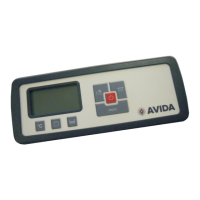
CONTROL PANEL “PC200”
GB
13
G
1
5
2
4
3
6
7
17161514131211
10
98 18



 To Next Page