Manual - CCV Edge/Frame IM15
© 2024, CCV GmbH. All rights reserved. No parts of this publication may be reproduced, stored in a retrieval system, or
transmitted in any form by any means, electronic, mechanical, photocopying, recording or otherwise, without the written
permission of CCV GmbH.
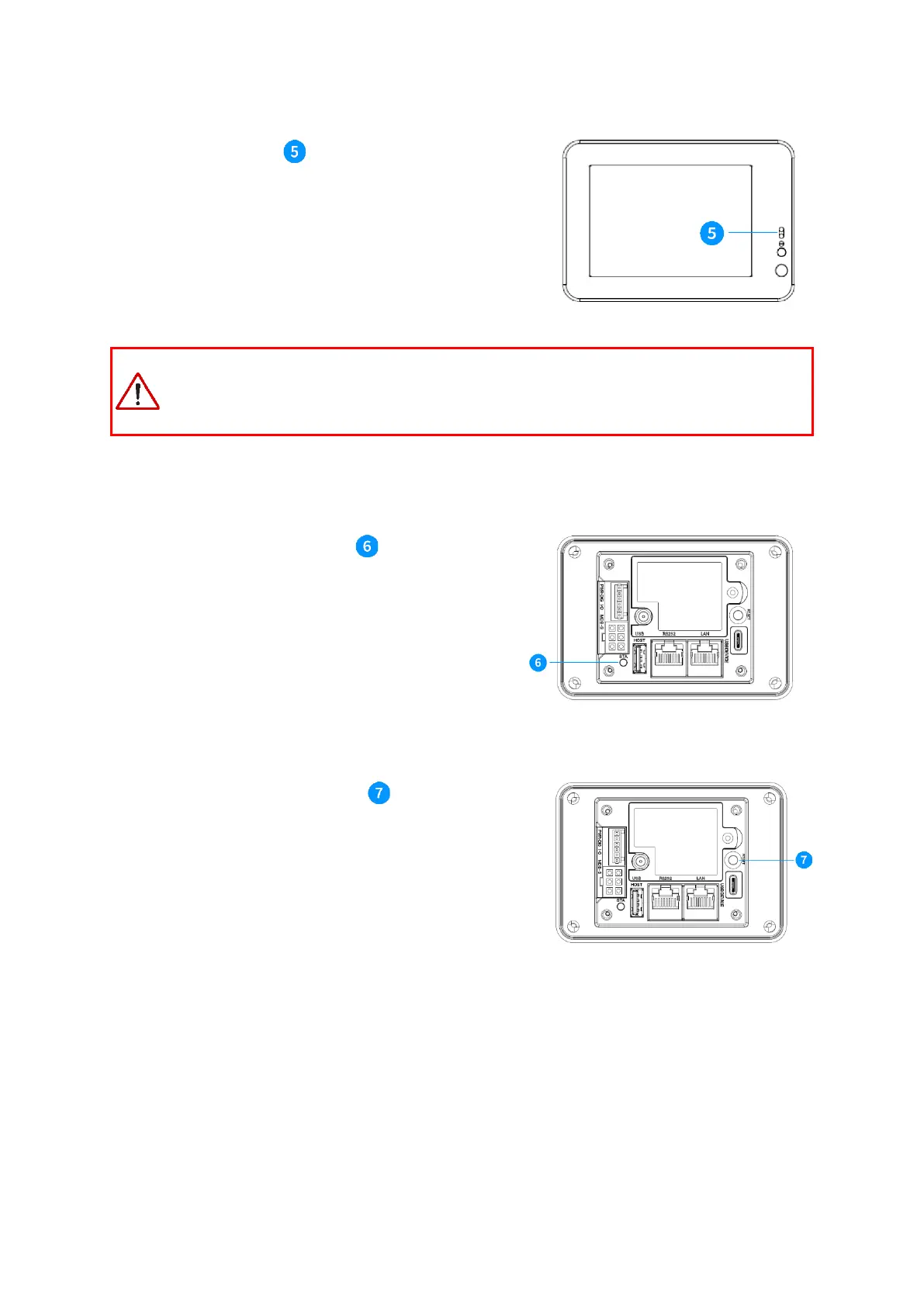
4.4 Proximity sensor
The front proximity sensor detects objects at a close distance
and provides a wake-up signal to the device.
CAUTION: Remove the display protection film attached at delivery. It can cause unwanted
triggering of the proximity sensor if it is not removed. This would prevent the screen saver, which
may damage the display.
On the rear of the device, a status LED provides information
on the current state of the device.
On the rear of the device, a reset button is available to
perform a soft-reset of the device. This action will not erase any
parameters or settings and can be used to reboot without
disconnecting the power supply.



 To Next Page