© 2024, CCV GmbH. All rights reserved. No parts of this publication may be reproduced, stored in a retrieval system, or
transmitted in any form by any means, electronic, mechanical, photocopying, recording or otherwise, without the written
permission of CCV GmbH.
6. Connectivity
All connections are located on the back of the product so they are protected against dirt or liquid intrusion
when used in outdoor environments. Each connector is labelled individually and the removable rear cover of
the device also contains an overview of the position of each connector.
6.1 Power & Digital I/O
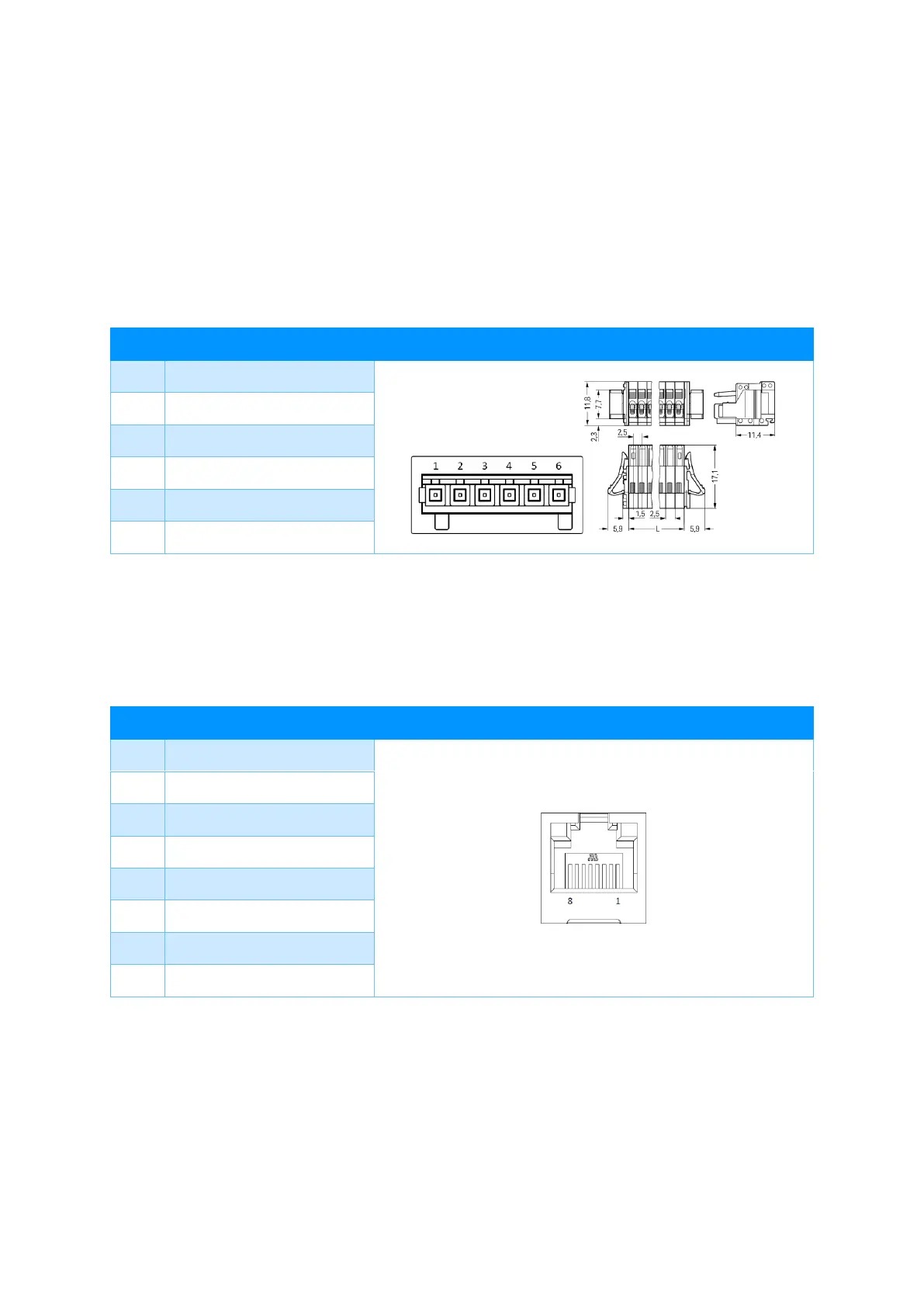
The product can be powered by PWR-DIG I/O connector (6pin WAGO, plug 733-106). This connector also
functions as a digital IO port.
6.2 RS-232
This connector can be used to connect accessories (such as card-readers) or connect to the device using
serial communication.
Connector type: RJ-45, 8-poles (115.2 kbps), shielded, hardware handshake, max. cable length 100 cm.



 To Next Page