25
ENGLISH
Use and maintenance manual
Setup
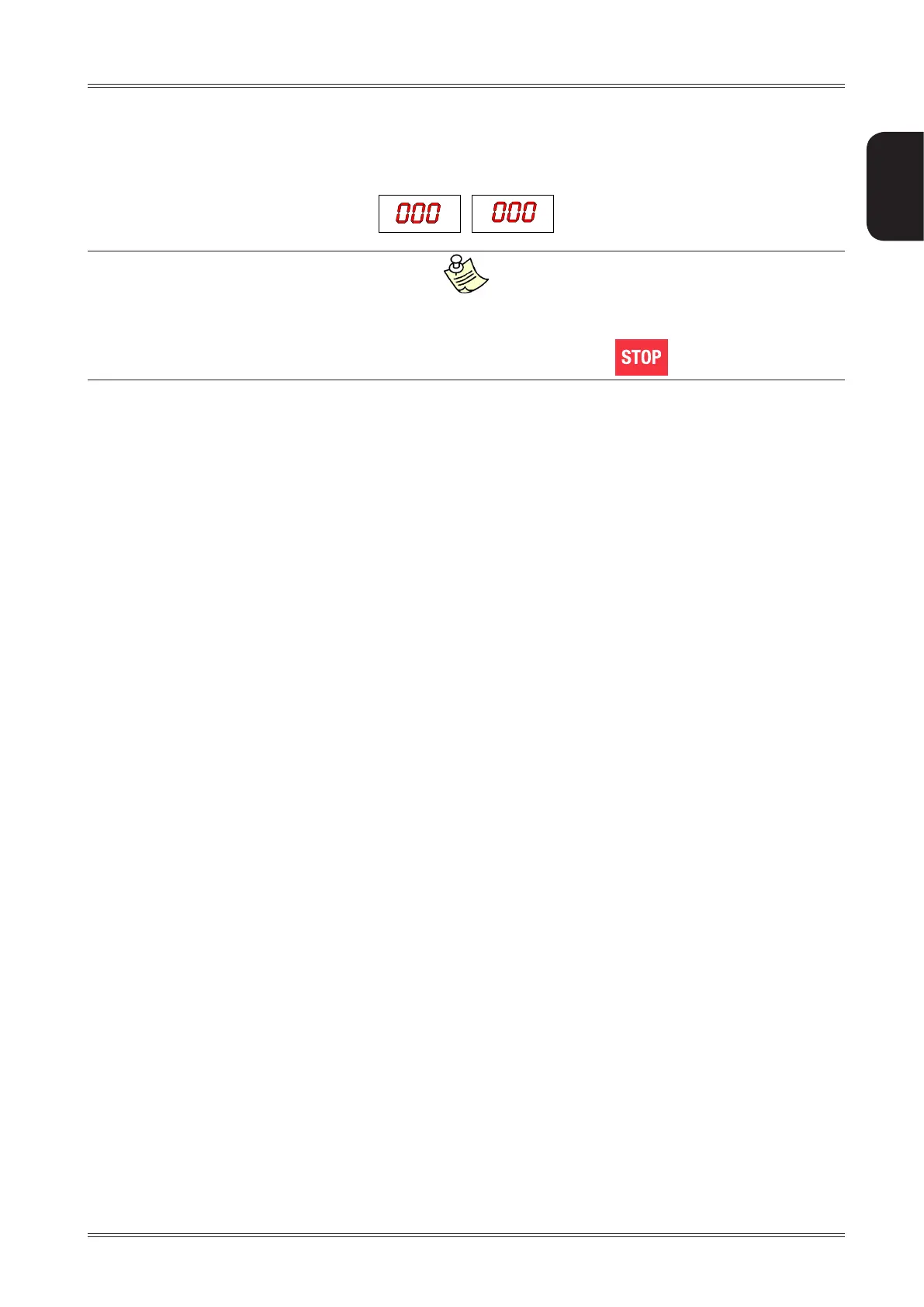
CALIBRATION COMPLETE
▪ Return the gauge to rest position.
▪ The wheel balancer is ready for operation.
In case of errors or malfunctions, the indication of the same step [P.1] or [P2], always reappears on the display. Move the gauge
back into rest position and repeat the calibration operation as described above; if the error persists, contact Technical Service.
If erroneously accessing the diameter gauge calibration function, press to cancel it.
7.5 ADHESIVE WEIGHT WIDTH
Indicates the average width of the adhesive weights on the market.
Change ONLY if the width of the adhesive weights used for unbalance correction differ +/- 3 mm with respect to
that shown on the display (default=19mm).


 To Next Page