page 49 www.centsys.com
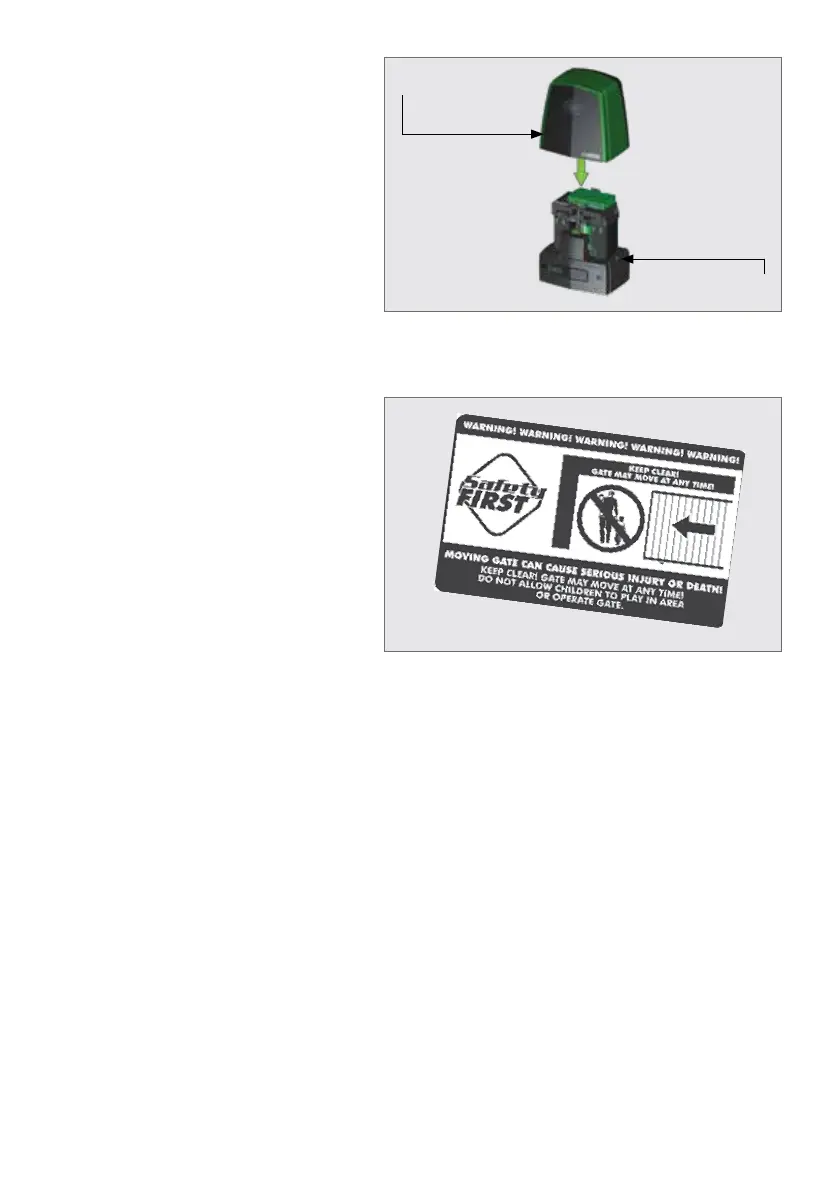
FIGURE 77
Apply the supplied warning decals to
the gate as indicated on the reverse
side of the decal.
8.5. Applying the Warning Decal
FIGURE 76
D10 SMART
cover
D10 SMART
gearbox
Once all the necessary accessories
and harnesses have been connected,
ensure that the Camlock is in the
"unlocked" position, and place the
D10 SMART / D10 Turbo SMART
/ D20 SMART cover onto the
gearbox.
Once the cover is secured in place,
lock the Camlock to lock the cover
in place.
COMPLETING THE INSTALLATIONSECTION 8



 To Next Page