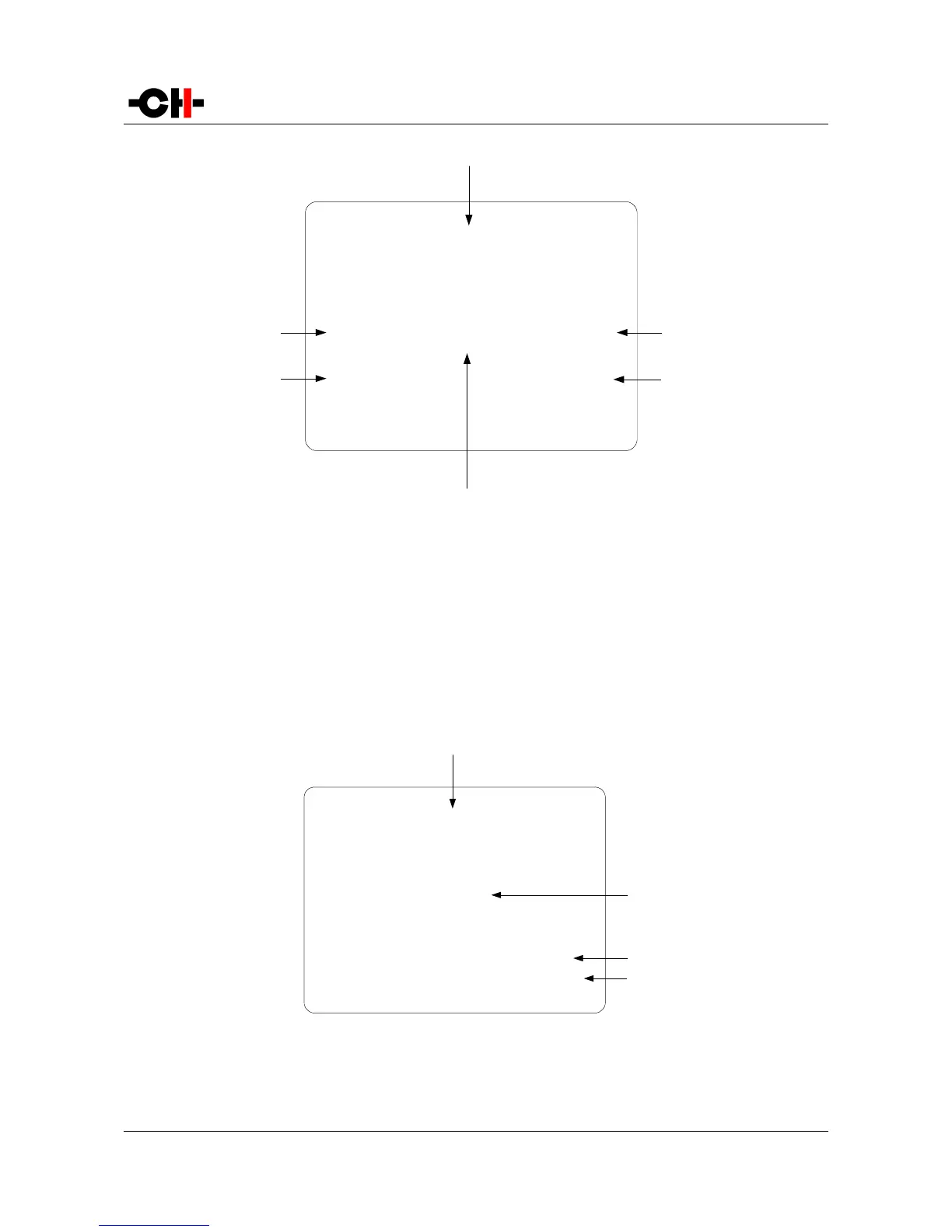
GAIN Shortcut display elements
(1) Shortcut title (Parameter being adjusted, for other Shortcuts, title changes accordingly)
(2) Arrow indicating UP button [N] if applies. The item below indicates the next parameter value (up direction)
(3) Next Parameter Value if UP button [N] is pushed (parameter up)
(4) Current Parameter Value
(5) Next Parameter Value if DOWN button [O] is pushed (parameter down)
(6) Arrow indicating DOWN button [O] if applies. The item below indicates the previous parameter value (down direction)
The last Shortcut (SETUP) is always the same and cannot be removed or altered. It gives access the Menu mode to access the
detailed setup of the unit.
SETUP Shortcut display elements
(1) Shortcut title. It indicates that Detailed Setup (Menu mode) can be entered at this stage
(2) Current value of the parameter. Default action is to exit (go back to Normal mode)
Rev 2.0 A1 User Manual 27



 To Next Page