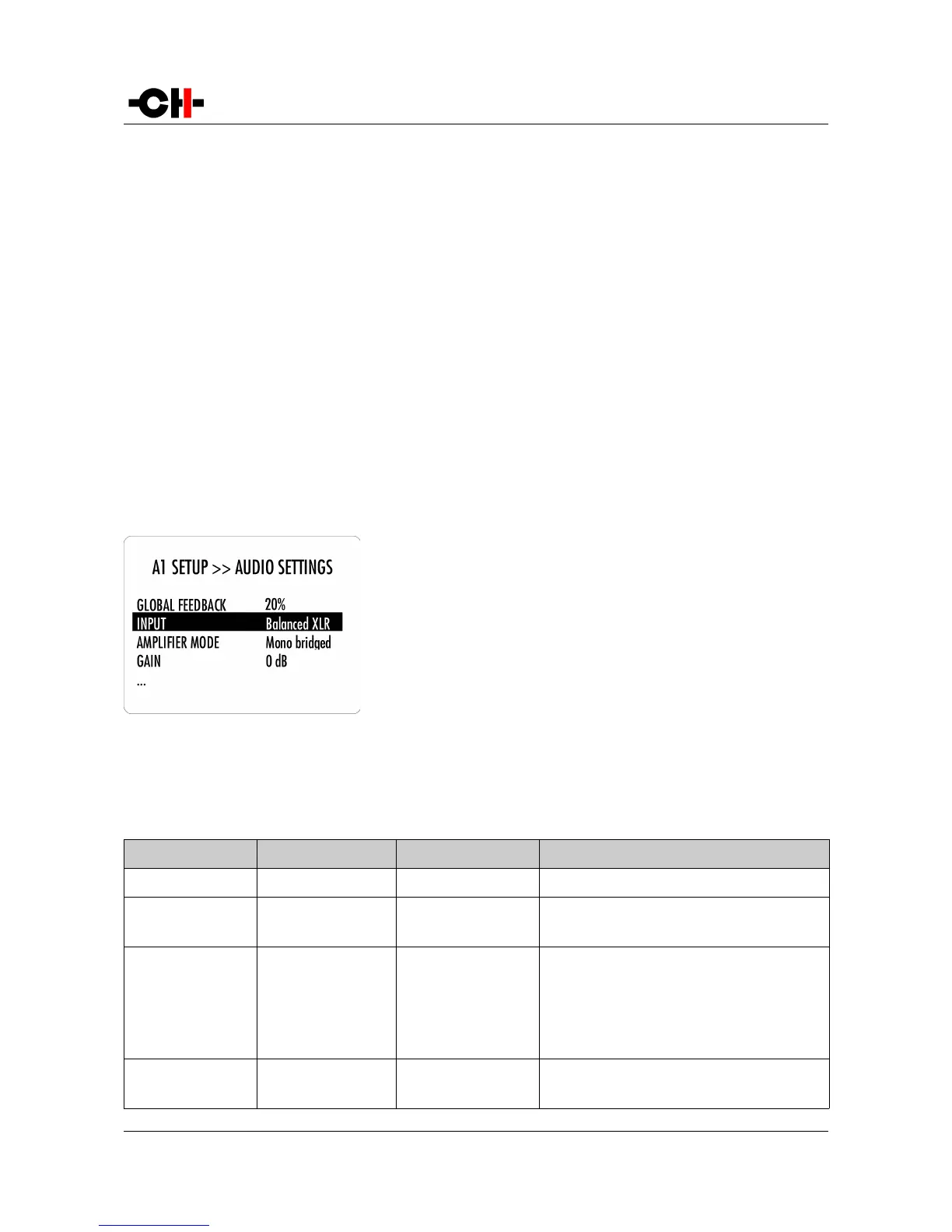
There are five main menus used for configuration of the A1:
• AUDIO SETTINGS: Allows to adjust audio related parameters
• DISPLAY SETTINGS: Allows to adjust display related parameters
• SHORTCUTS: Allows to assign and modify Shortcuts for user interface customization
• FACTORY SETTINGS: Indicates the software version and allows to update it. Also allows to return to factory settings
• INSTALLED OPTIONS: Provides information about the installed optional slot-in boards
• NETWORK: Provides information about the network setup and enables its configuration
4.3.1 A1 configuration menu items
4.3.1.1 AUDIO SETTINGS
The A1 SETUP >> AUDIO SETTINGS menu allows configuration of the audio
related Parameters of the unit. Accessible Parameters are:
- GLOBAL FEEDBACK:
- GLOBAL FEEDBACK 1:
- GLOBAL FEEDBACK 2:
- INPUT:
- AMPLIFIER MODE:
- GAIN:
- GAIN 1:
- GAIN 2:
- INPUT BOARD:
Sets the amount of global feedback for output channels
Sets the amount of global feedback for first channel
Sets the amount of global feedback for second channel
Selects an input connector and impedance termination
Selects in which mode the amplifier works (stereo/mono)
Adjusts the gain for both channels
Adjusts the gain for first channel
Adjusts the gain for second channel
Selects which input board should be used
The following table details the Parameters of the AUDIO SETTINGS menu:
PARAMETER PARAMETER VALUES REQUIRED OPTIONS REMARKS
GLOBAL FEEDBACK 0, 20, …, 80, 100% Stereo or bridged mode None
GLOBAL FEEDBACK 1 /
GLOBAL FEEDBACK 2
0, 20, …, 80, 100% Bi-amp mode None
INPUT Balanced XLR Hi-Z
BNC 300 Ohm
BNC Hi-Z
RCA 300 Ohm
RCA Hi-Z
None None
AMPLIFIER MODE Stereo
Mono active bi-amp
2 input boards
2 input boards
None
32 A1 User Manual Rev 2.0



 To Next Page