32
Intelect
®
Mobile Ultrasound
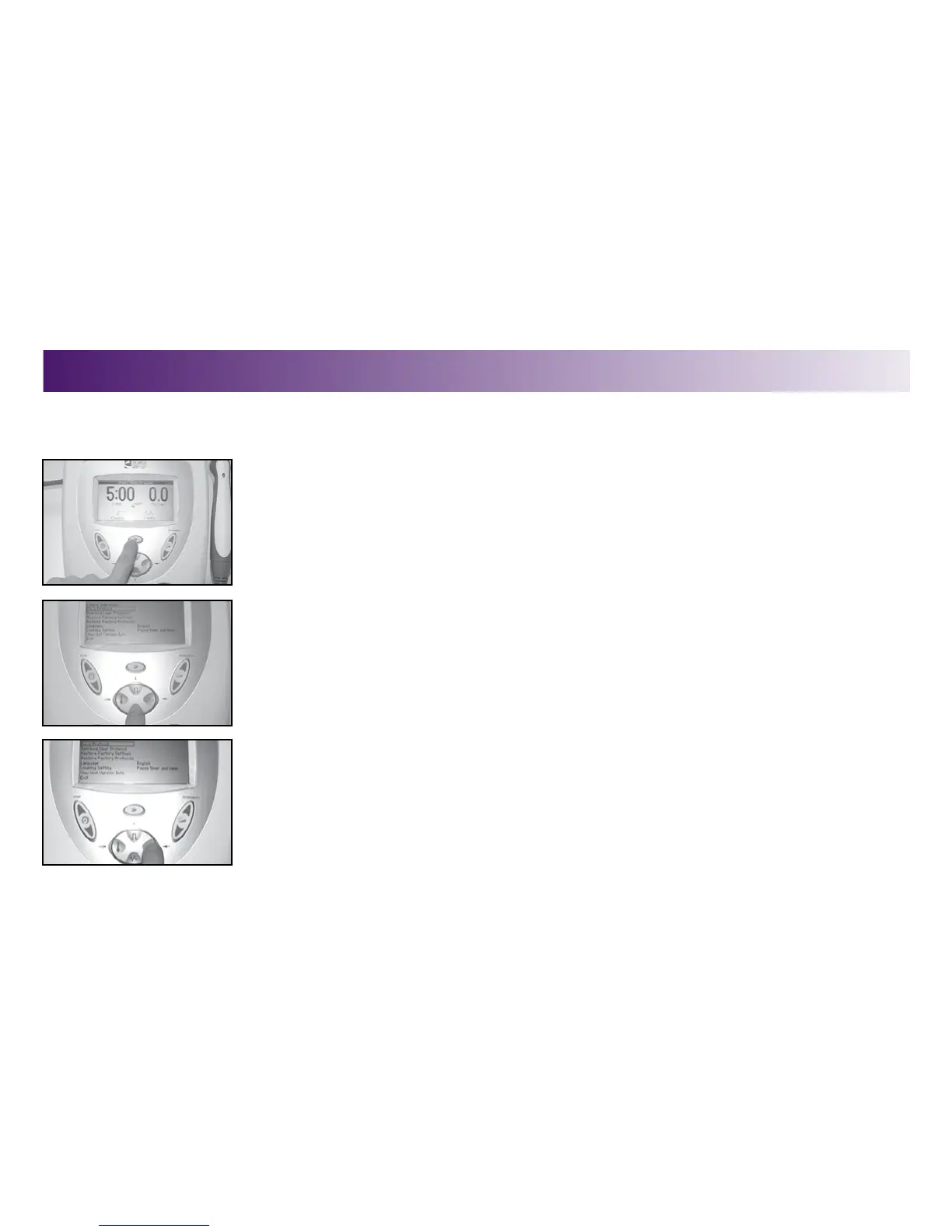
This is a library you create. You may store up to 10 protocols in the User Protocol Library. To create User Protocols, do the following:
1. Make the desired parameter changes.
2. Press the Clinical Resources button.
The Clinical Resources menu displays.
3. Press the FREQUENCY (down arrow) or DUTY CYCLE (up arrow) buttons to highlight the
Save Protocol option.
4. Press the DISPLAY (enter) button to accept the Save Protocol selection.
The Save Protocol menu displays.
CREATING A USER PROTOCOL
OPERATION


 To Next Page
 Loading...











