48
Intelect
®
Mobile Ultrasound
SYSTEM UTILITIES CONTINUED
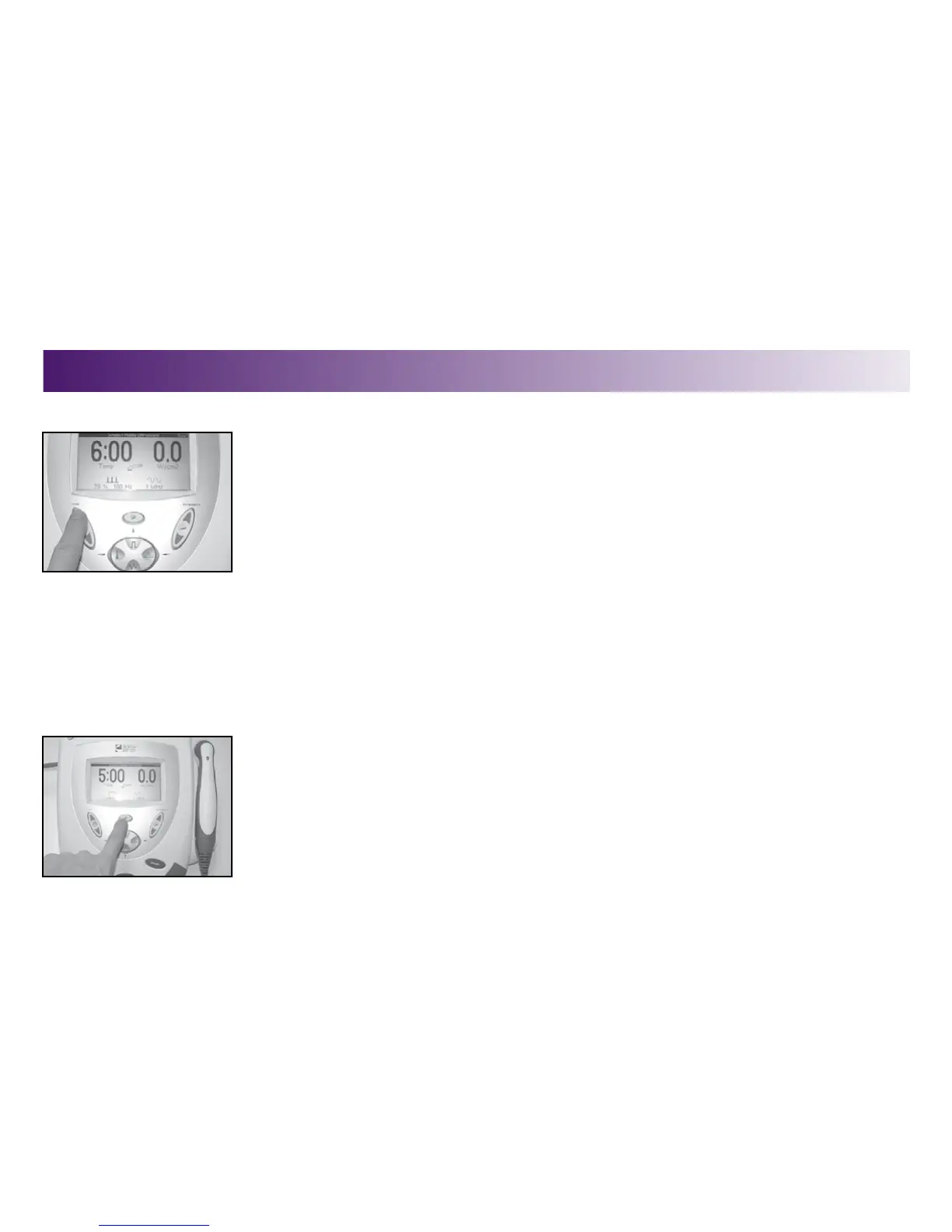
2. To make INTENSITY and treatment TIME changes, touch the respective buttons and use
the up or down arrows to advance to the desired settings.
Changing Power-Up Presets
The following power up presets can be changed and stored as new presets:
•Frequency
•DutyCycle
•TreatmentTime
•Intensity
•PulseFrequency
To change the power up presets, do the following:
1. Make the desired changes.
2. Press the Clinical Resources button.
The Clinical Resources menu displays.
OPERATION


 To Next Page
 Loading...











