53
Intelect
®
Mobile Ultrasound
Using the Sound Head Warming Feature
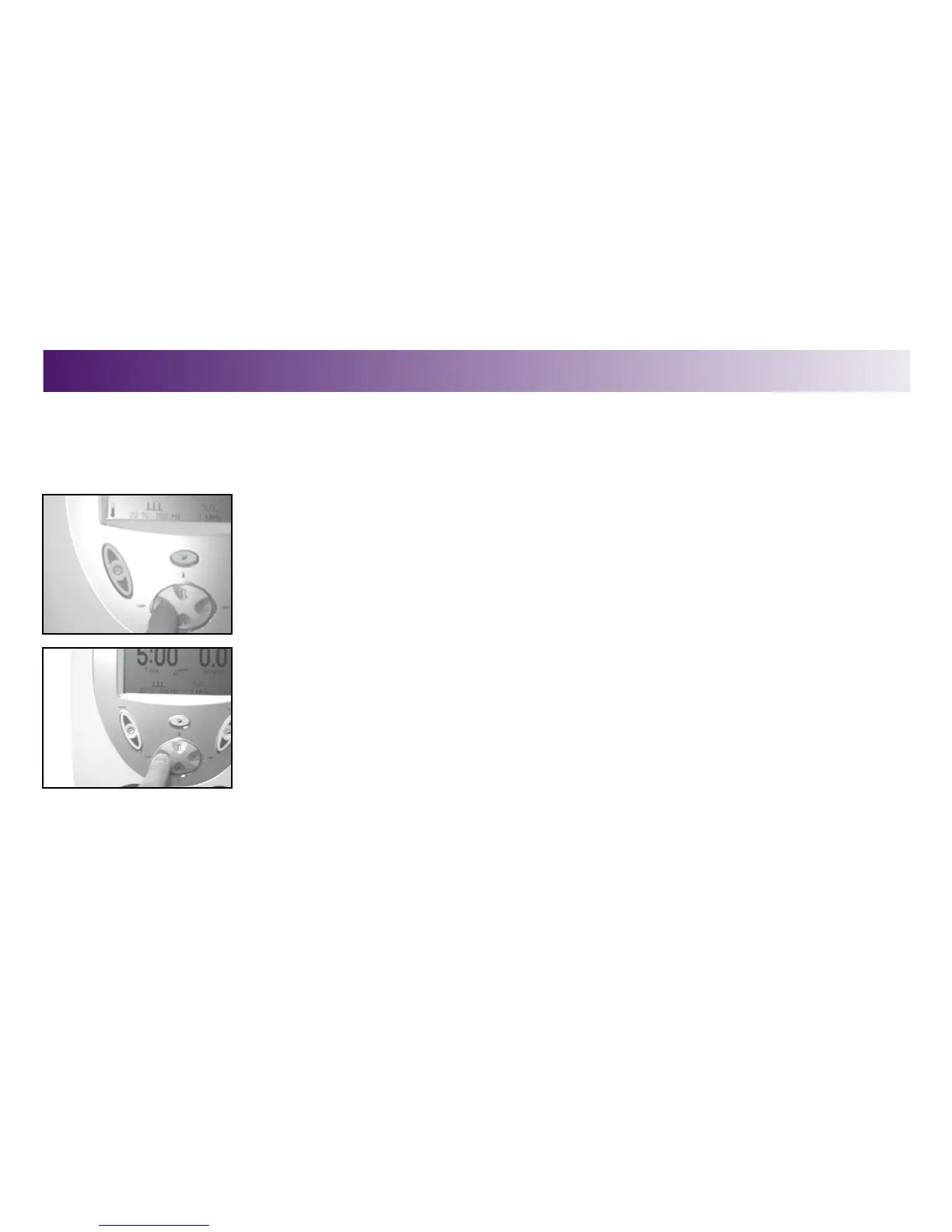
To use the Head Warming feature on the unit, do the following:
1. Press the Head Warming button.
The sound head will warm to slightly above body temperature. A small icon of a
thermometer will appear on the LCD.
2. Press the Head Warming button again to disable the feature.
SYSTEM UTILITIES CONTINUED)
OPERATION



 To Next Page
 Loading...










