41
Intelect
®
Mobile Ultrasound
The Operator Interface consists of buttons with a liquid crystal display (LCD). The operator is able to view parameter options on the
display and make selections by pressing the buttons on the control panel. The LCD will provide continuous information during the
treatments concerning power and elapsed time. Parameters are adjusted using control panel buttons on the front of the unit. The
ultrasound output can be stopped by pressing the “PAUSE” or “STOP” buttons located on the control panel.
To apply ultrasound therapy, do the following:
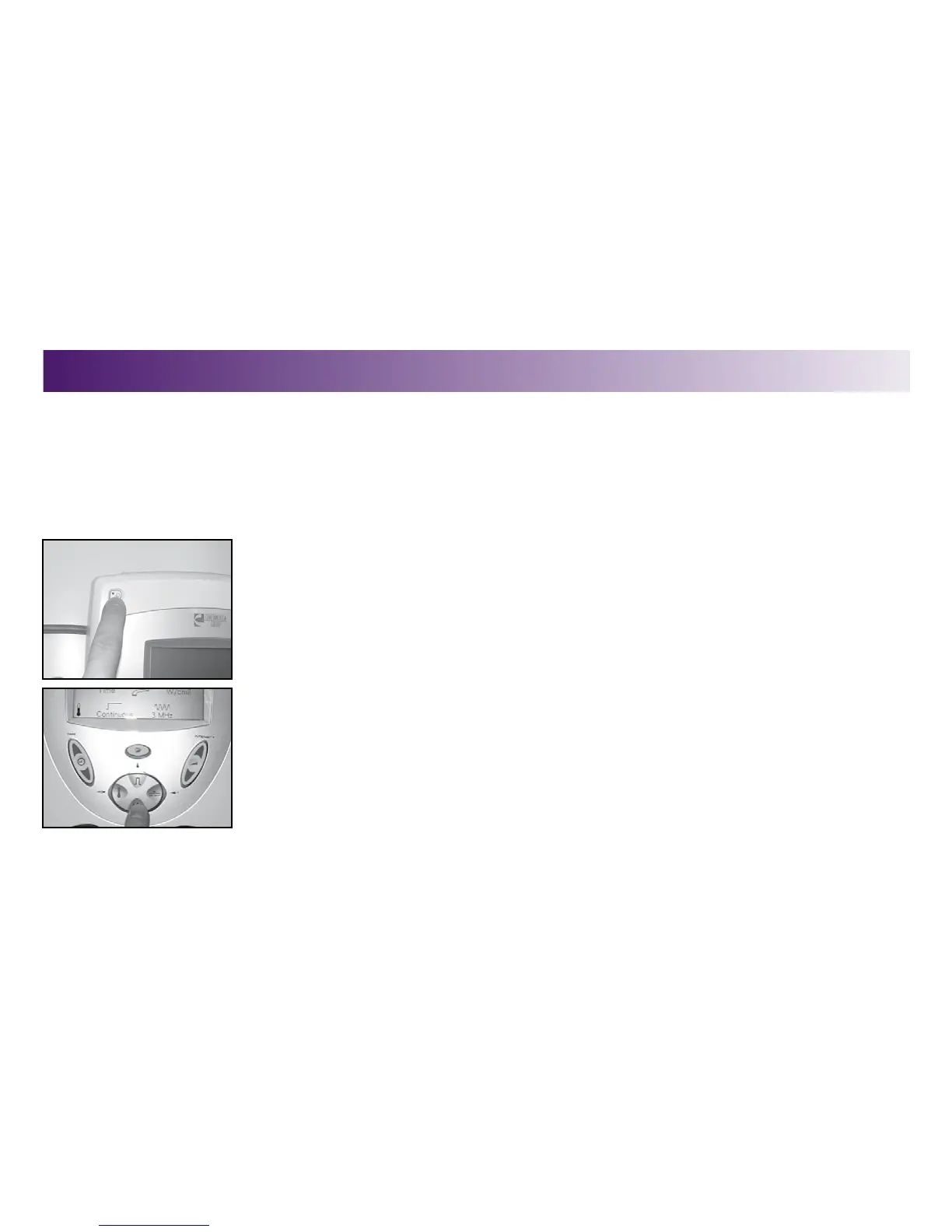
1. Turn system power “ON" by pressing the Power On/Off Button.
The unit will go through self diagnostics, and the home screen displays on the LCD.
2. Press the Frequency button to select 1 or 3 MHz. When the button is pressed, the
frequency will toggle from 1 to 3 MHz and back again as long as the button is being
pressed.
An audible tone will be heard when changes are made.
NOTE: With 1 cm
2
, 2 cm
2
, and 5 cm
2
sound head, switching from 1 to 3 MHz results in
no change in power (only 3.3 MHz is available with the 1 cm
2
sound head). When using
a 10 cm
2
head with greater than 10 watts, changing from 1 to 3 MHz reduces power to
10 watts.
STARTING, STOPPING, AND INTERRUPTING THERAPY
OPERATION



 To Next Page
 Loading...










