57
Intelect
®
Mobile Ultrasound
TROUBLESHOOTING
ERROR MESSAGES
Troubleshooting the Display
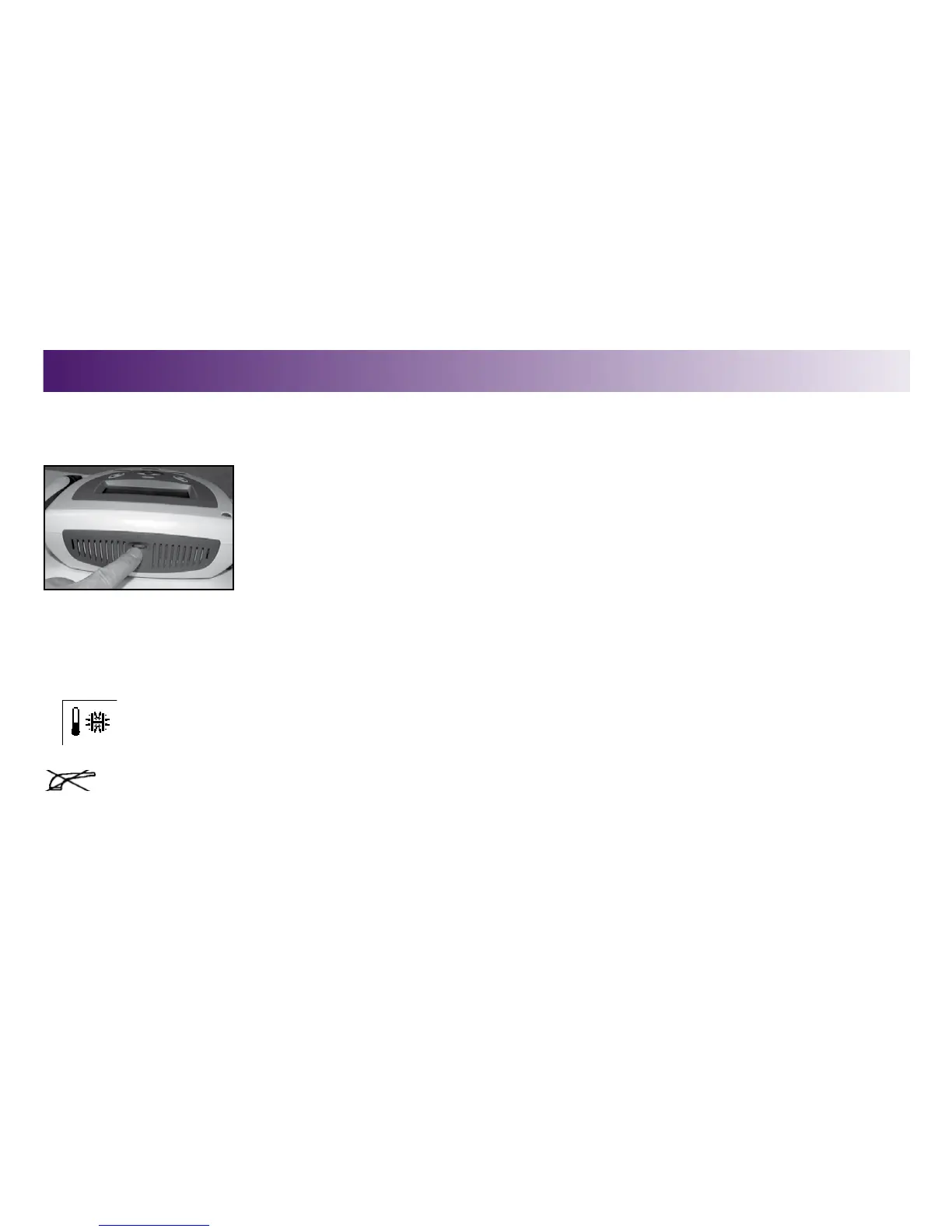
If you press the Power On/Off button, and the LCD remains blank longer than a few seconds, the
contrast may require adjusting. To adjust it, turn the contrast control dial clockwise until the display
contrast is optimal.
Troubleshooting Error Messages
The following messages are displayed in the “Status Area” of the LCD under the following conditions.
Message Displayed When
Head Over Temp. sound head reaches a temperature which could damage the crystal
No Head Detected sound head not plugged in or faulty sound head
NOTE: Any error encountered by the unit will stop therapy immediately.



 To Next Page
 Loading...










