38
Intelect
®
Mobile Ultrasound
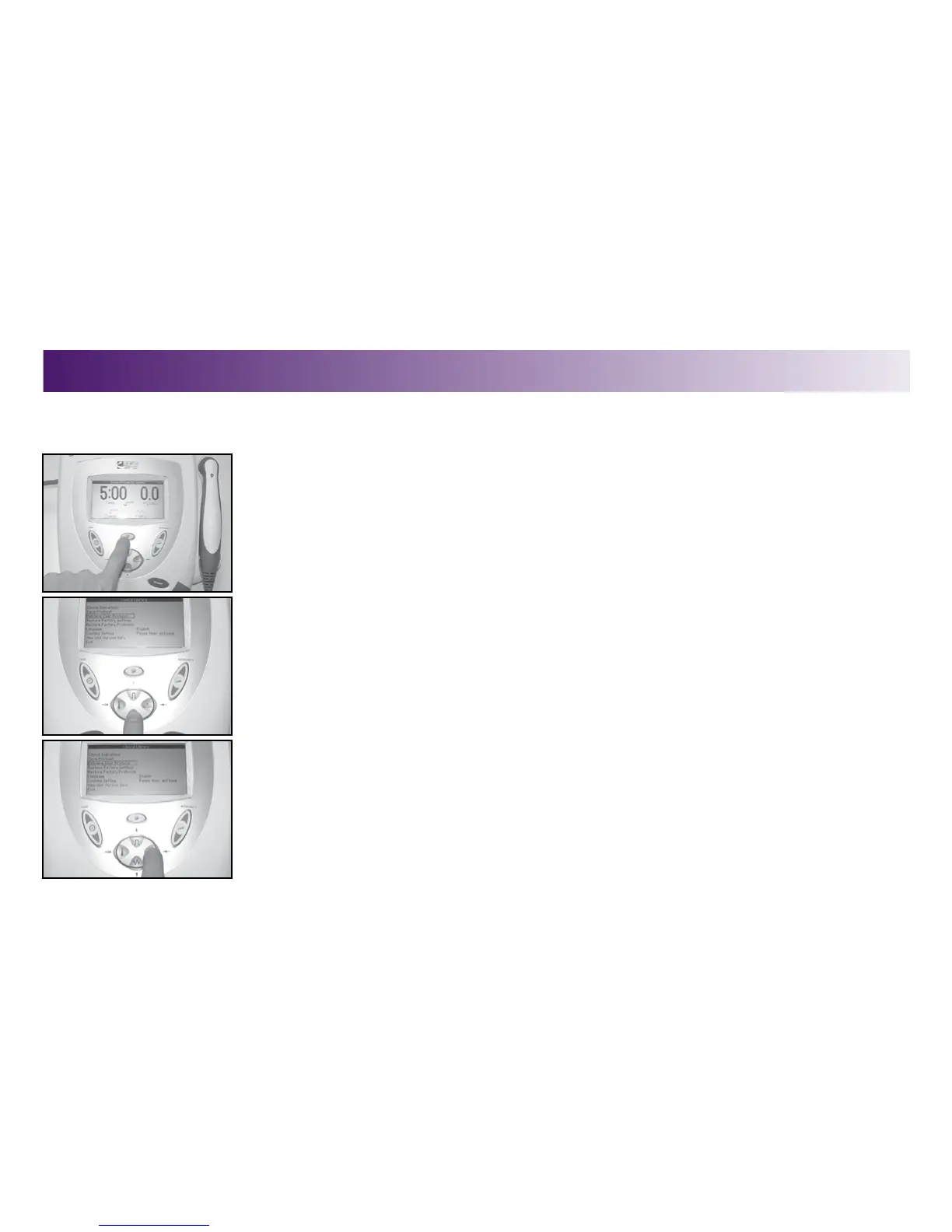
To select a predefined ultrasound therapy program, do the following:
1. Press the Clinical Resources button.
The Clinical Resources menu displays.
2. Use the DUTY CYCLE (up arrow) or FREQUENCY (down arrow) buttons to highlight the
Retrieve User Protocol option.
3. Press the Display (Enter) button to accept the highlighted selection.
A list of user-defined protocols displays.
SELECTING A USER-DEFINED PROTOCOL
OPERATION



 To Next Page
 Loading...










